


PDF rightclick "Highlight Selection" not working as intended

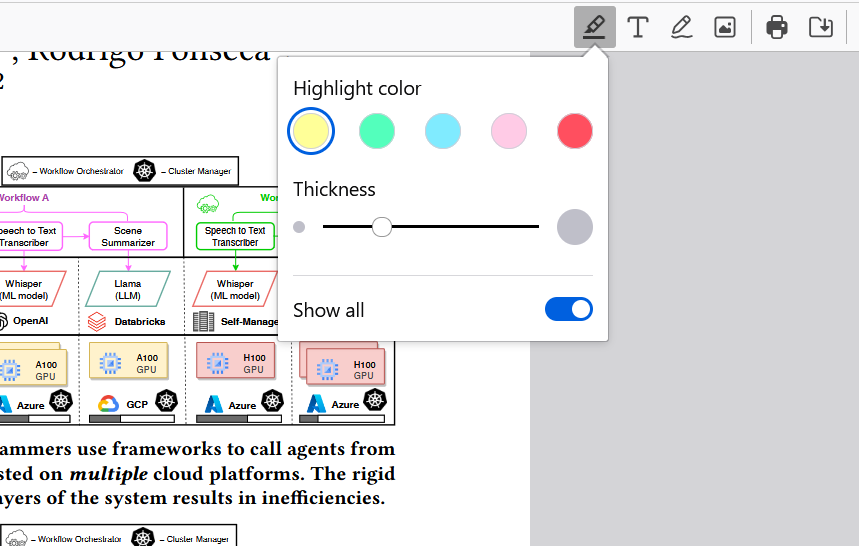
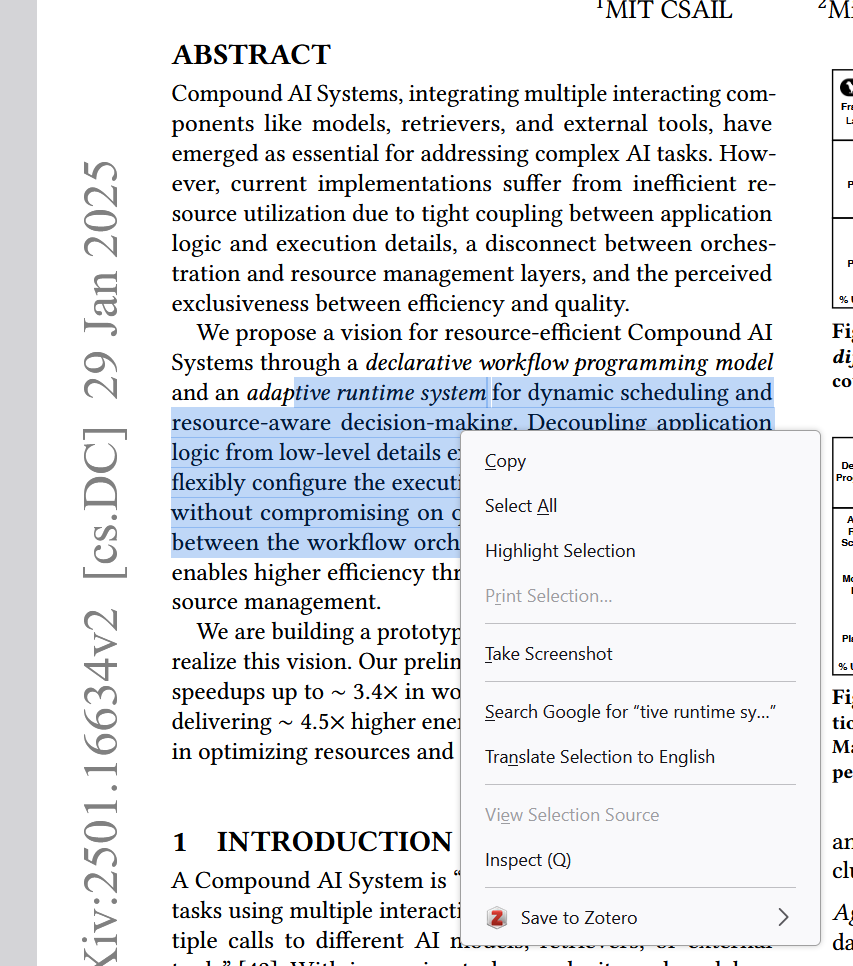
When viewing a PDF, I selected some text, right clicked and chose the "Highlight Selection". The selected text was not highlighted. Instead, the "highlight" button on the top right corner pop up and the freehand highlight was triggered, while all my previous selection was lost.
I image this was not the intention of the "highlight selection", and I was also wondering if there is a shortcut for highlighting text in pdf.
When viewing a PDF, I selected some text, right clicked and chose the "Highlight Selection". The selected text was not highlighted. Instead, the "highlight" button on the top right corner pop up and the freehand highlight was triggered, while all my previous selection was lost.
I image this was not the intention of the "highlight selection", and I was also wondering if there is a shortcut for highlighting text in pdf.
כל התגובות (1)
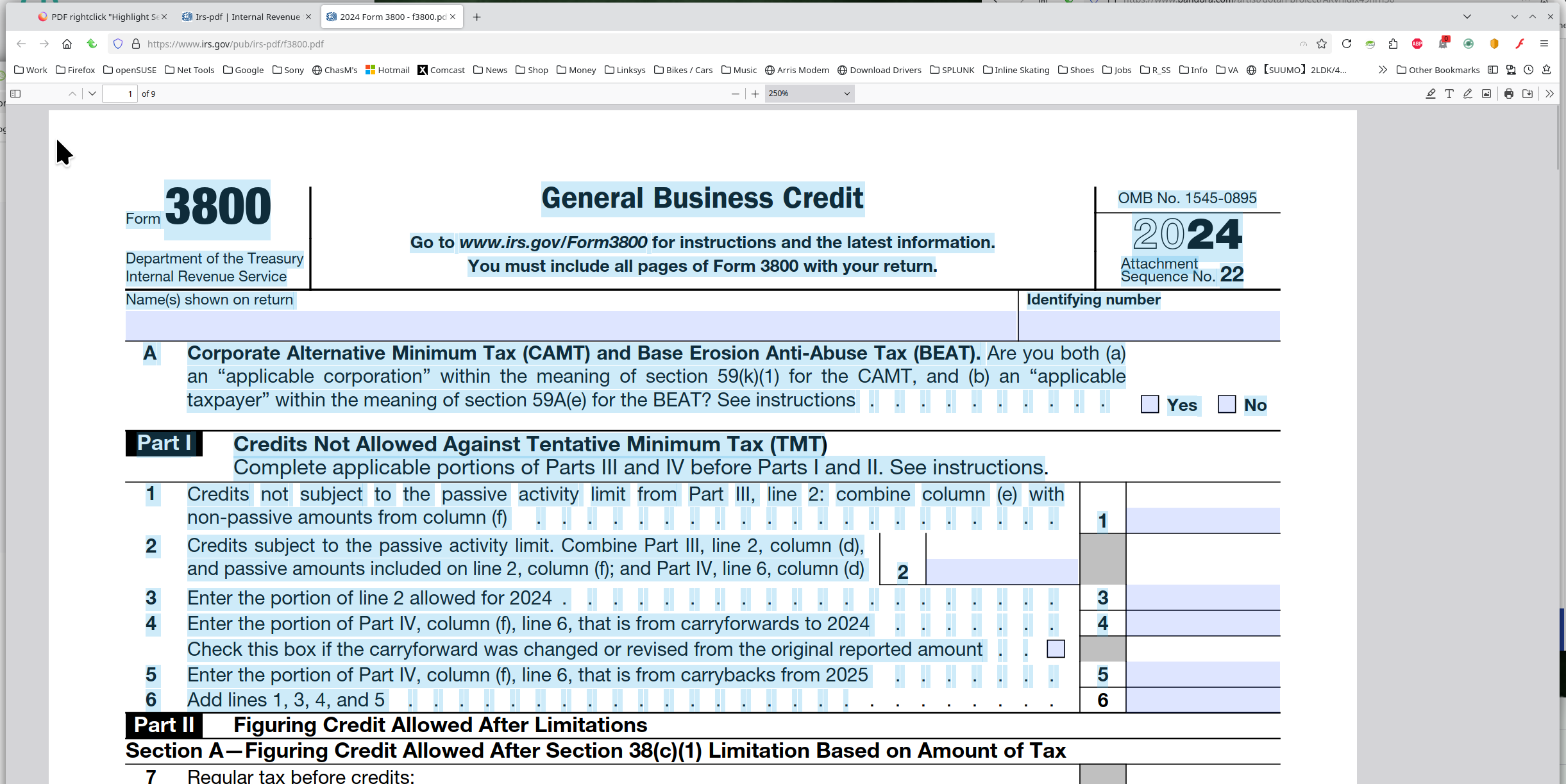
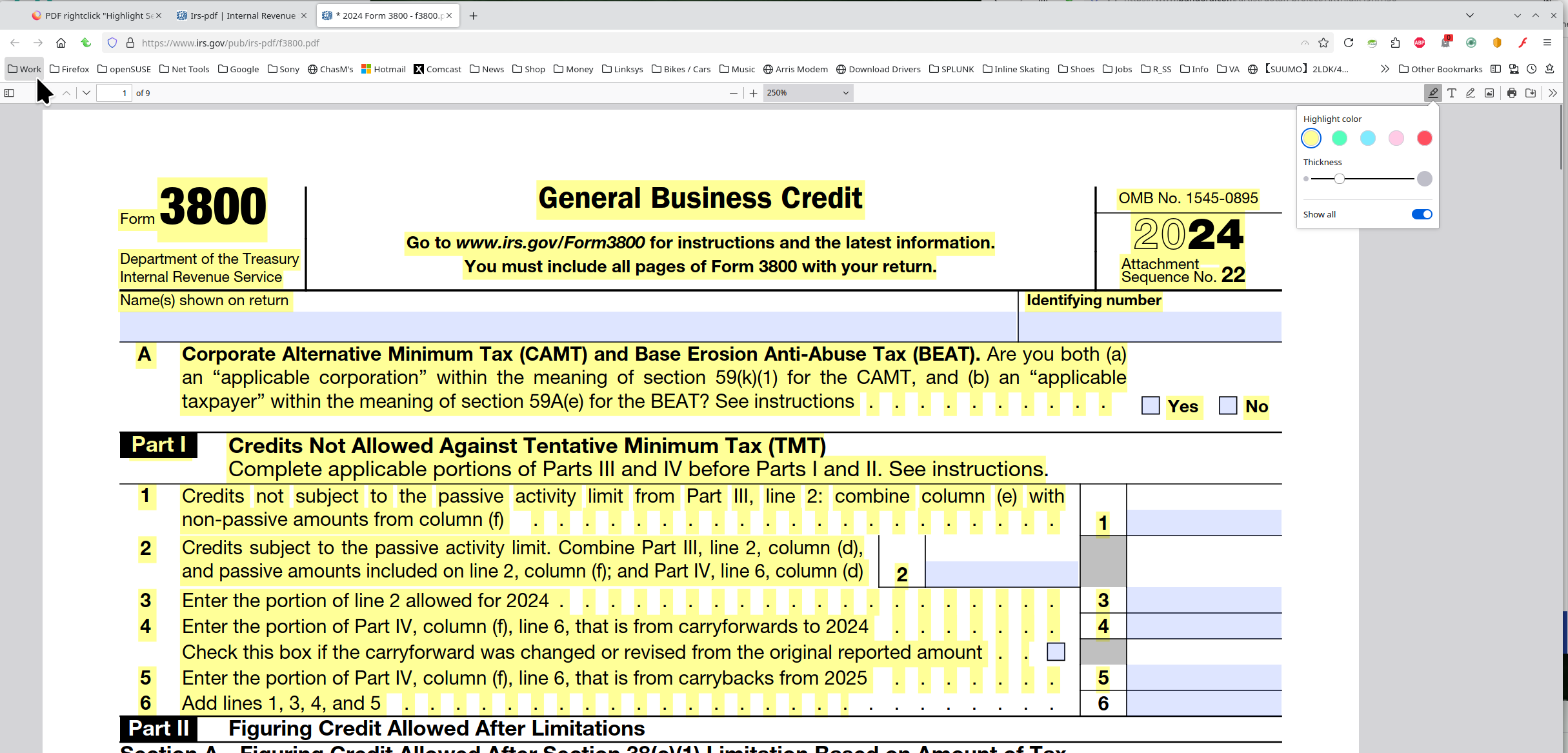
Screenshots are kind of useless... What OS? What version of Firefox? It works as designed for me. see screenshots Here is the site with the pdfs. https://www.irs.gov/downloads/irs-pdf Provide links and steps to replicate.
השתנתה ב־ על־ידי jonzn4SUSE