


Picture-in-Picture (built-in) not working.
Using: Firefox v132.0.2 (64-bit) for Linux (Arch Linux)
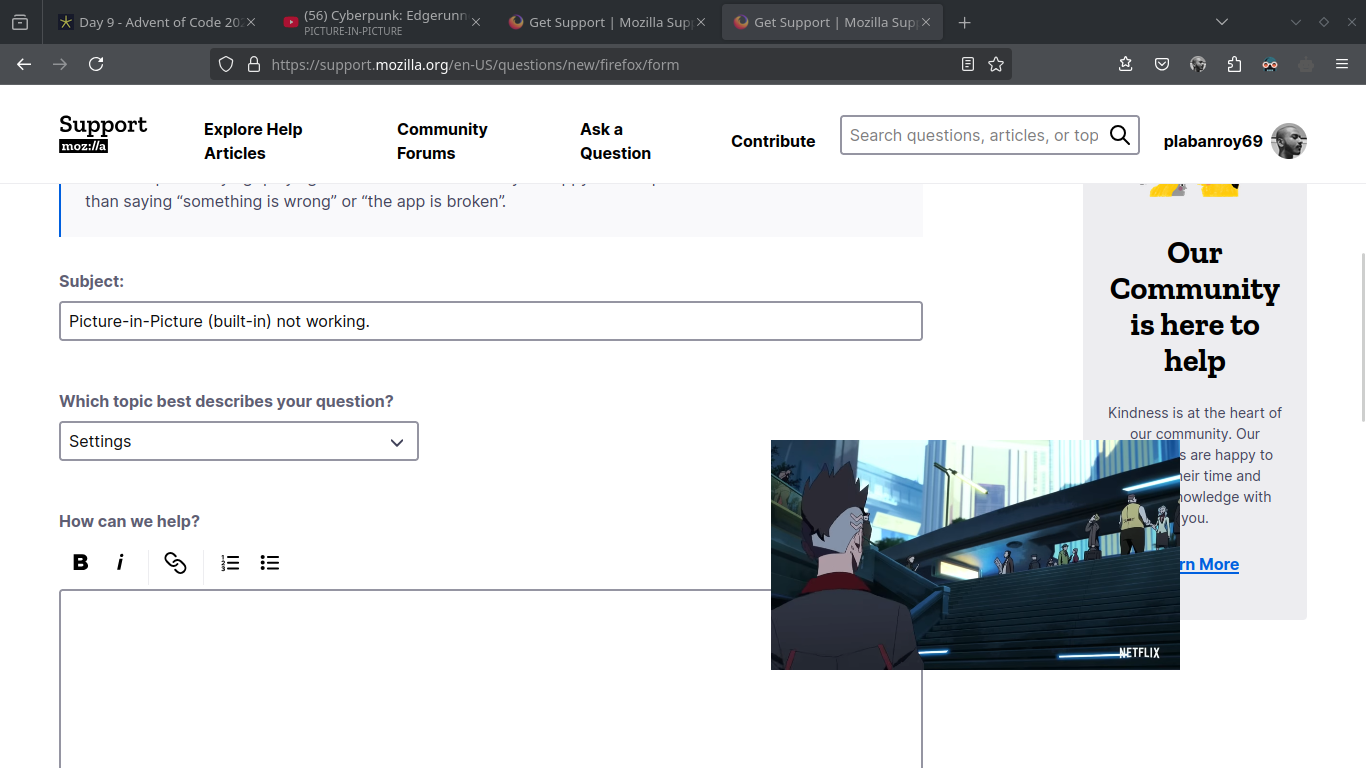
Picture-in-Picture (built-in) not working correctly. Consider attached image e.g., the video is visible, but I can't really use the any of the other tabs visible here. What I noted: I can scroll the other tab/window using mouse wheel when the Picture-in-Picture is in focus, but as soon as I click on any of the other tabs/window, the video goes to background, and hence becomes "invisible".
כל התגובות (9)
Hi
Which do you know which window manager you are using in Arch?

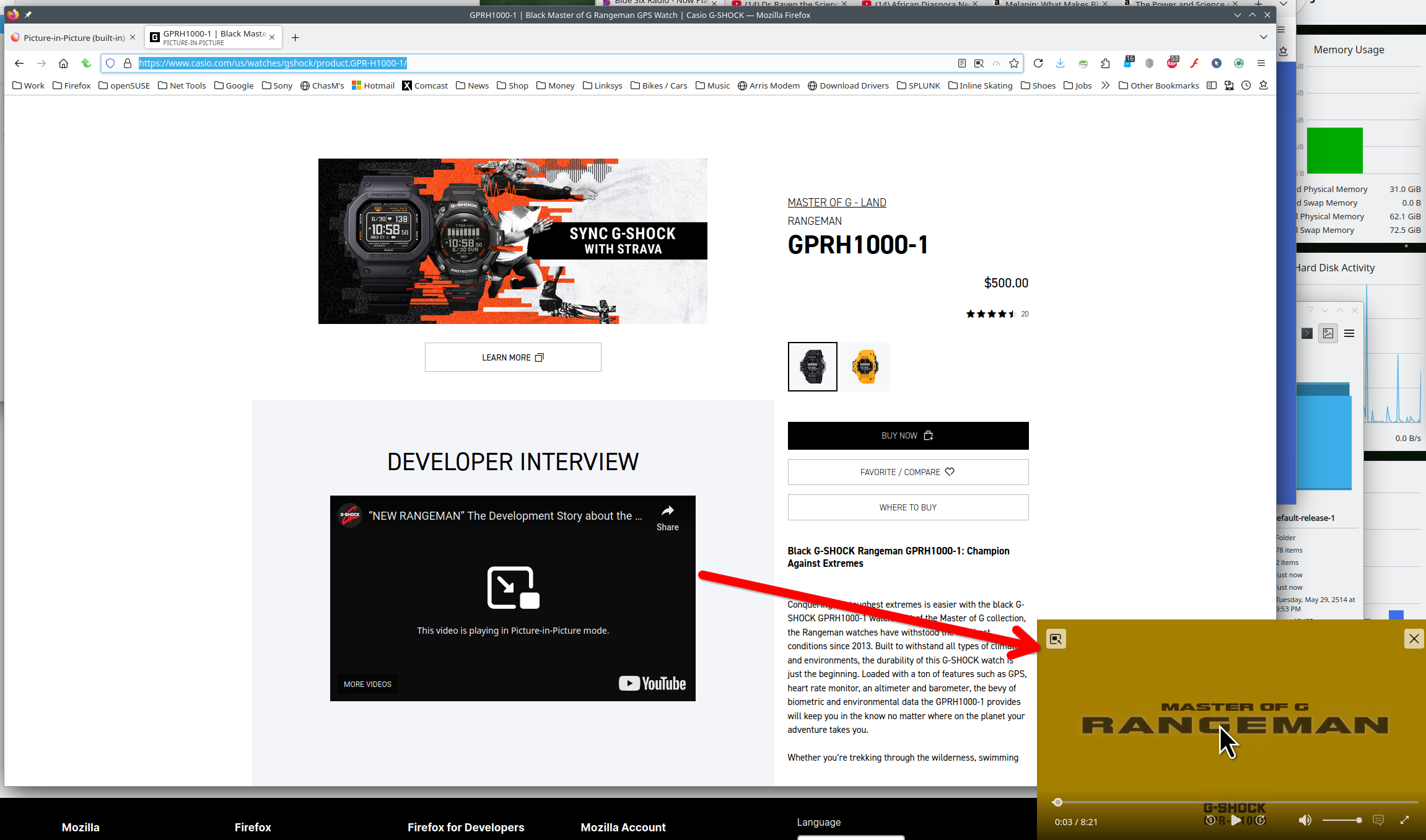
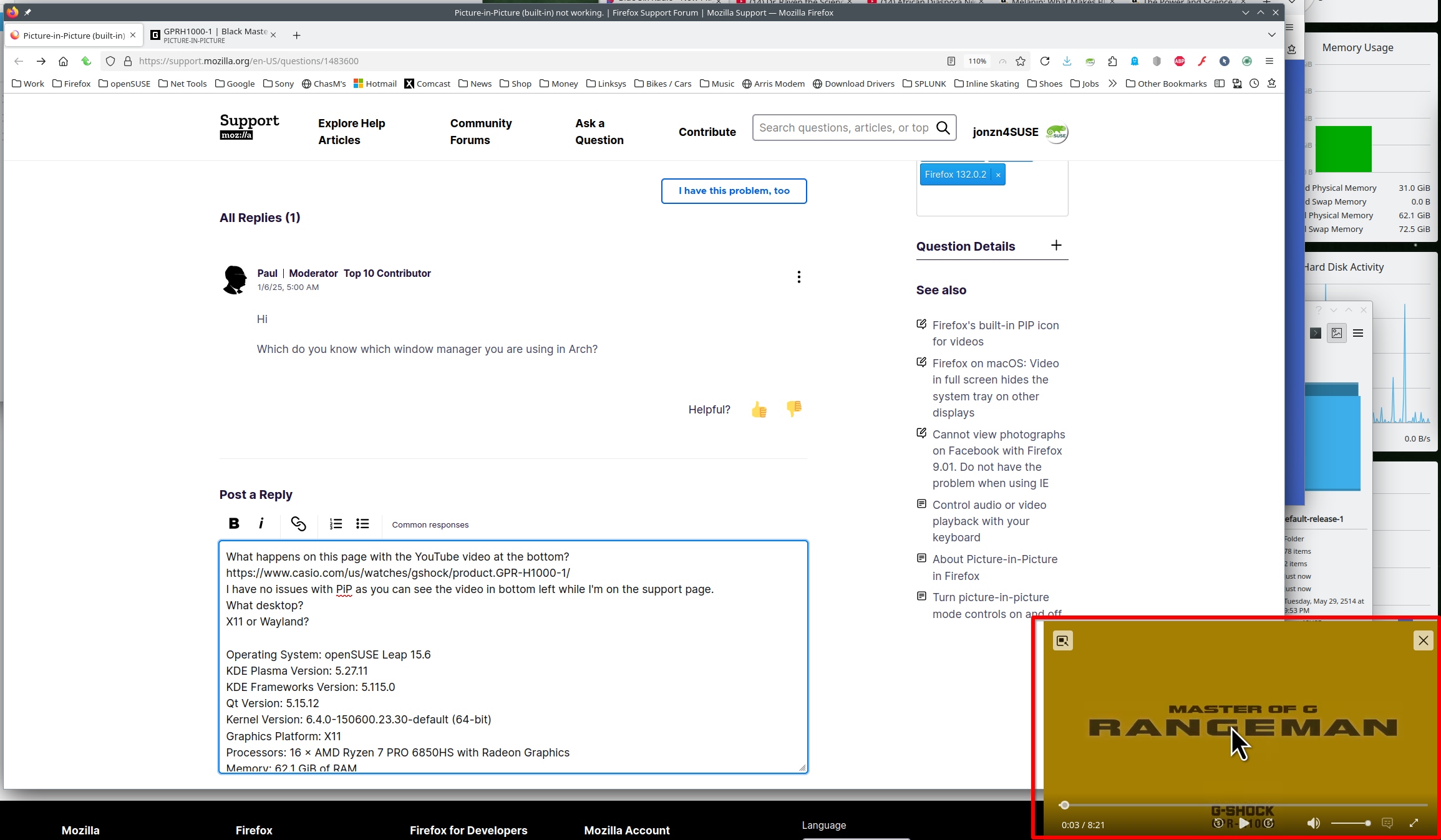
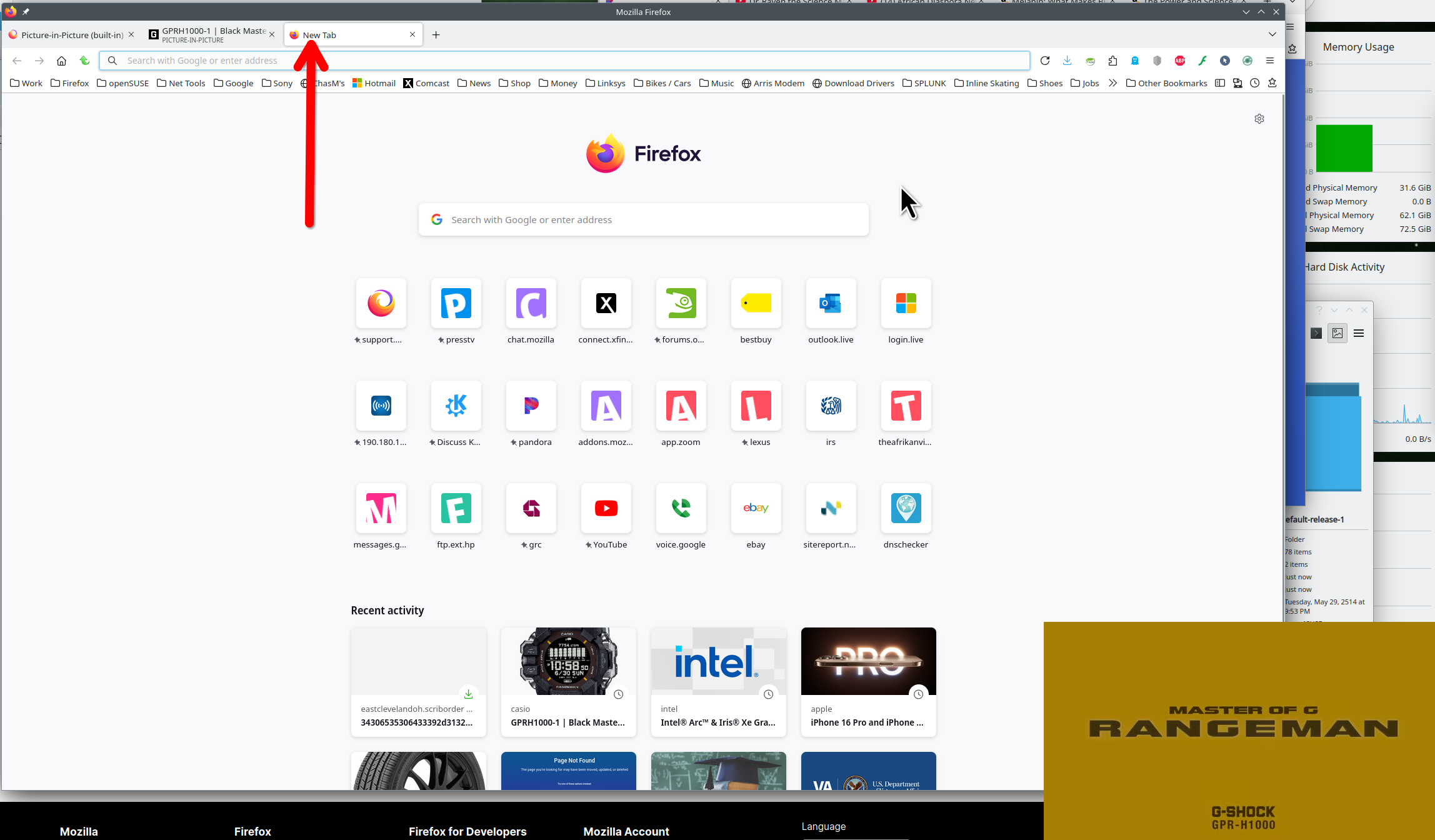
What happens on this page with the YouTube video? https://www.casio.com/us/watches/gshock/product.GPR-H1000-1/ Not paying for netflix so I cannot access it. Prime also works for me. I have no issues with PiP as you can see the video in bottom right while I'm on the support page and I can open a new tab. see screenshots What desktop? X11 or Wayland?
Operating System: openSUSE Leap 15.6
KDE Plasma Version: 5.27.11
KDE Frameworks Version: 5.115.0
Qt Version: 5.15.12
Kernel Version: 6.4.0-150600.23.30-default (64-bit)
Graphics Platform: X11
Processors: 16 × AMD Ryzen 7 PRO 6850HS with Radeon Graphics
Memory: 62.1 GiB of RAM
Graphics Processor: AMD Radeon Graphics
Manufacturer: HP
Product Name: HP EliteBook 865 16 inch G9 Notebook PC
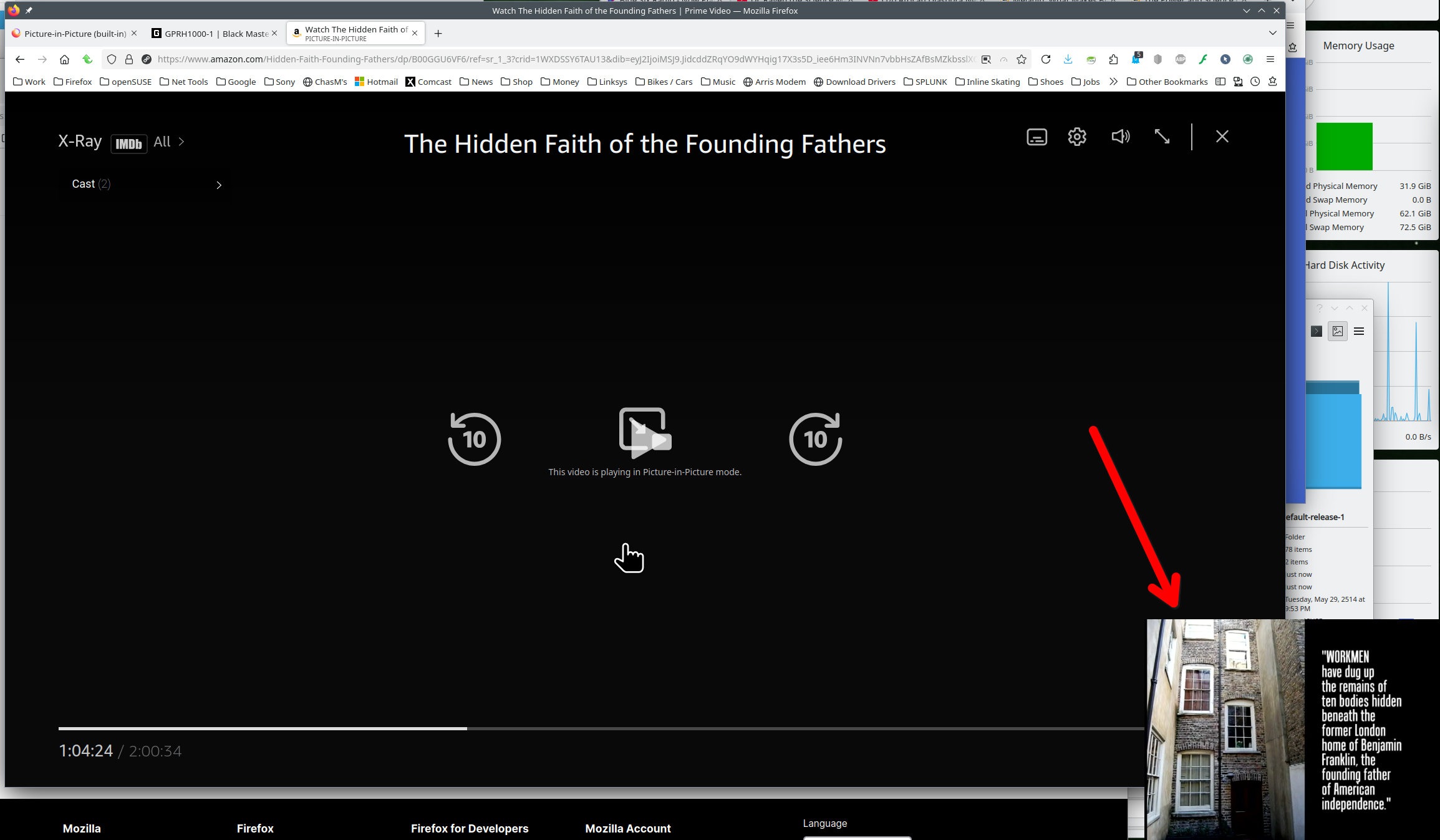
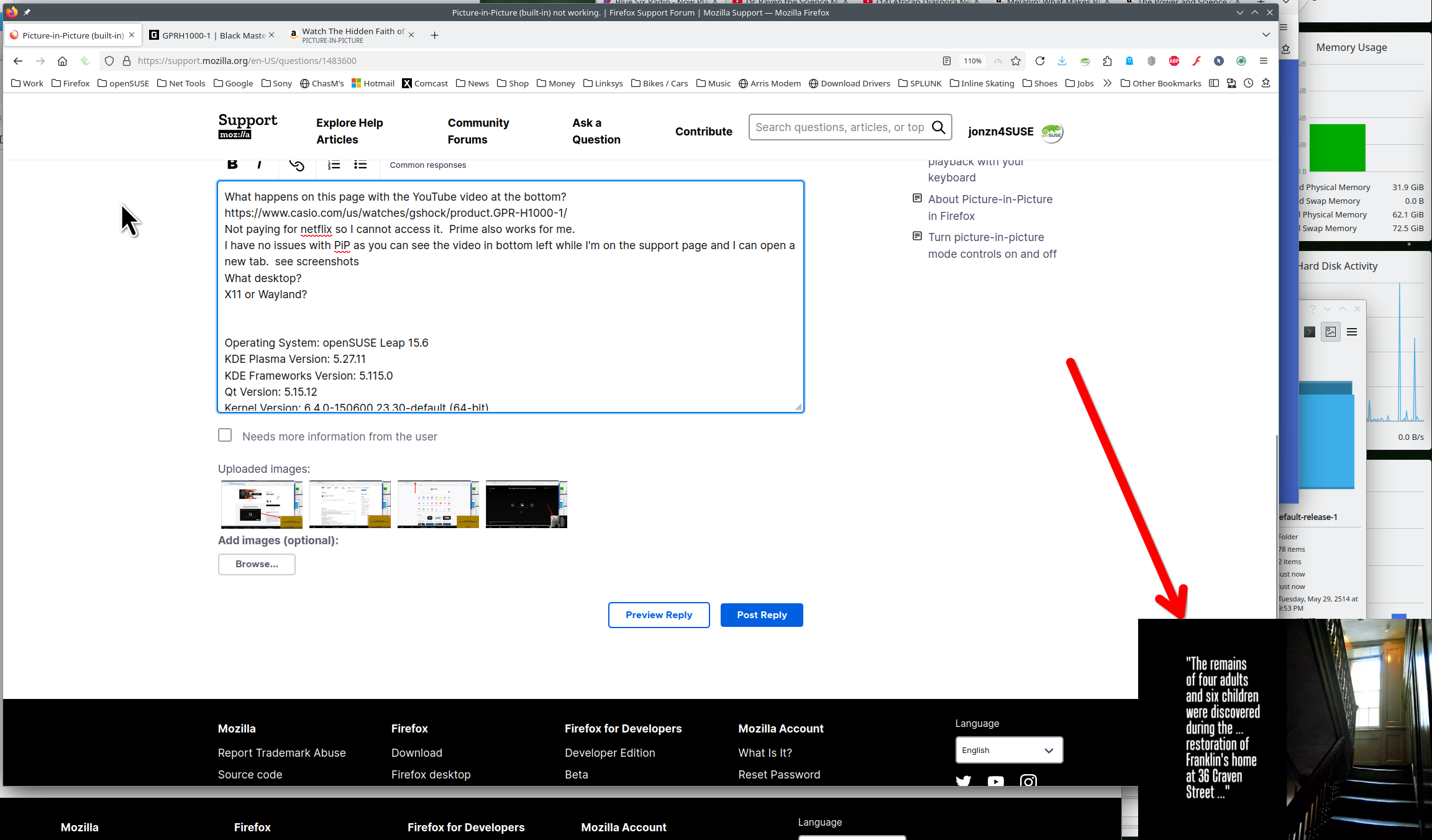
השתנתה ב־ על־ידי jonzn4SUSE
Paul said
Hi Which do you know which window manager you are using in Arch?
Wayland. I did find the same bug [here on bugzilla](https://bugzilla.mozilla.org/show_bug.cgi?id=1923568). Followed it.
השתנתה ב־ על־ידי plabanroy69
jonzn4SUSE said
What happens on this page with the YouTube video? https://www.casio.com/us/watches/gshock/product.GPR-H1000-1/ Not paying for netflix so I cannot access it. Prime also works for me. I have no issues with PiP as you can see the video in bottom right while I'm on the support page and I can open a new tab. see screenshots What desktop? X11 or Wayland? Operating System: openSUSE Leap 15.6 KDE Plasma Version: 5.27.11 KDE Frameworks Version: 5.115.0 Qt Version: 5.15.12 Kernel Version: 6.4.0-150600.23.30-default (64-bit) Graphics Platform: X11 Processors: 16 × AMD Ryzen 7 PRO 6850HS with Radeon Graphics Memory: 62.1 GiB of RAM Graphics Processor: AMD Radeon Graphics Manufacturer: HP Product Name: HP EliteBook 865 16 inch G9 Notebook PC
I'm on Wayland. I did find the same bug [here on bugzilla](https://bugzilla.mozilla.org/show_bug.cgi?id=1923568). Followed it.
You should be able to toggle the "Always on top" setting via the Alt+Space system menu.
Wayland...

Let switch to it and see what happens.
Yes, similar issues. Cannot move the PiP out of the browser window and when switching tabs it's no longer visible. You can mark this as resolved because it will not get fixed here. Let chime in on that bug.

השתנתה ב־ על־ידי jonzn4SUSE
jonzn4SUSE said
Yes, similar issues. Cannot move the PiP out of the browser window and when switching tabs it's no longer visible. You can mark this as resolved because it will not get fixed here. Let chime in on that bug.
Okay.
Couldn't find "mark as solved" button here, used the one available in the mail.
השתנתה ב־ על־ידי plabanroy69