Passwords from CSV file: "firefox logins.csv" does NOT show up in the "Import Browser Data" box?

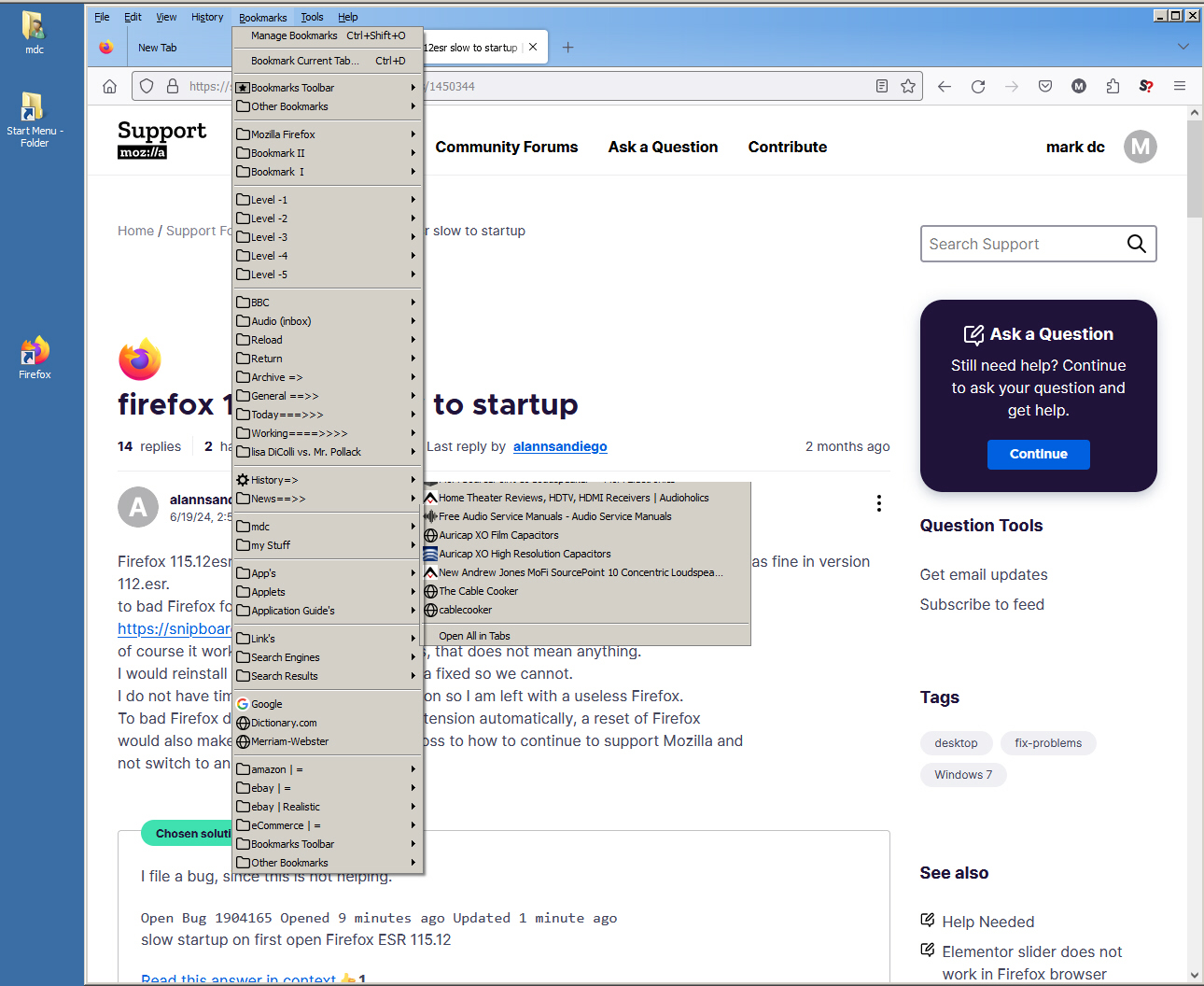
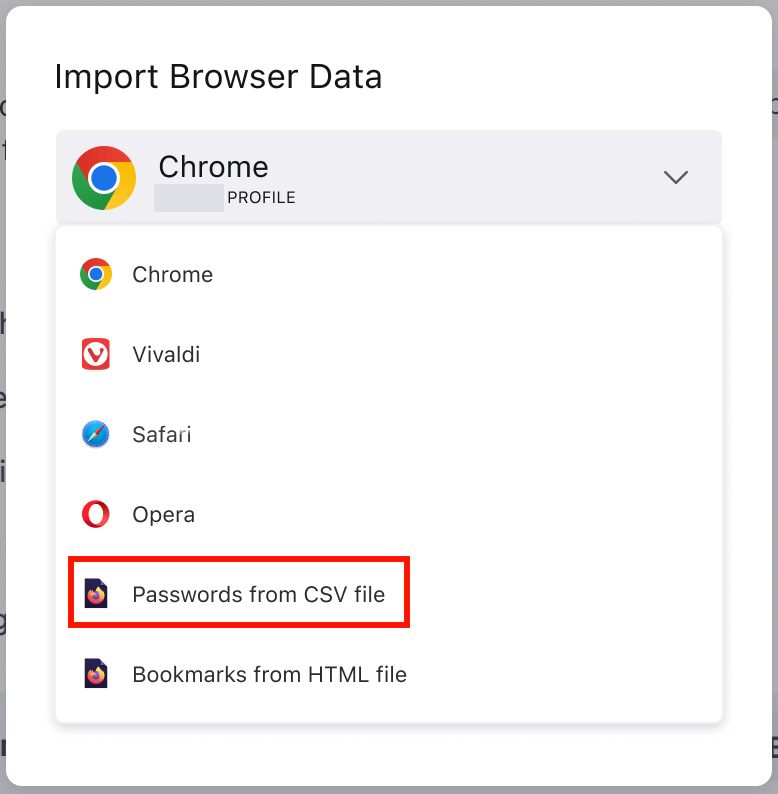
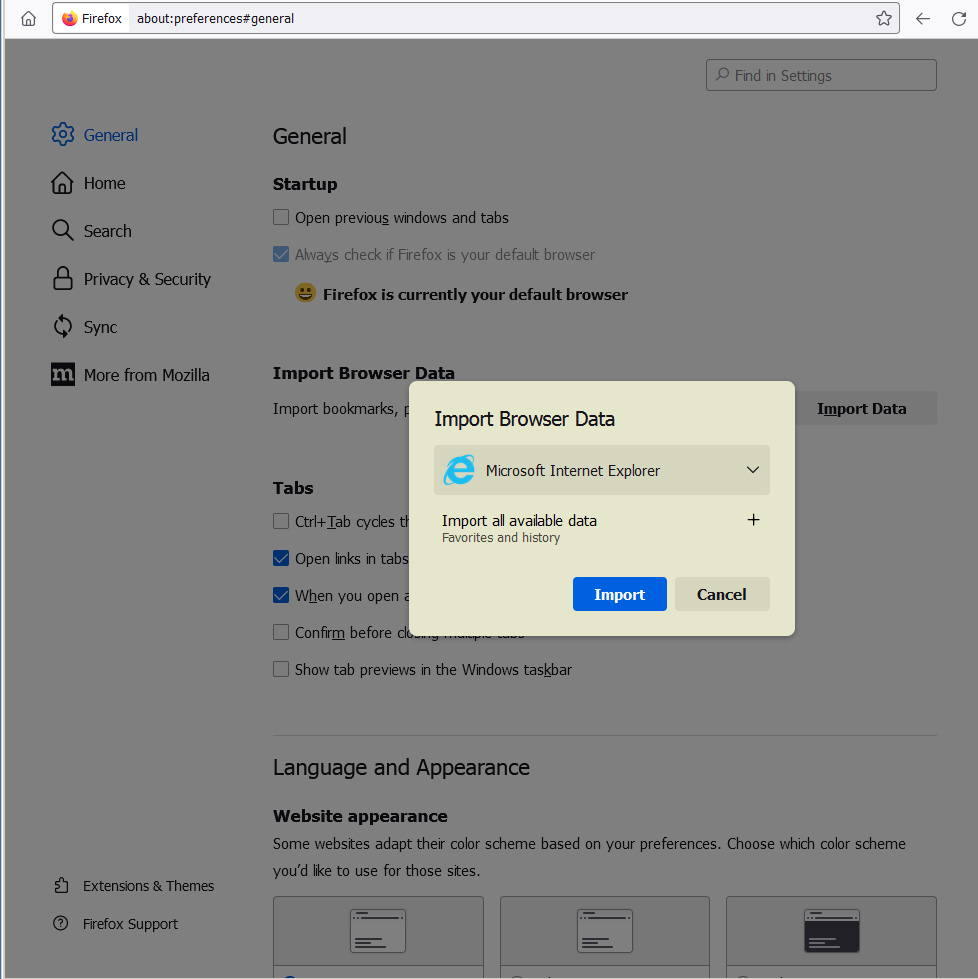
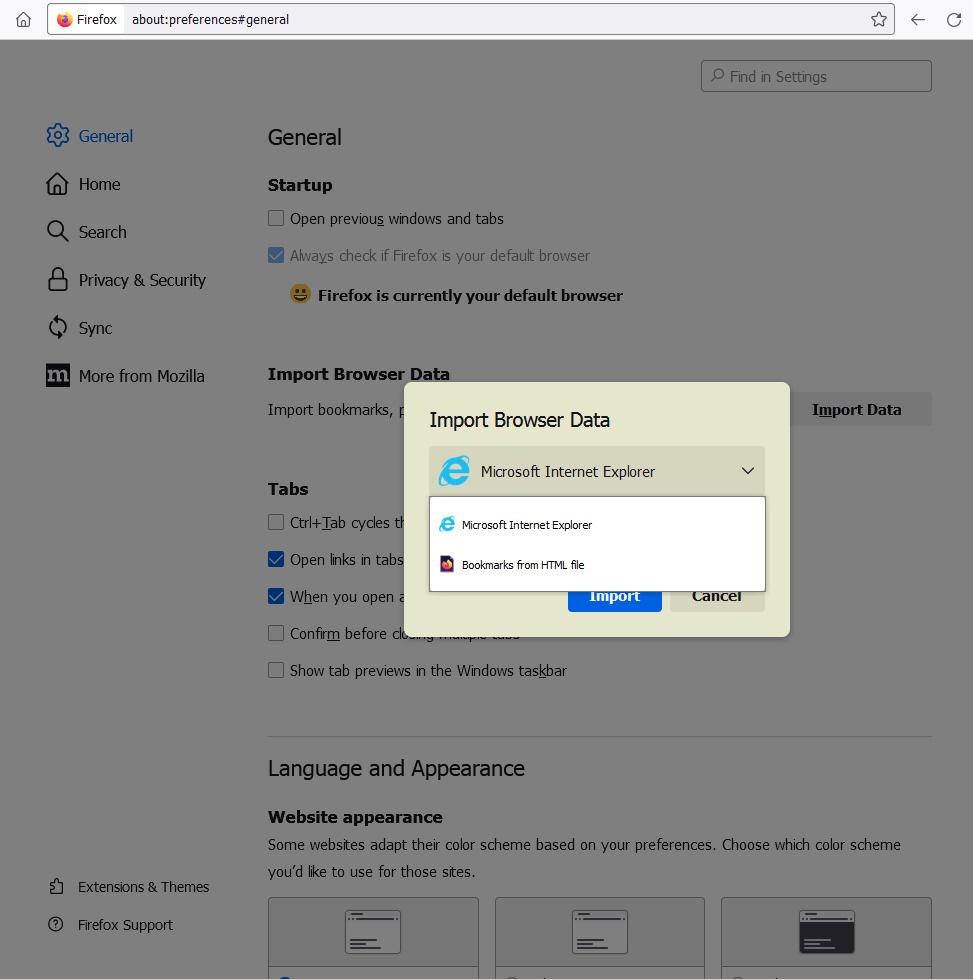
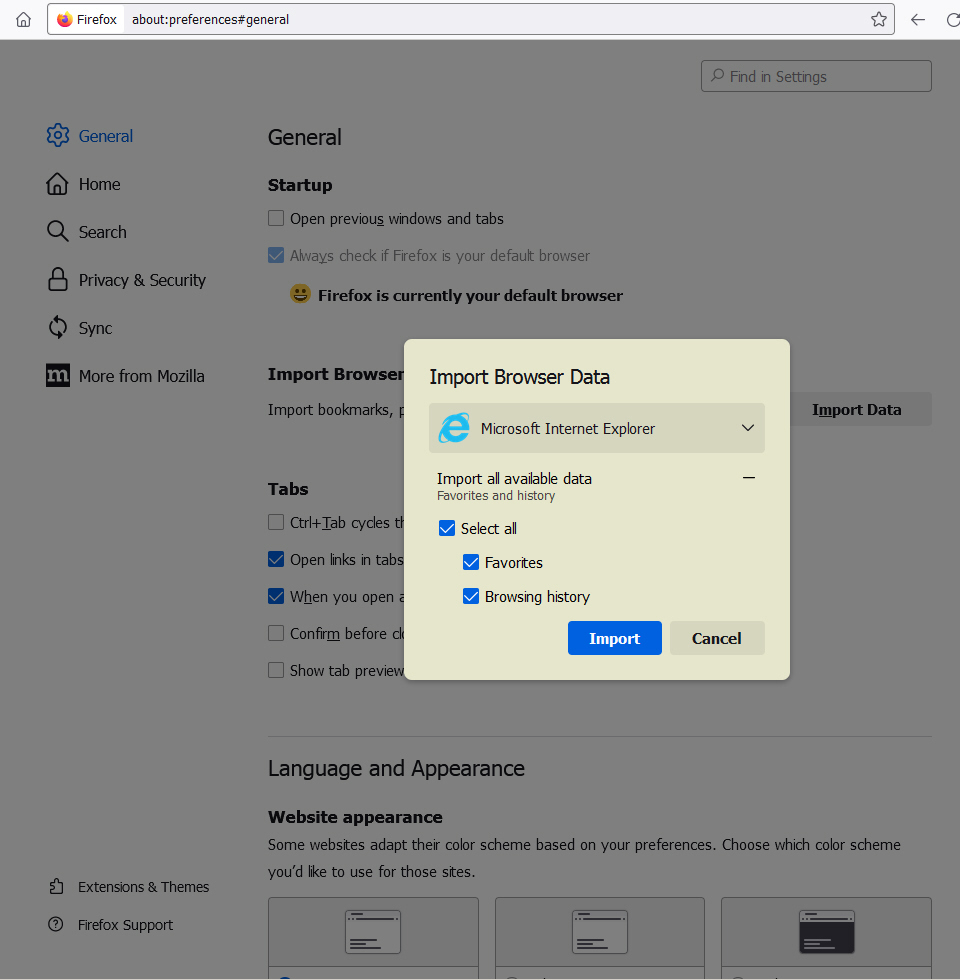
Hello: Passwords from CSV file: "firefox logins.csv" does NOT show up in the "Import Browser Data" box? I reinstalled a fresh copy of Windows7 and firefox (Firefox Setup 115.14.0esr.exe). I'm unable to import my "Passwords from CSV file" because it is not included in the "Import Browser Data" box (see Attachments (pics). Note: I do not use the Browser in this picture only firefox. How than can I import this .csv file? Regards -mdc
Hello:
Passwords from CSV file: "firefox logins.csv" does NOT show up in the "Import Browser Data" box?
I reinstalled a fresh copy of Windows7 and firefox (Firefox Setup 115.14.0esr.exe). I'm unable to import my "Passwords from CSV file" because it is not included in the "Import Browser Data" box (see Attachments (pics).
Note: I do not use the Browser in this picture only firefox.
How than can I import this .csv file?
Regards -mdc
כל התגובות (2)
This option is available since version 116.
Try to go to about:logins and click the 3 horizontal dots button in top right corner. It should be there.
Hello This did not work? .csv option again is not offered? What to do? -mdc