


upgrade firefox Linux

i'm using peppermint 1.0 with Firefox browser 113.0.2. my bank says i need to upgrade to FFox 115 Linux. I can't access accts til i upgrade. i can't find 115 nor does the system auto upgrade like it says using the "about firefox" ... this is as far as i can get. suggestions, anyone? here's a screencap. Gosh, the thought of returning to Windows makes me very uncomfortable. I see lots of folk are having this sort of problem.
regards
RH

כל התגובות (3)
Firefox the latest version of Firefox is 129.0.1.
You can get it from here: https://www.mozilla.org/en-GB/firefox/download/thanks/
That will come as a .tar.bz2 archive. Open that and you'll find a directory called firefox. Put that somewhere of your choosing. Now click into it and click firefox to launch it. You can also do it from a terminal by typing <WhereYouPutIt>/firefox/firefox, eg ~/temp/firefox/firefox
A better, but more complex, way is to set it up to use your normal package installation system, see: https://support.mozilla.org/en-US/kb/install-firefox-linux#w_install-firefox-deb-package-for-debian-based-distributions
edit: fixed second link
השתנתה ב־ על־ידי James

If the current version doesn't work, find another here. https://ftp.mozilla.org/pub/firefox/releases/ Download, unzip, and run firefox-bin from the folder and see if you have the same issue.
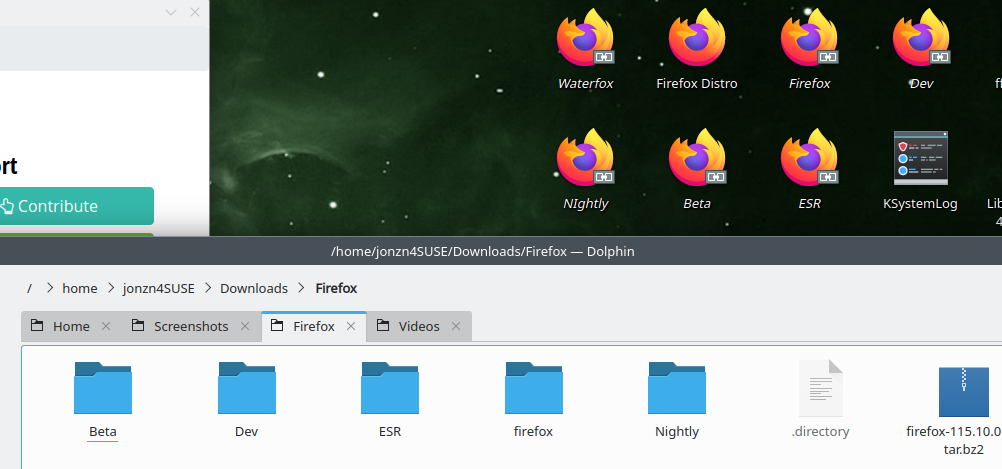
Note only the official Linux tarball .tar.bz2 builds from Mozilla like say https://www.mozilla.org/firefox/all/#product-desktop-release gets internal Firefox updates from Mozilla. You need to make sure this extracted Firefox folder has read/write permissions for the user as a easy way is to have the Firefox folder in Home
The Firefox package builds like deb, snap, flatpak, rpm are updated in the package repository manager.
השתנתה ב־ על־ידי James