


How to open local files in Firefox 100 snap?

I'm on Ubuntu 22.04 which is using the snap package of Firefox.
It seems that I cannot open local files in the /tmp directory. When I place a test.html file there and run `firefox /tmp/test.html`, it returns a file not found error. Why?
I don't have the problem with files in my home directory.
פתרון נבחר
Just for kicks... Try downloading another copy of Firefox, run it from the folder and see if you have the same issue. https://www.mozilla.org/en-US/firefox/all/#product-desktop-release
Read this answer in context 👍 2כל התגובות (6)
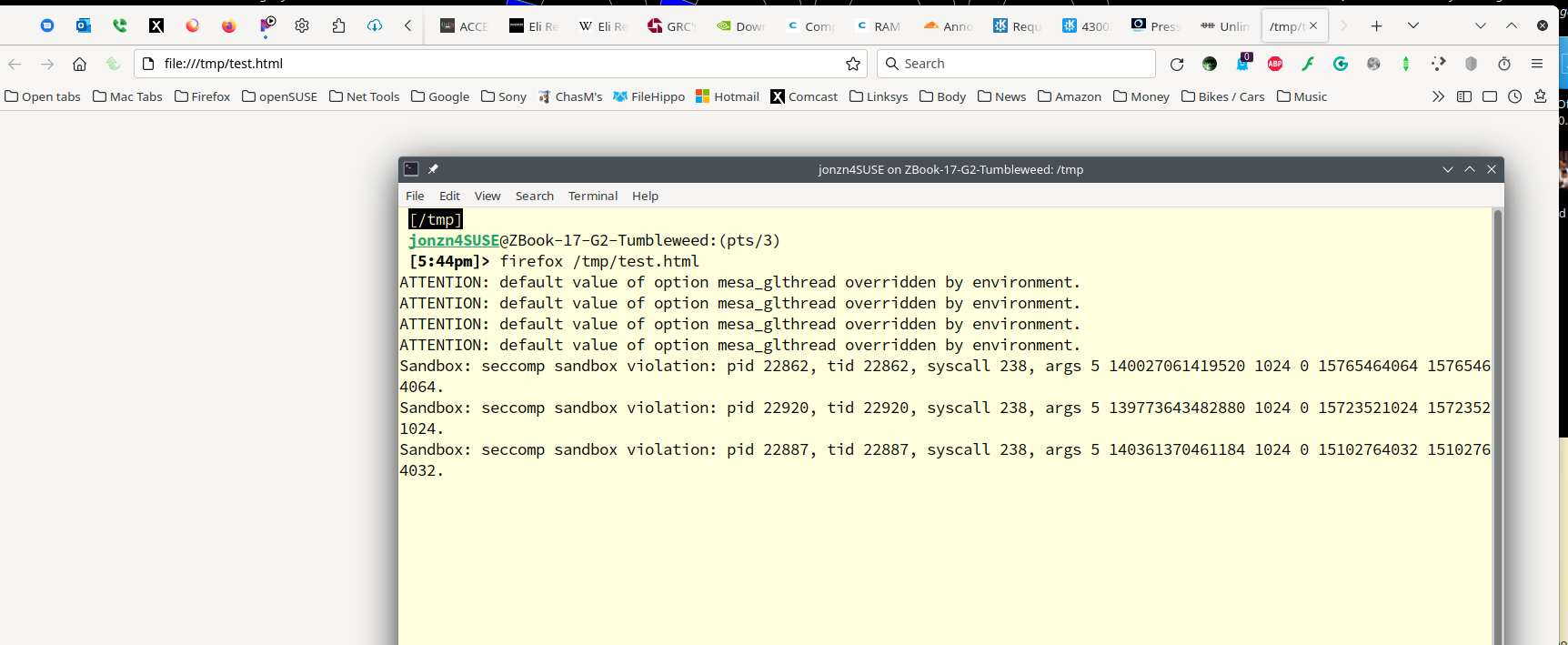
It worked for me. see screenshot
Operating System: openSUSE Tumbleweed 20220521 KDE Plasma Version: 5.24.5 KDE Frameworks Version: 5.94.0 Qt Version: 5.15.2 Kernel Version: 5.17.9-1-default (64-bit) Graphics Platform: X11 Processors: 4 × Intel® Core™ i7-4810MQ CPU @ 2.80GHz Memory: 31.0 GiB of RAM Graphics Processor: Mesa Intel® HD Graphics 4600
השתנתה ב־ על־ידי jonzn4SUSE
פתרון נבחר
Just for kicks... Try downloading another copy of Firefox, run it from the folder and see if you have the same issue. https://www.mozilla.org/en-US/firefox/all/#product-desktop-release
There might be sandbox restraints with the snap version, so you can try Firefox from the Mozilla server like posted above to see if that works better.
jonzn4SUSE schrieb
Just for kicks... Try downloading another copy of Firefox, run it from the folder and see if you have the same issue. https://www.mozilla.org/en-US/firefox/all/#product-desktop-release
Thanks. All problems gone, I can load local files again, the open file dialog does not crash Firefox anymore, downloads go where they should, startup is again at 1 seconds instead of around 15 s … feels like Firefox again and not like crap. Thanks!

For those who arrived and want to know why, see the following:
treznor1337 said
For those who arrived and want to know why, see the following: https://bugs.launchpad.net/snapd/+bug/1972762
and a shortcut to the current best available solution: remove the snap and install the mozilla debs:
https://www.omgubuntu.co.uk/2022/04/how-to-install-firefox-deb-apt-ubuntu-22-04