


Why is Lockwise disabled in the Add-ons Manager for Firefox 71.0 when there are supposed to be improvements to Lockwise?

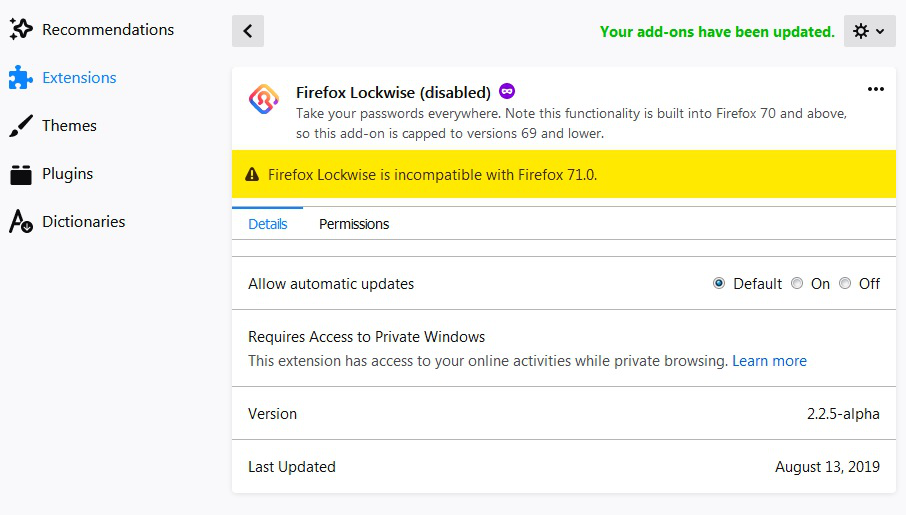
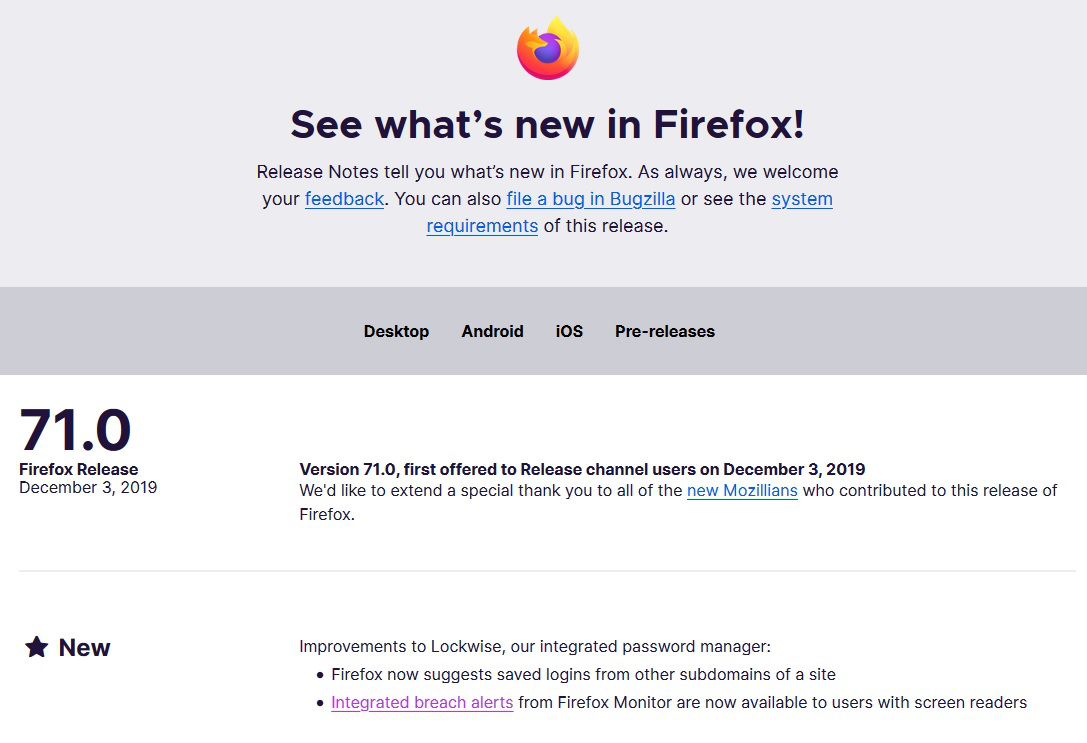
I have Firefox 71.0 installed and in the Add-ons Manager Firefox Lockwise is disabled with a message "Firefox Lockwise is incompatible with Firefox 71.0.". I read the " What's New" post and it says "Improvements to Lockwise, our integrated password manager:". Whar gives?
פתרון נבחר
In Firefox 70 and later Lockwise is a builtin component and that is why the Lockwise extension is disabled. The Lockwise extension is only compatible with Firefox 67-69 and is automatically disabled. You can remove this extension if you installed it in a previous Firefox version. Lockwise in Firefox 70+ is accessed via the about:logins page.
Read this answer in context 👍 2כל התגובות (6)
פתרון נבחר
In Firefox 70 and later Lockwise is a builtin component and that is why the Lockwise extension is disabled. The Lockwise extension is only compatible with Firefox 67-69 and is automatically disabled. You can remove this extension if you installed it in a previous Firefox version. Lockwise in Firefox 70+ is accessed via the about:logins page.
Great! Thanks! I misunderstood that Lockwise is now built-in and the add-on is no longer necessary. Thanks for the clarification.
How can I disable the build-in Lockwise? It's way too slow and is a disaster for my workflow.. I have 1 few thousand login's that it displayes before I can select the top one.. jeezz
It is currently still possible to disable Lockwise and revert to the legacy Password Manager by clearing this pref on the about:config page (i.e. remove the current about:logins value).
- signon.management.overrideURI = <leave blank>
You can reset the pref to get Lockwise back, useful if you want to add a username and password yourself or otherwise store some extra data (there is no description field).
My problem was fixed by setting: signon.includeOtherSubdomainsInLookup to false in about:config
@ shaun6
So your problem was about Firefox populating the list of login choices in the drop-down list shown of a login form on web pages. That wasn't clear for me from your above posted reply.
That isn't a problem with Lockwise, but rather a problem with a new feature that was added to show logins from other domains.