


How to bypass a "restore session" default.

In my preferences I have selected "restore previous session" as a default. After updating Firefox today, the previous session restored properly. Then a few minutes later a "your computer is blocked" page popped up & froze Firefox. I used Windows Explorer to close Firefox, but restarting Firefox always restores the "computer blocked" page. I tried deleting the sessionstore.js file in my profile, but that did not get rid of the "computer blocked" page. Since I cannot get to Firefox's settings, how can I force a restart to a blank page. Maybe uninstall Firefox & then reinstall it?
כל התגובות (3)
פתרון נבחר
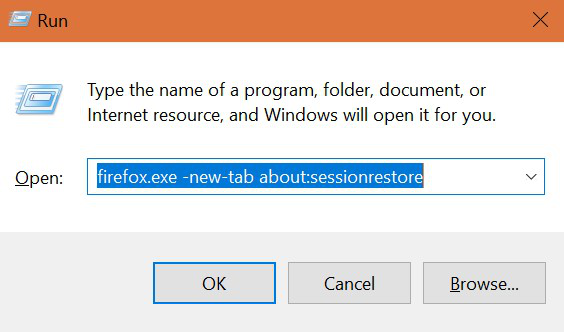
Hello Jspen, To get the Run box, press and hold the Windows Logo key and press R . In the Open box type:
firefox.exe -new-tab about:sessionrestore
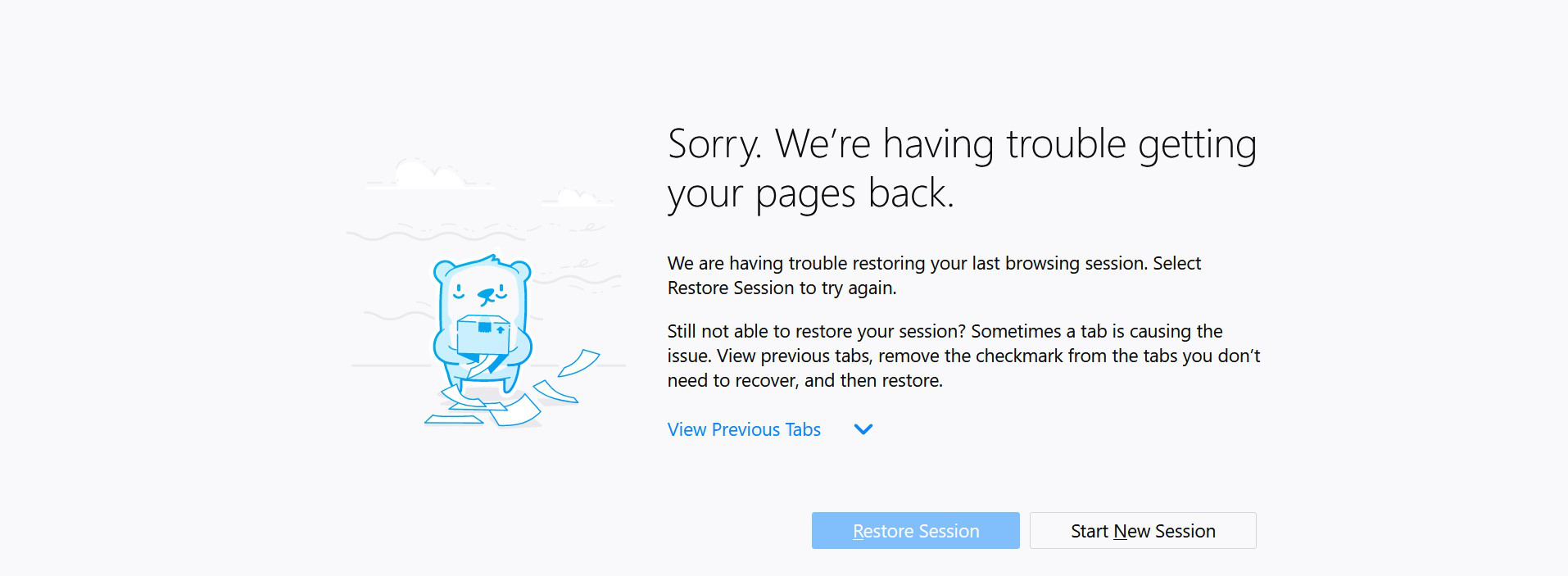
And then click start a new session and clean your browser using forget button. Another solution: Try to use a third party app like CCleaner to delete your browser history. After that start Firefox. Hope this help,
Thanks, Anna! I used your option #1 & seem to have solved the problem. The "blocked computer" window did pop up while I was figuring out how to add the Forget button to my toolbar, but I repeated the steps, added the button, & it now looks like I'm ok. Very easy. Thanks for the help! --John
I'm glad I was able to help