


In Firefox not open the submenu "Applications"

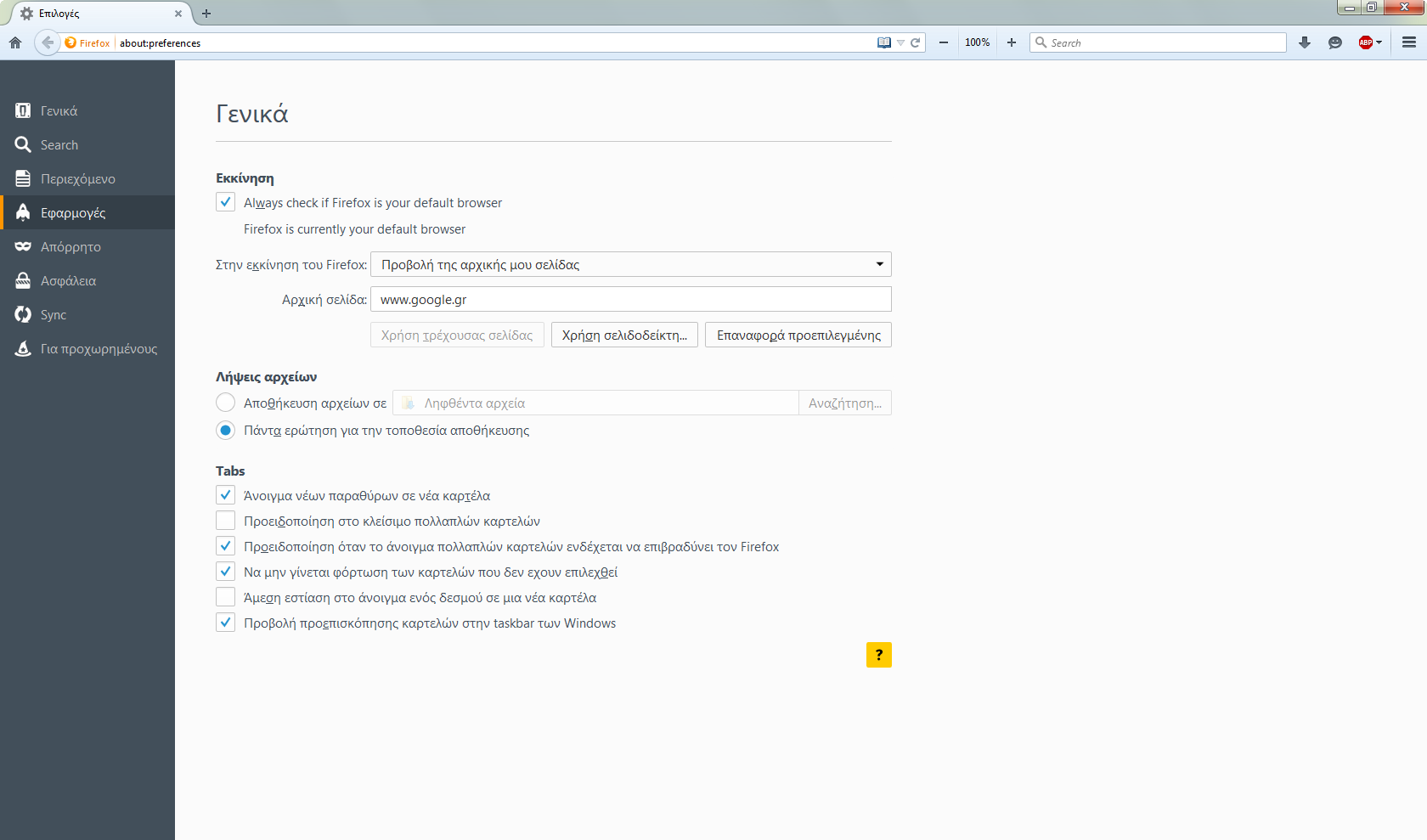
I want to set the Firefox open the magnet links with utorrent. I choose from the menu "tools-options-applications" and does not respond. Will not open the menu "applications" to do the settings. I uninstalled and installed the Firefox again but the problem remains.
I want to set the Firefox open the magnet links with utorrent. I choose from the menu "tools-options-applications" and does not respond. Will not open the menu "applications" to do the settings. I uninstalled and installed the Firefox again but the problem remains.
פתרון נבחר
nvsafe said
I want to set the Firefox open the magnet links with utorrent. I choose from the menu "tools-options-applications" and does not respond. Will not open the menu "applications" to do the settings. I uninstalled and installed the Firefox again but the problem remains.
Since no one responded after fumbling several days and hours I finally found what was and I didn't have access to "applications".
כל התגובות (1)
פתרון נבחר
nvsafe said
I want to set the Firefox open the magnet links with utorrent. I choose from the menu "tools-options-applications" and does not respond. Will not open the menu "applications" to do the settings. I uninstalled and installed the Firefox again but the problem remains.
Since no one responded after fumbling several days and hours I finally found what was and I didn't have access to "applications".