


Where are the minimize, full screen and exit buttons?

The minimize, full screen and exit buttons are completely missing in Firefox 29.0.1. Also I am not able to customize the toolbar icons the way I like them. I.e., I like the page refresh/stop loading button to the left of the url window. Other tool icons are missing too.
פתרון נבחר
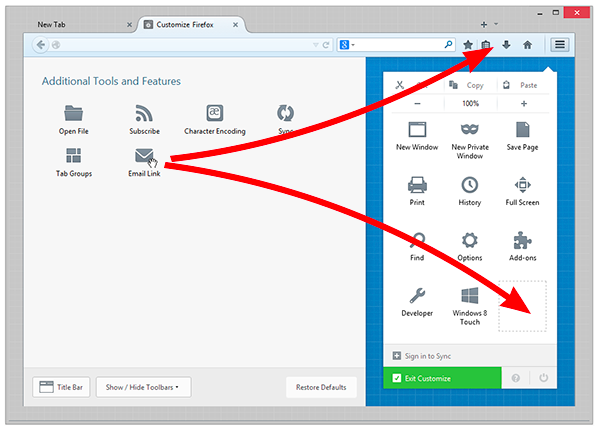
Did you try to enable the title bar as well (in the screenshot, Title Bar button on the bottom left)?
Read this answer in context 👍 7כל התגובות (4)
You can find a button to enable the title bar on the customize window (3-bar Firefox menu button > Customize)
The menu bar is enabled. There is still no icons for full screen, minimize nor exit. Menu bar has "File Edit View History Bookmarks Tools Help" on left and nothing at all on right.
פתרון נבחר
Did you try to enable the title bar as well (in the screenshot, Title Bar button on the bottom left)?
That's the ticket! Thank you for your insight and help.