


New page tb not loading correctly.

Awhile ago, my grandson downloaded something to my computer that installed the Babylon search engine to my computer. It replaced the new page tabs. I have removed Babylon from my machine, at least everything I could find, but the new page tab still loads Babylon. Firefox has updated twice since then and it still happens. I have checked the plug ins, the add ons, the search preferences and can not find any mention of Babylon. Help please as I do not want this happening. I want the new page back that shows the pictures. How do I do this?
Opaite Mbohovái (3)
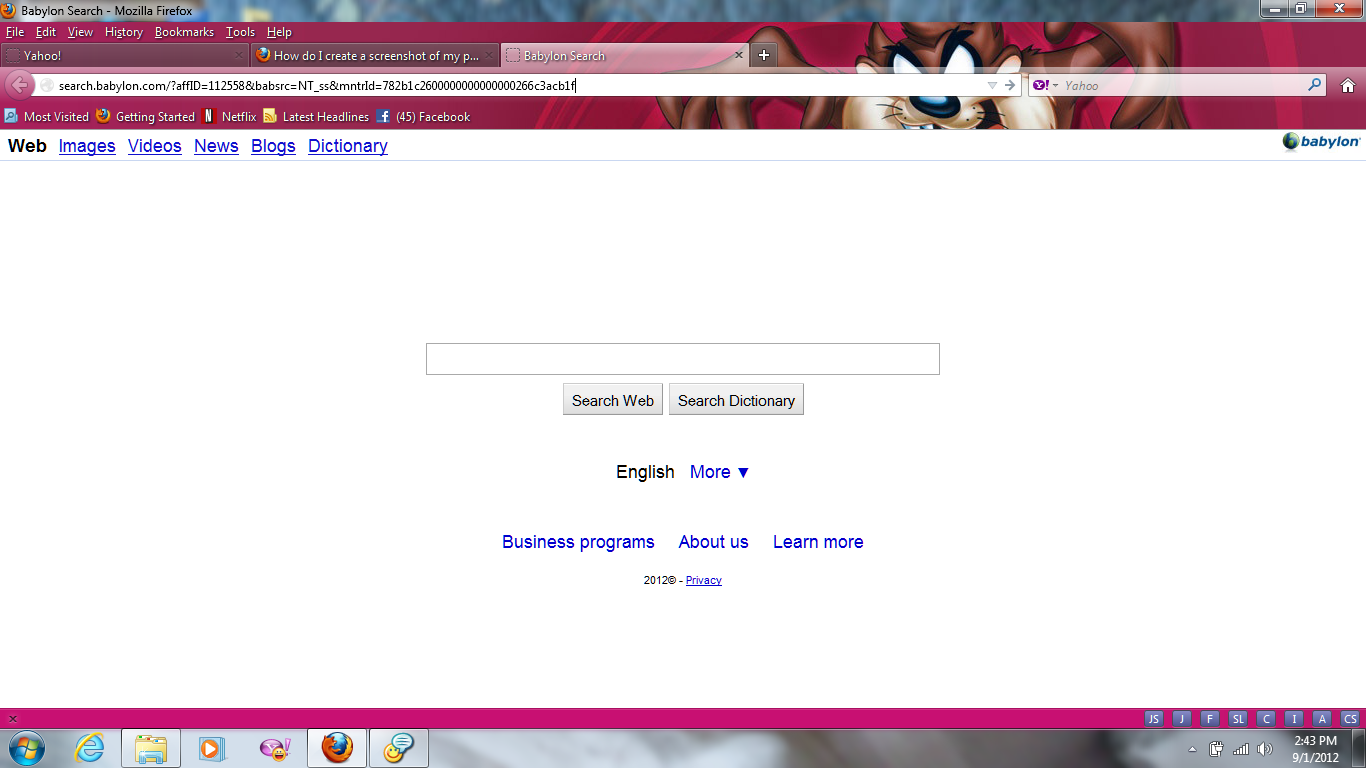
This is a screen shot of what I see when I open a new page.
Ñemoĩporã poravopyre
See these pages about Babylon Toolbar:
- http://support.babylon.com/index.php?/Knowledgebase/List/Index/48/english-faq
- http://support.babylon.com/index.php?/Knowledgebase/List/Index/37/installation--technical-support
Try to reset some preferences to the default with the SearchReset extension:
Note that the SearchReset extension only runs once and then uninstalls automatically, so it won't show on the about:addons page.
Thanks so much for your help. Everything is loading correctly now..