


Mail will auto delete,

My mail will auto Delete despite all the setting is correct. Please advise

Ñemoĩporã poravopyre
What is the mobile device's operating system?
What mail program is on the mobile device?
Is that set up as IMAP or POP3?
Opaite Mbohovái (8)
If you have another device monitoring that mailbox, it may be deleting those emails, which would then be reflected on the desktop. Especially if that device is set up as POP3.
mine setting is Imap. The other device has this mailbox but the email is still there. Mine will auto delete and now only left with last week mail.
Ñemoĩporã poravopyre
What is the mobile device's operating system?
What mail program is on the mobile device?
Is that set up as IMAP or POP3?
For this email, I never login using Mobile. Only Desktop. The email will auto delete 1 week later. Currently my inbox only left with 17 Jun 2026
The only setting in Thunderbird that would automatically delete emails from the server apply ONLY to POP3 accounts. IF this were a POP3 account, the setting would be found in <account settings | server leave messages on - for at most [x] days" and or "until i delete them". but as mentioned. there is no equivalent setting imap accounts. < p></account>
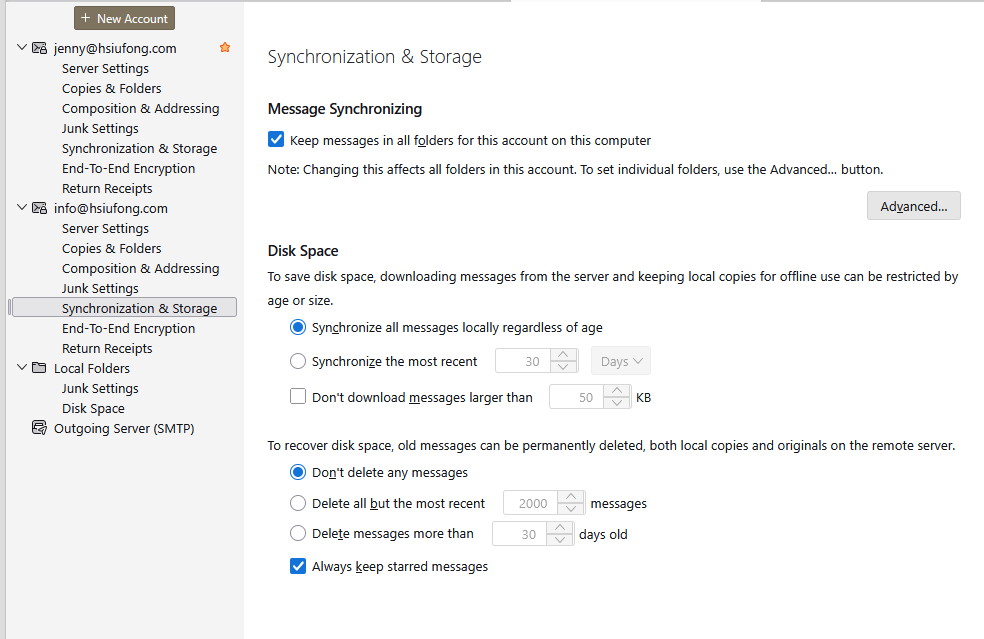
Note that the "Synchronization & Storage" setting shown in your screen shot is a Global setting. It can be overridden on a folder-by-folder basis. That setting is found by right-clicking on the folder name in the Folders Pane, choosing Properties, and the Retention Policy tab. The Quota tab can also tell you if the server enforces a quota policy.
Otherwise, the messages can only be being deleted as per a server setting or quota enforcement, or by your phone app. If the phone app is set up for POP3, that would explain what you're seeing, as I mentioned before.
Moambuepyre Lin rupive
Thanks for the reply.
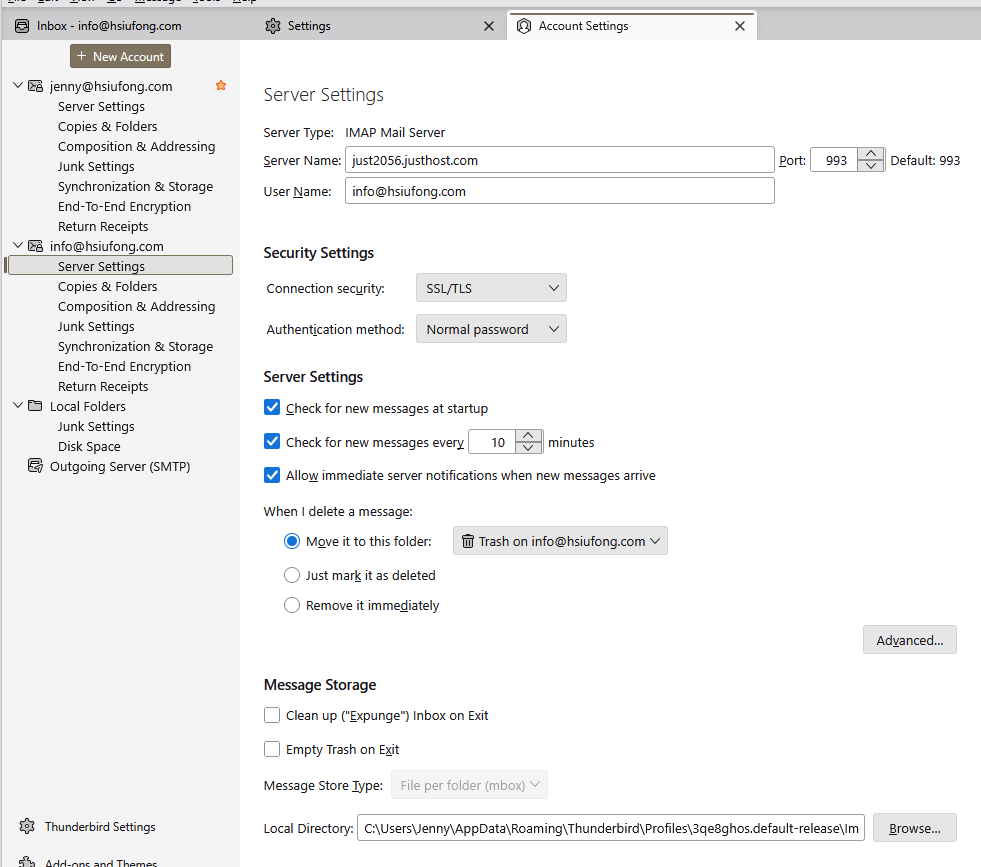
Now the issue is my Server setting is IMAP Mail Server .
Is there any other way to solve it. My email is getting only 1 week ago.
Plus there no Mobile App

Lin said
The only setting in Thunderbird that would automatically delete emails from the server apply ONLY to POP3 accounts.
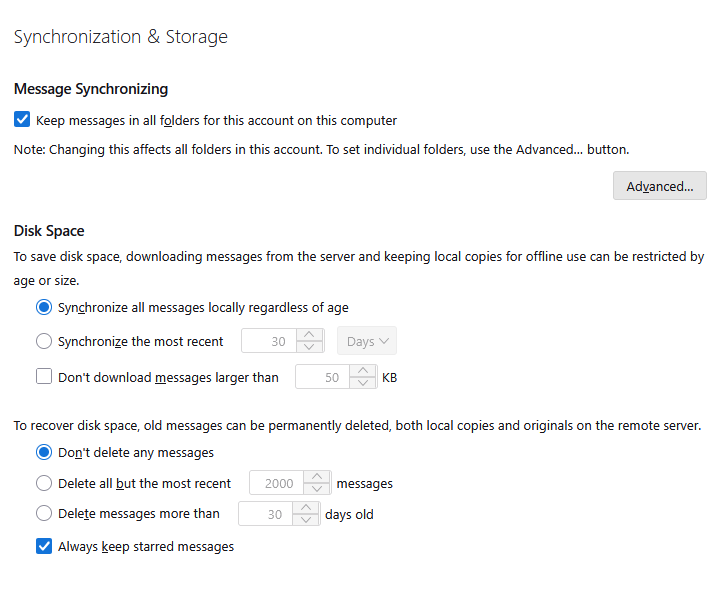
Lin, Thunderbird can automatically delete old messages from IMAP accounts, as Jenny's screen image shows.
Jenny, a similar setting can be set at the folder level (vs. the account level). Right click on a folder name > Properties > Retention policy to see if automatic deletion is enabled for a folder.
The server could also have such a setting. My server has options for automatic deletion at the folder level.
Rick said
Lin said
The only setting in Thunderbird that would automatically delete emails from the server apply ONLY to POP3 accounts.Lin, Thunderbird can automatically delete old messages from IMAP accounts, as Jenny's screen image shows.
Jenny, a similar setting can be set at the folder level (vs. the account level). Right click on a folder name > Properties > Retention policy to see if automatic deletion is enabled for a folder.
The server could also have such a setting. My server has options for automatic deletion at the folder level.
Yes, you're right. I worded that poorly, though I alluded to it when I mentioned the per-folder and server retention policies.
I don't think I have any other ideas to contribute to this issue.