Address Book does not allow duplicate email addresses

Updating my Address Book in Thunderbird v148. The darned thing does not permit two people to have the same email address or phone number - pain in the "A" to say the least !
Opaite Mbohovái (4)
Screen shot please of what is blocking making/adding the duplicate, will get us more quickly to the cause.
Cannot provide a screenshot, in this instance, the address list is for a club, and we do get both husband & wife joining, and in some cases, they both use a common email address, but they need to be listed separately in the distribution list

shane49 said
Updating my Address Book in Thunderbird v148. The darned thing does not permit two people to have the same email address or phone number - pain in the "A" to say the least !
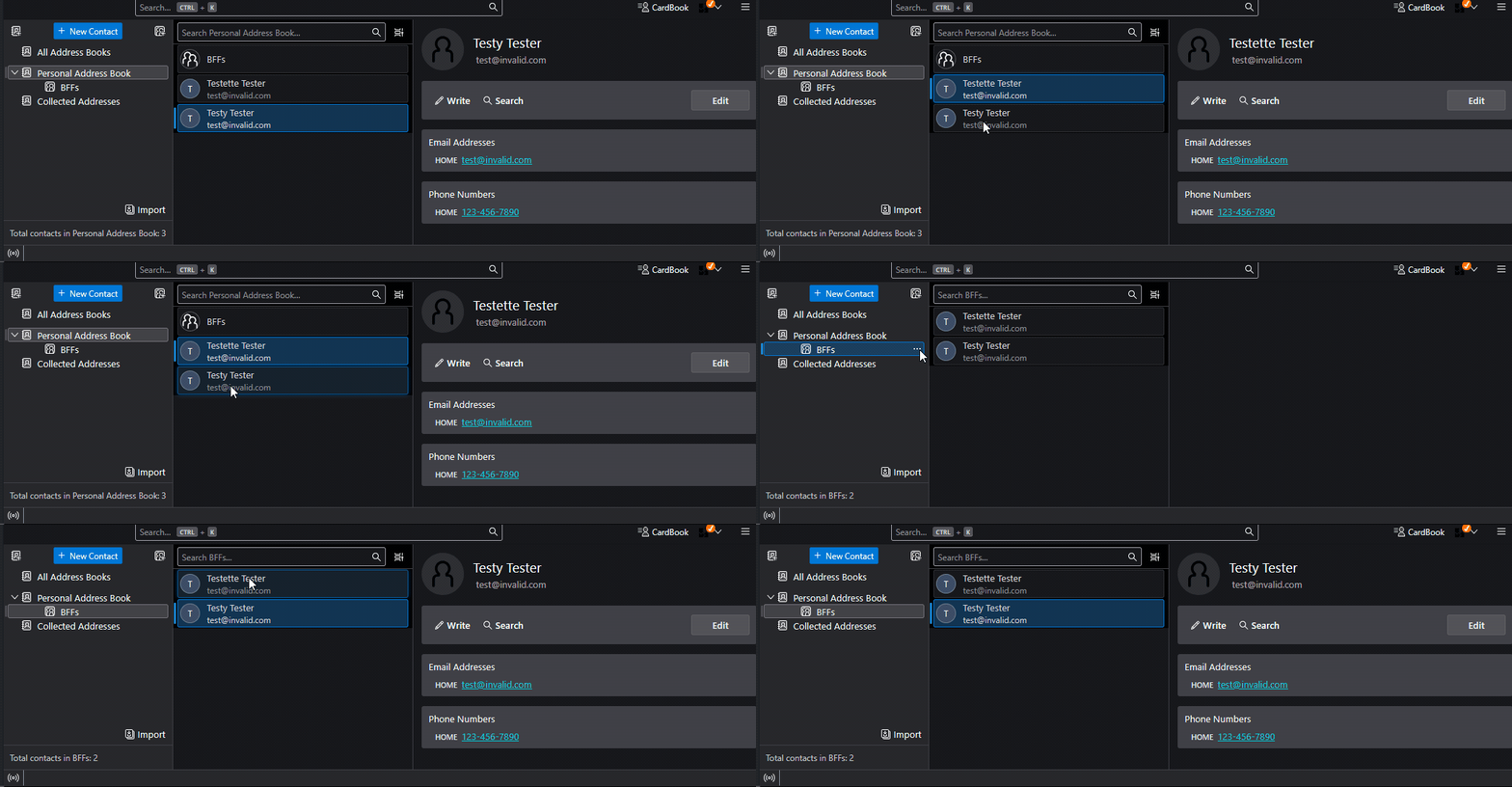
This is not my experience. See attached animation - these are local address books, not network ones. What could be the difference?
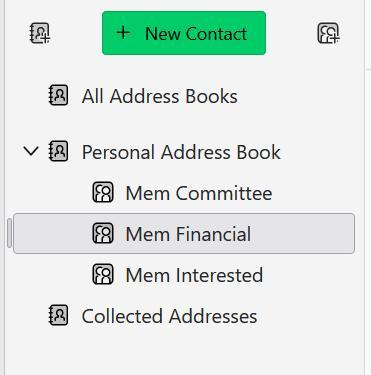
What is actually happening is that I go and "Edit List" for the "Mem Financial" list. I find the person's name which comes from the "Personal Address Book", and it appears to add that person into the list. However when I then reopen the "Mem Financial" list, that person is not in there, TBird just ignored the addition. This only happens when there is already another person in the list, different name but same email address.