


Can't add importEportToolsNG - not compatible with Thunderbird 91.0.1

I want to open an .MBOX file, and found out that Thunderbird was recommended. I downloaded it (Windows 64-bit) and then found this support page (https://support.mozilla.org/en-US/questions/1285736) which explained that I needed importEportToolsNG.
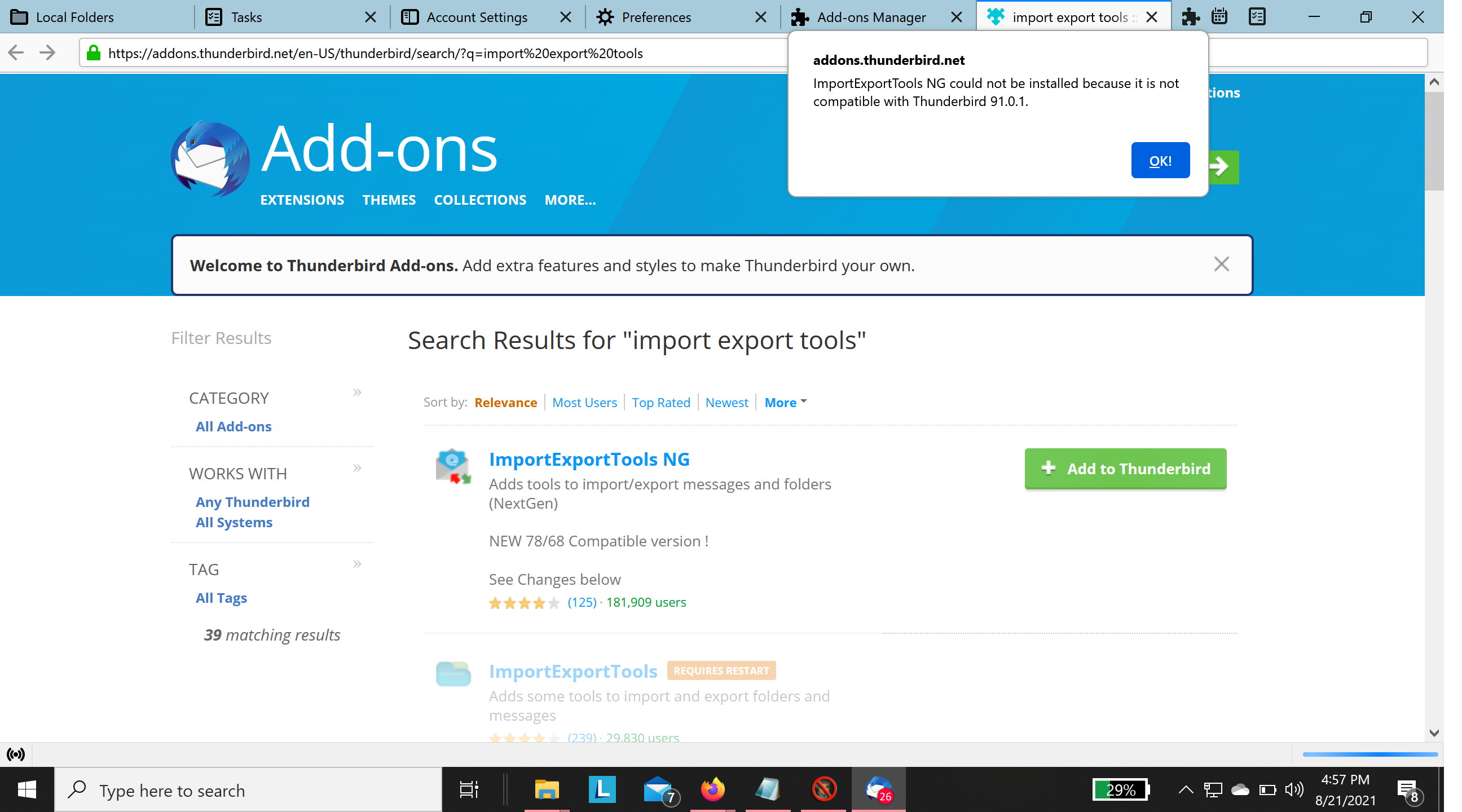
However, when I tried to load the importEportToolsNG add-on, I got the message "importEportToolsNG could not be installed because it is not compatible with Thunderbird 91.0.1" (see attached file).
BTW, the same thing happened when I downloaded importEportToolsNG directly and then tried to add it in Thunderbird from a file. There is no reason why this should work, but I tried out of desperation.
Help! What can I do?
I have a Lenovo ThinkPad X1 Carbon Gen 8, running Windows 10 Pro
Ñemoĩporã poravopyre
Remove the .mbox extension from the file, then Help/More Troubleshooting, Profile Folder, Open Folder, close TB, copy the file into Mail/Local Folders, restart TB, see the folder under Local Folders in the Folder Pane.
Emoñe’ẽ ko mbohavái ejeregua reheve 👍 1Opaite Mbohovái (1)
Ñemoĩporã poravopyre
Remove the .mbox extension from the file, then Help/More Troubleshooting, Profile Folder, Open Folder, close TB, copy the file into Mail/Local Folders, restart TB, see the folder under Local Folders in the Folder Pane.