


Replacing corrupted profile with pre-ver 78.4Tbird profile OS Win 10

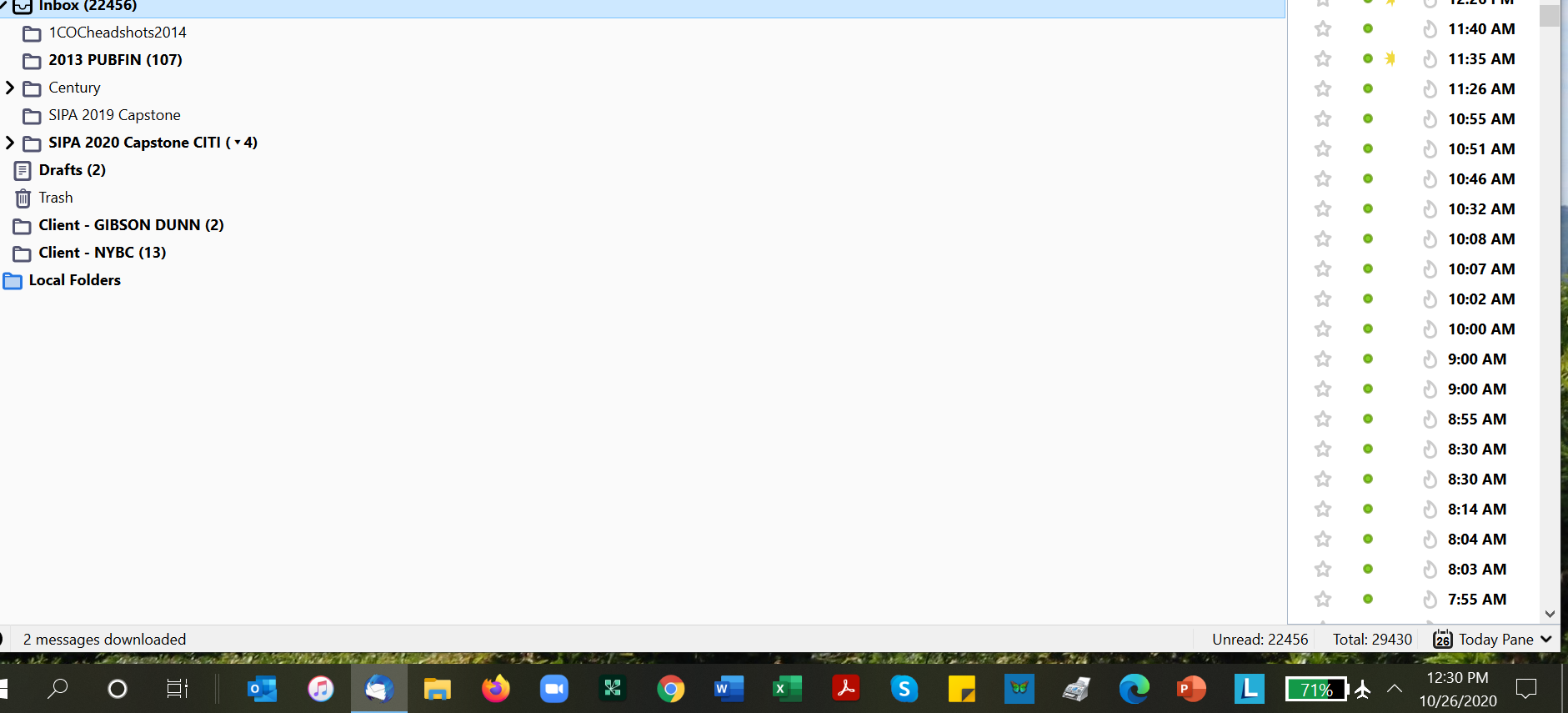
I updated T bird to ver 78.4 from whatever was the recent previous version but now have a corrupted profile (doesn't show all Inbox folders). I backed up the profile before the update. It has the same name as the corrupt profile. With Tbird closed, can I just use Explorer to replace the profile with its earlier version? OS is Win 10
Opaite Mbohovái (4)
Ñemoĩporã poravopyre
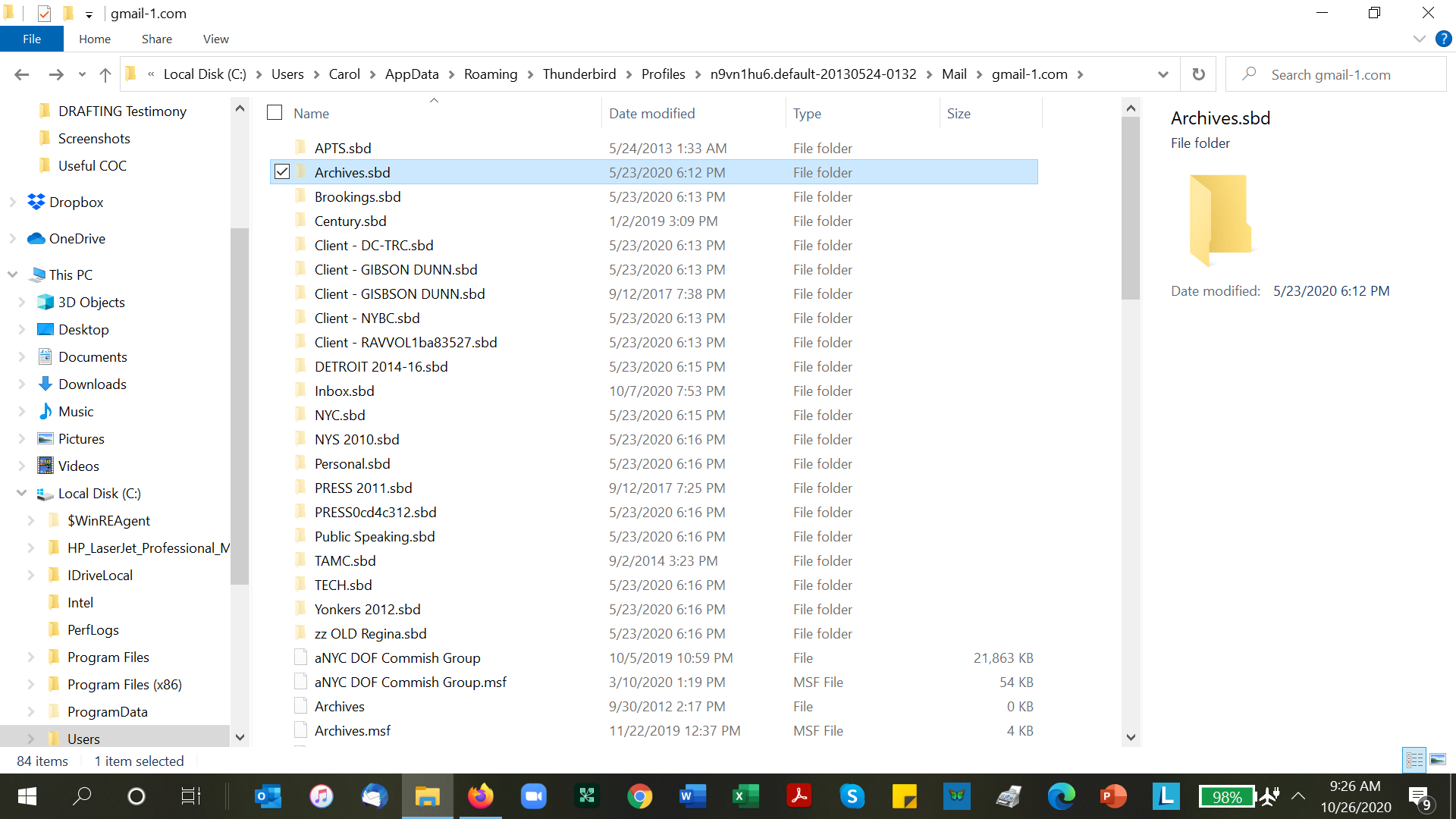
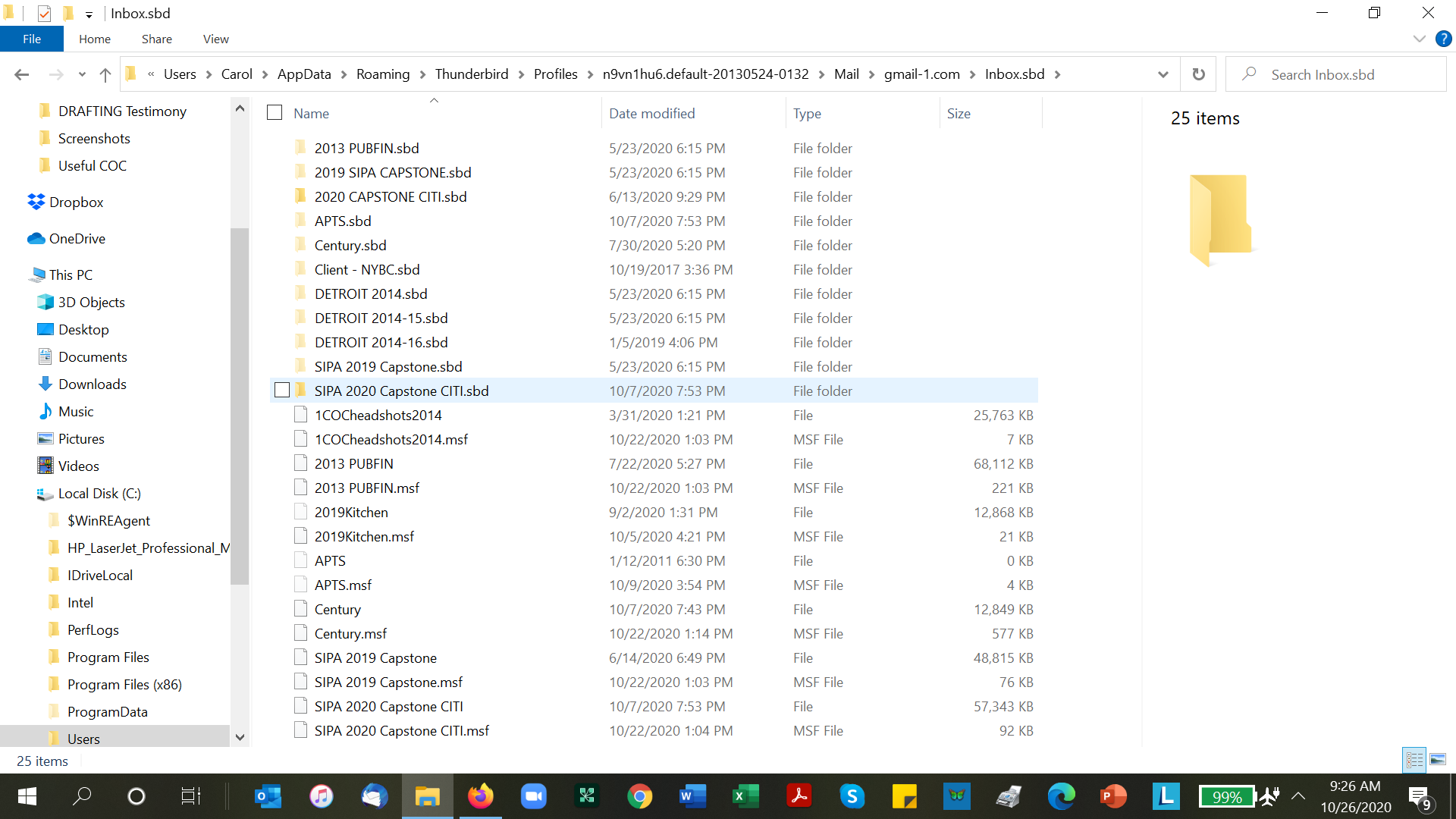
In your screenshots, the non-showing folders are hidden (have the hidden attribute). Was this intentional? Make them not hidden (remove the hidden attribute) and restart Tbird.
Many Many Thanks!!!!!
Any idea how they got hidden?
It would not have been done intentionally since I don't delve deep inside folders I don't understand. It happened during a Tbird upgrade last week on a day when the computer kept dropping the wifi connection on the dual-frequency home LAN. The laptop is frequently moved from room to room without incident but Windows troubleshooter diagnosed the repeated dropped connections as due to "excessive roaming"