


missing menu bar options
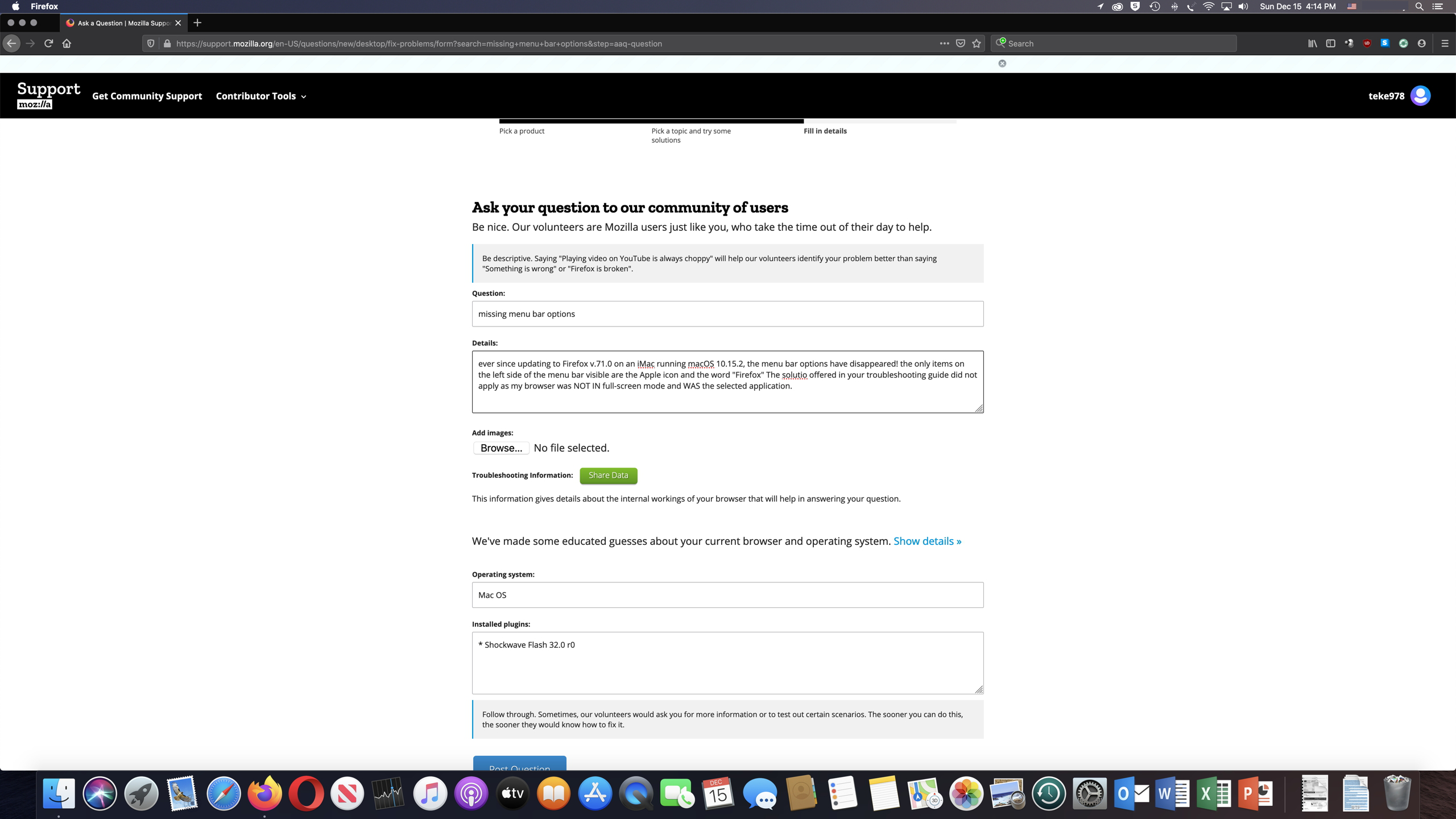
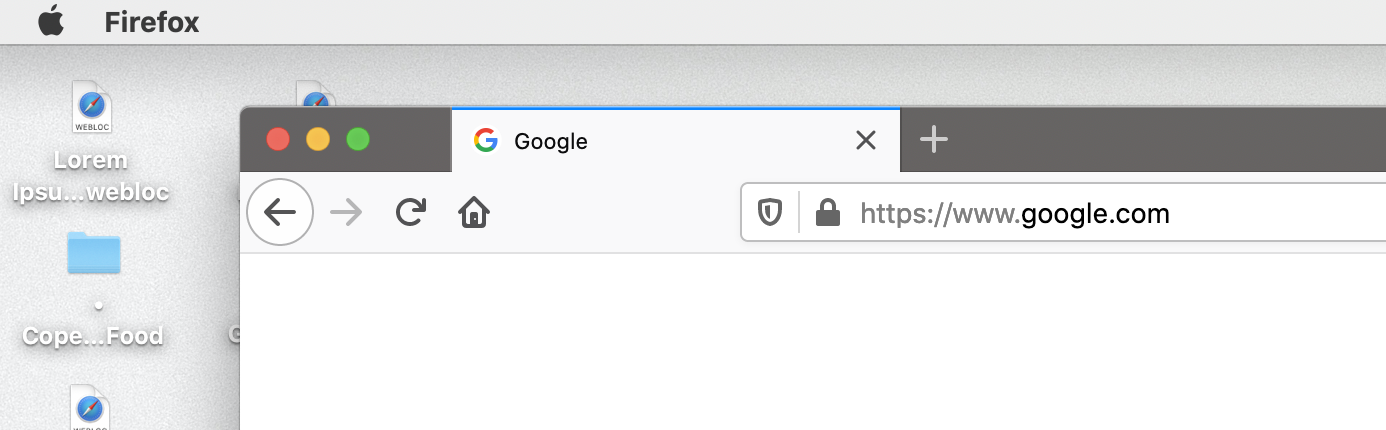
ever since updating to Firefox v.71.0 on an iMac running macOS 10.15.2, the menu bar options have disappeared! the only items on the left side of the menu bar visible are the Apple icon and the word "Firefox" The solutio offered in your troubleshooting guide did not apply as my browser was NOT IN full-screen mode and WAS the selected application.
Opaite Mbohovái (4)
On Mac the main menu bar is under control of the Mac OS. It is possible that the Firefox plist file is corrupted.
Try to remove the Firefox plist file (org.mozilla.firefox.plist). Go to "~/Library/Preferences" and remove the plist file for Firefox (org.mozilla.firefox.plist)
In Mac OS X v10.7 and later, the "~/Library" folder in the Home directory is a hidden folder.
Same issue ... Using MacOS 10.15.4. Been both going to ~/Library/Preferences and also been trying searching "This Mac" for plist-file and no org.mozilla.firefox.plist. Did reinstall Firefox and menu bar was visible for few days. Now the menu bar options have disappeared again. The browser is NOT in full-screen mode.
Pls help Thx
About the Firefox plist file (org.mozilla.firefox.plist): User plist files are stored in ~/Library/Preferences/ (~/Library is a hidden folder) System wide plist files are stored in /Library/Preferences/
Thank you - issues fixed