


Cannot see my folders [SOLVED]

When I start Thunderbird, my regular display appears for about a second. This has all my folders--inbox, trash, and local ones that I have created. Then suddenly only one of my local folders shows. There does not seem to be a button to restore the full view. I tried starting in Safe mode, but the situation was the same.
Thank you for any assistance.
Jan
Moambuepyre janditzian rupive
Ñemoĩporã poravopyre
When your problem has been fixed can you mark the thread as 'Solved' please? Thank you.
Emoñe’ẽ ko mbohavái ejeregua reheve 👍 1Opaite Mbohovái (13)
janditzian said
When I start Thunderbird, my regular display appears for about a second. This has all my folders--inbox, trash, and local ones that I have created. Then suddenly only one of my local folders shows. There does not seem to be a button to restore the full view. I tried starting in Safe mode, but the situation was the same. Thank you for any assistance. Jan
Open TB, click on view at the top, drop down menu, choose folders, then all.
mdybluz said
Open TB, click on view at the top, drop down menu, choose folders, then all.
It is already selected as ALL. This is how it was when I asked the question. Jan
I also have restarted Thunderbird and I have restarted the computer (Windows 8).
Jan

Is this a POP account and you're using Global Inbox?
christ1 said
Is this a POP account and you're using Global Inbox?
I don't understand Global inbox, but I think so. It is a POP account and all mail comes to the inbox, but I have some filters that push some of it directly to local folders.
Jan
Check this article. http://kb.mozillazine.org/Global_Inbox
christ1,
I looked at the article, but I am loath to go through a procedure that I am unsure of. I know that things have been working properly for several years, and suddenly this happened. I do not see how it can be much more than an errant mouse click that caused the problem, so the solution should be straightforward once I discover it.
The big problem with the article is that it tells me how to set up something special, not how to get the standard display.
If you would like a picture of what I have, I will research how I can get a print screen for you.
Jan
christ1,
I uploaded a PrtScn. I have no idea how to display it, but I expect that you know how to do this. It is called Screenshot3.png.
Thank you,
Jan
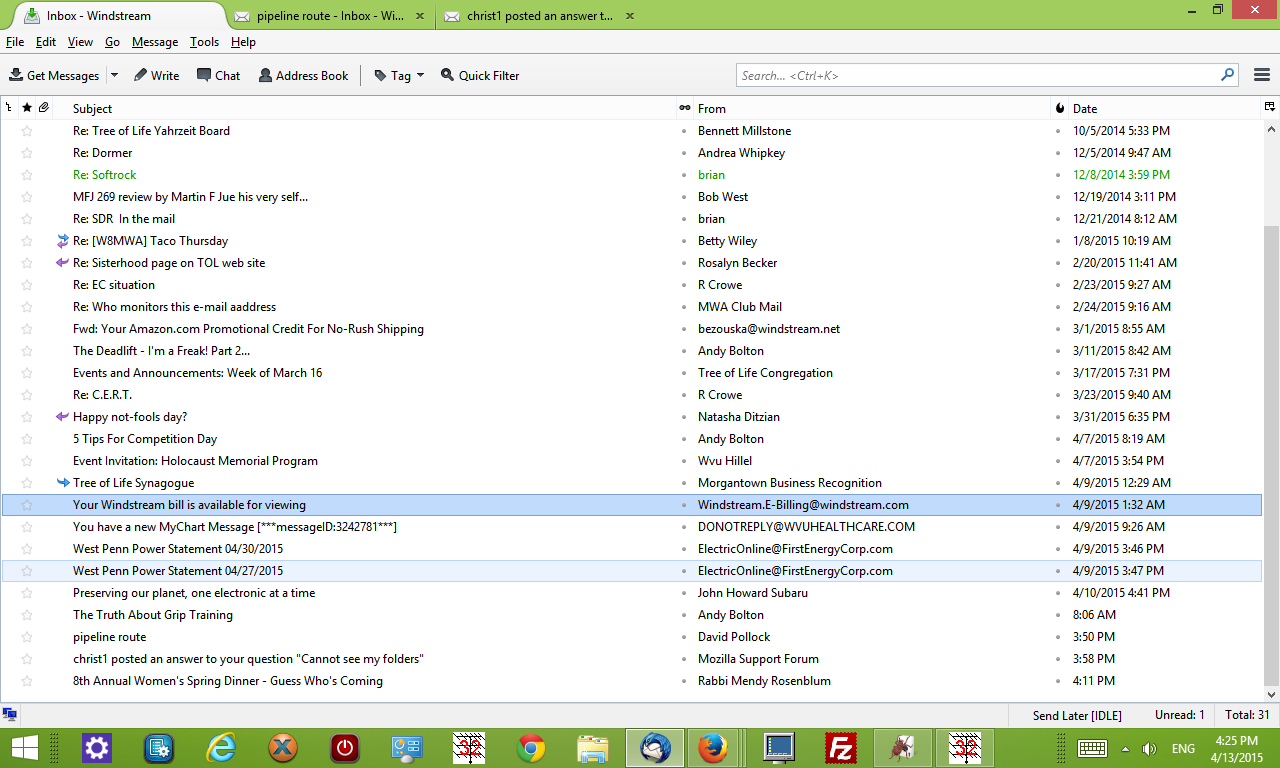
Try View - Layout. Is 'Folder Pane' checked?
Ñemoĩporã poravopyre
When your problem has been fixed can you mark the thread as 'Solved' please? Thank you.
christ1 said
When your problem has been fixed can you mark the thread as 'Solved' please? Thank you.
I have added the word "solved" to the title; I have no idea how to further mark the item.
Jan