Screenshot commands examples for Developer Toolbar Console

Could someone provide correct commands for screenshot? I'm able only to take current visible position of site and save as file. How can I take screenshot of whole website?
Réiteach roghnaithe
Works here in the current Nightly build:
- screenshot --fullpage nightly_test.png
- screenshot --clipboard true --delay 5
All Replies (8)
You can look at extensions like these:
- Abduction!: https://addons.mozilla.org/firefox/addon/abduction/
- Pixlr Grabber: https://addons.mozilla.org/firefox/addon/pixlr-grabber/
- Grab Them All: https://addons.mozilla.org/firefox/addon/grab-them-all/
I know about certain addons which could do that, but I asked about built-in feature..
How am I supposed to use it? I type "screenshot c:/1.png false 0 0 1" and little pop-up says "Available Options. Too many arguments" Am I doing something wrong?
screenshot test 0 true works for me - but only in the current firefox 16 release, not in aurora or nightly...
Réiteach Roghnaithe
Works here in the current Nightly build:
- screenshot --fullpage nightly_test.png
- screenshot --clipboard true --delay 5
Athraithe ag cor-el ar
That's what I was looking for. Thank You!
I'm trying to get a screenshot but my HP laptop doesn't have a Print Screen key and I've no way of finding the combination of keys required. Can anyone help?
Hi vaswolter.
Can you please start a new thread for your question?
Then you can provide more information like your operating system and installed extensions and installed plugins.
Thanks.
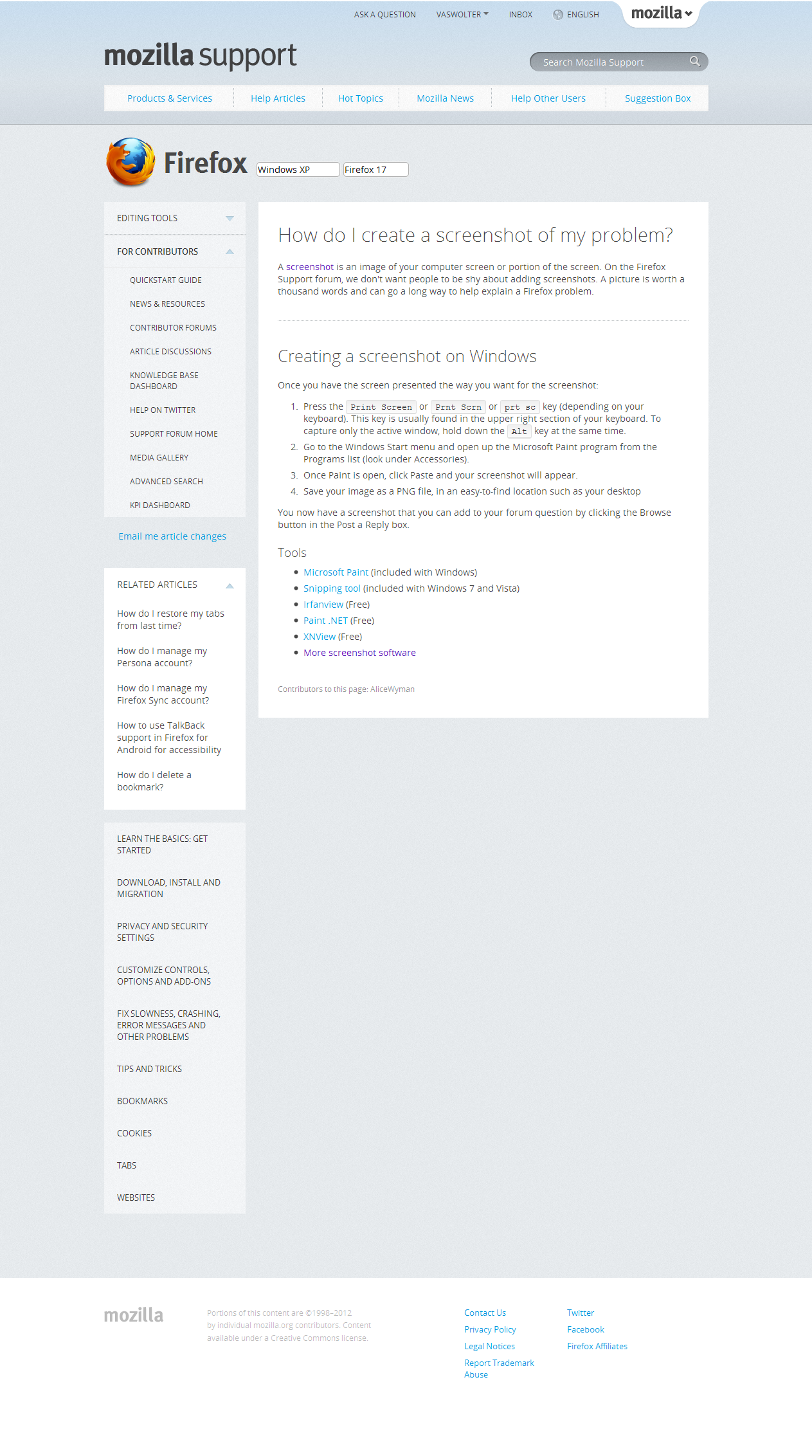
Hi Co-rel, Thanks for the info. I'm sorry but I'm not that well versed in using computers and don't know how to start a new thread though you have provided the link. Anyway after persistent trials and errors I happened to find an app by Diigo which I installed and am happy to say it works. I've taken a snapshot of the relevant Mozilla page and am adding an image here. Best regards, Vasantha