Accessibilites for eye-sight challeneges

I am blind in my left eye, and use my right eye to see. I can't seem to change where search results will show, as it is always on the left hand side where I cannot see.
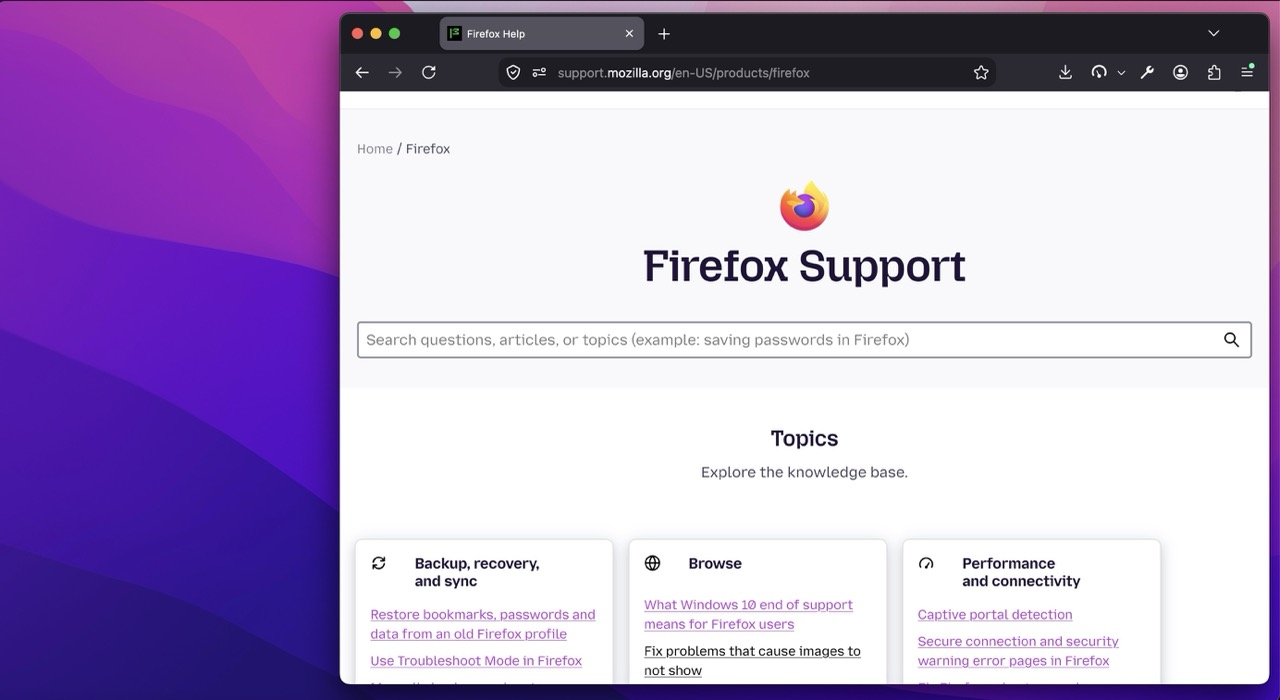
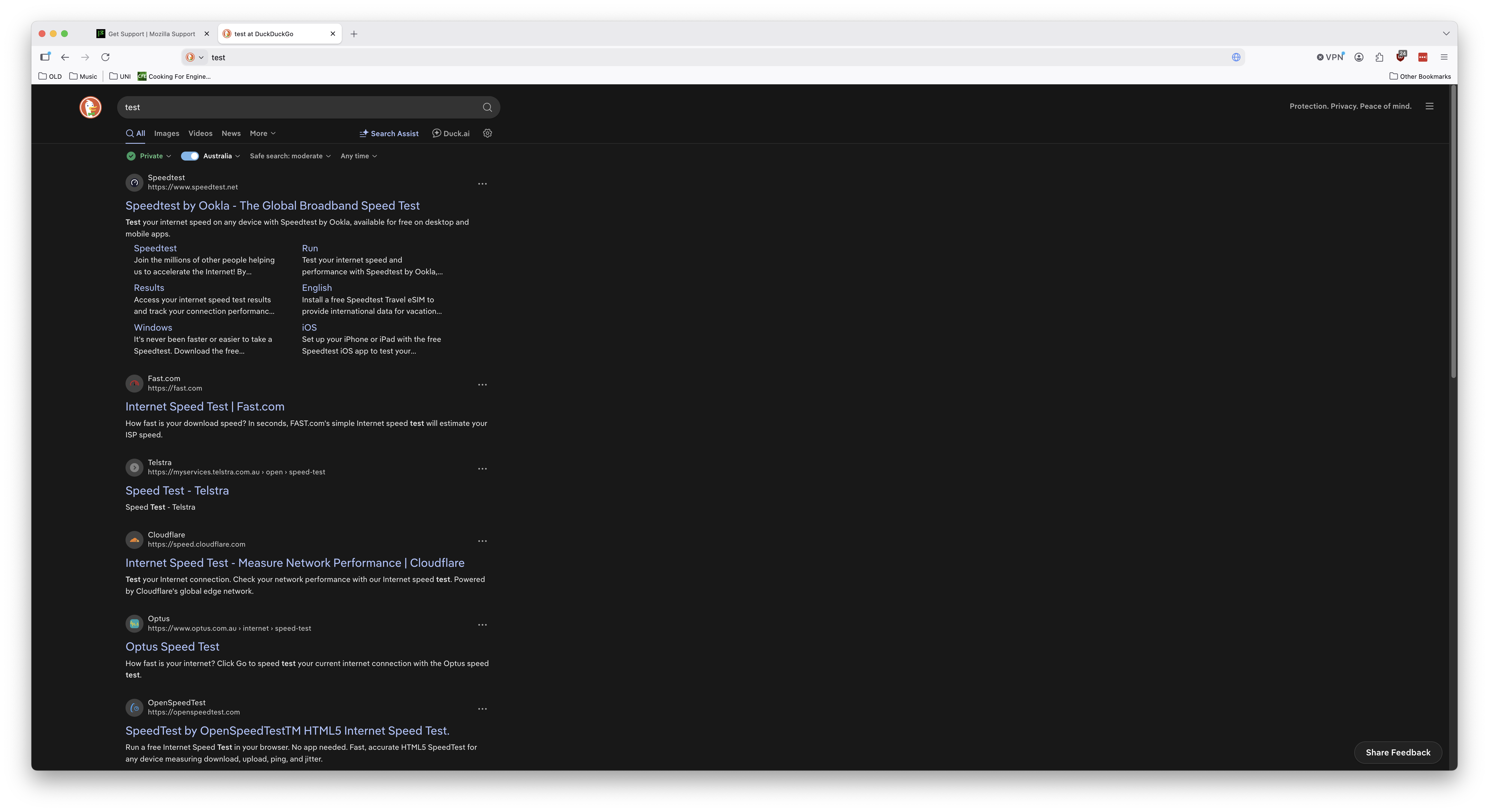
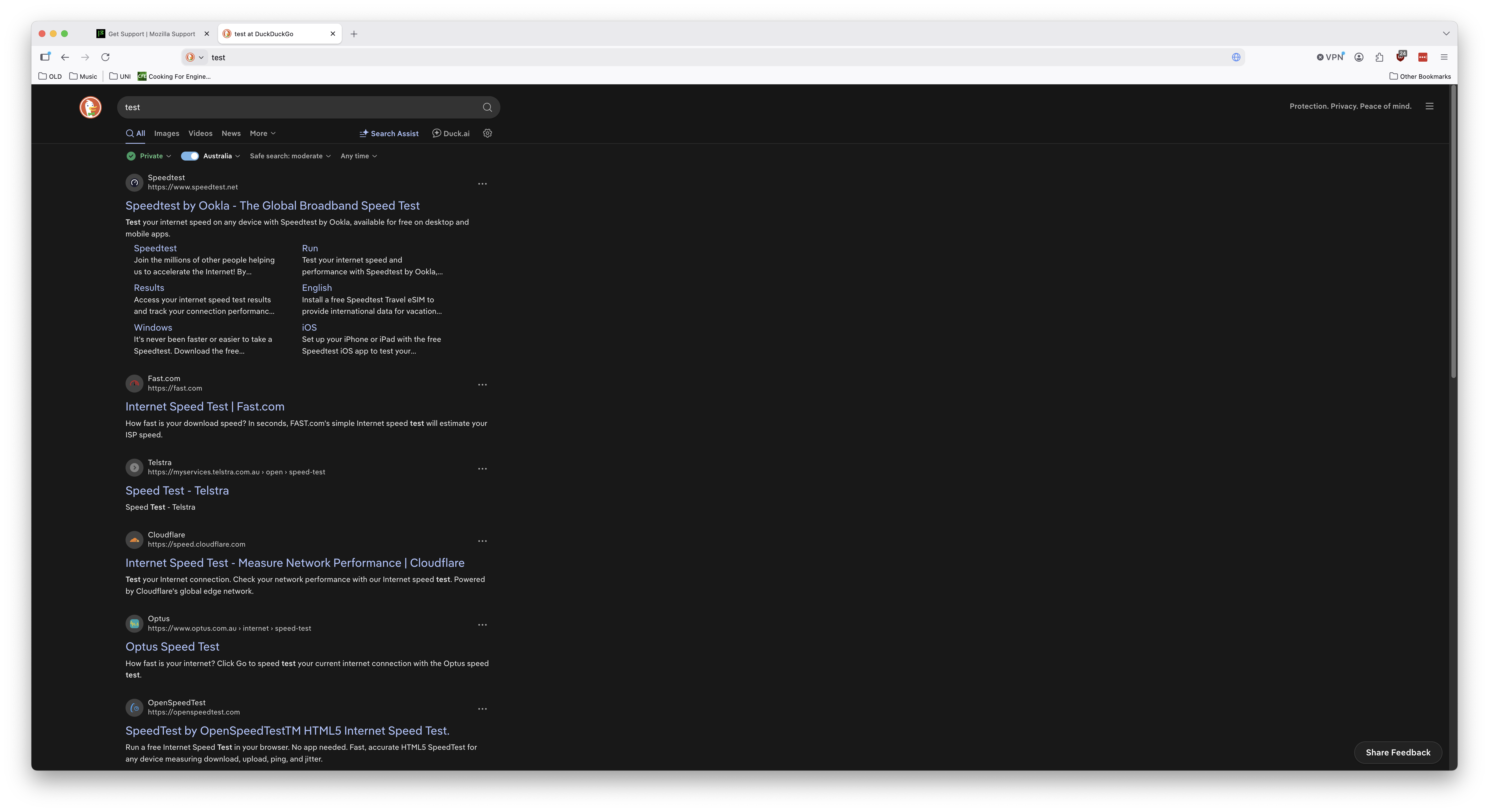
Is it possible to center search results? That way I don't have to turn my entire head to read the search results. If not that, is it possible to have the search results take up the screen more? Because it is limited to a very narrow width of the window with such abundant space. I've attached a screenshot to show what I mean. This is at 100% zoom.
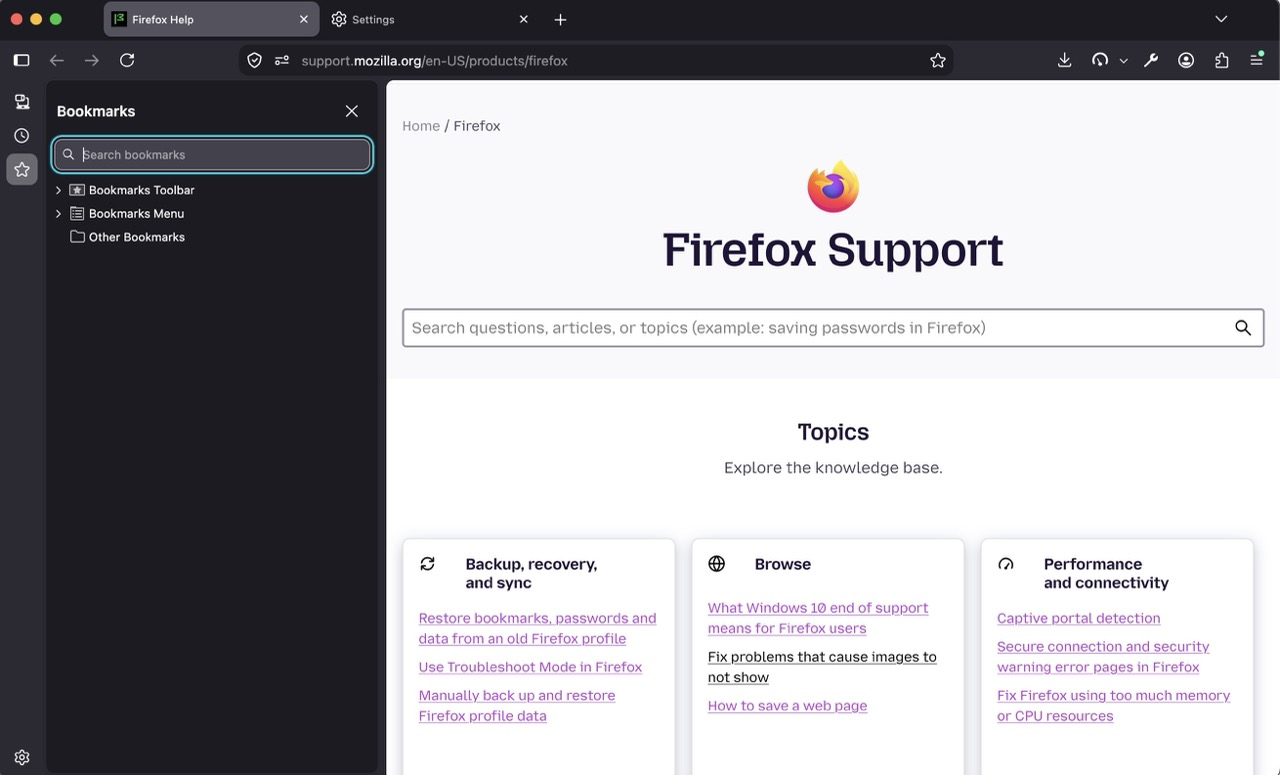
I have to change the zoom, but even then it is still so far to the left. The second photo is at 130% zoom.
I hope to hear back on how to make using firefox easier for me. Thank you, - J
All Replies (2)
Réiteach Roghnaithe
Bonjour
Maybe you can test Responsive Design Mode https://firefox-source-docs.mozilla.org/devtools-user/responsive_design_mode/index.html
A test Responsive Design Mode https://www.youtube.com/watch?v=O9zb6ggRBvo https://www.youtube.com/watch?v=GUOCsFY6hU4
Athraithe ag Agent virtuel ar
So you have a very wide display, and things end up unnecessarily too far left, with unused space around.
Have you considered making the window browser smaller, and moving it as far right as comfortable for you, to have a spot where left–aligned sites stay in view?
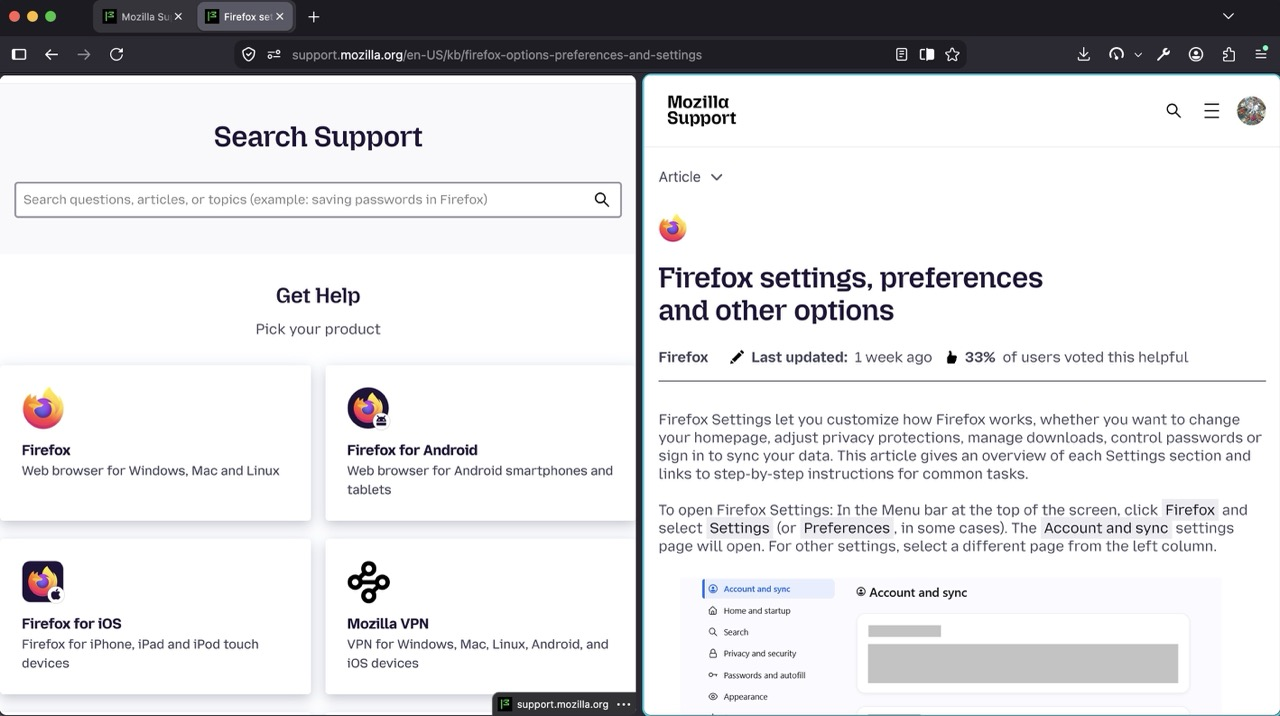
Or, potentially, you can keep it full–screen like now, and enable some sidebars or even split view to keep some content on the left, and have other content on the right? (You can drag the divider to size things as necessary):