


Open
Switching to window instead of tab

I've noticed, lately, sometimes, when I click on a new tab, instead of going to that tab, it opens it up in a new window. Is there any way of preventing that?
I've noticed, lately, sometimes, when I click on a new tab, instead of going to that tab, it opens it up in a new window. Is there any way of preventing that?
All Replies (3)
You can choose whether it will open in a tab or window, go to
Menu > Tabs and browsing > and check Open links in tabs instead of new windows
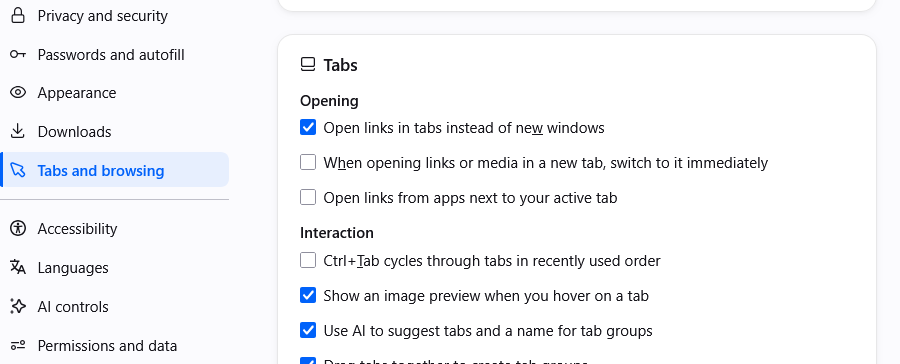
Thanks, but that's not what I'm talking about. (I already have it set that way.) I mean, when I click on a tab already on the top, it doesn't just go to it; rather it instantly closes the tab and immediately opens it up in a new window. How do I prevent THAT?
Can you restart into Troubleshoot Mode (from Help menu) to try and see if it also reproduces there?