


can't open state owned website due to sertificate signature error
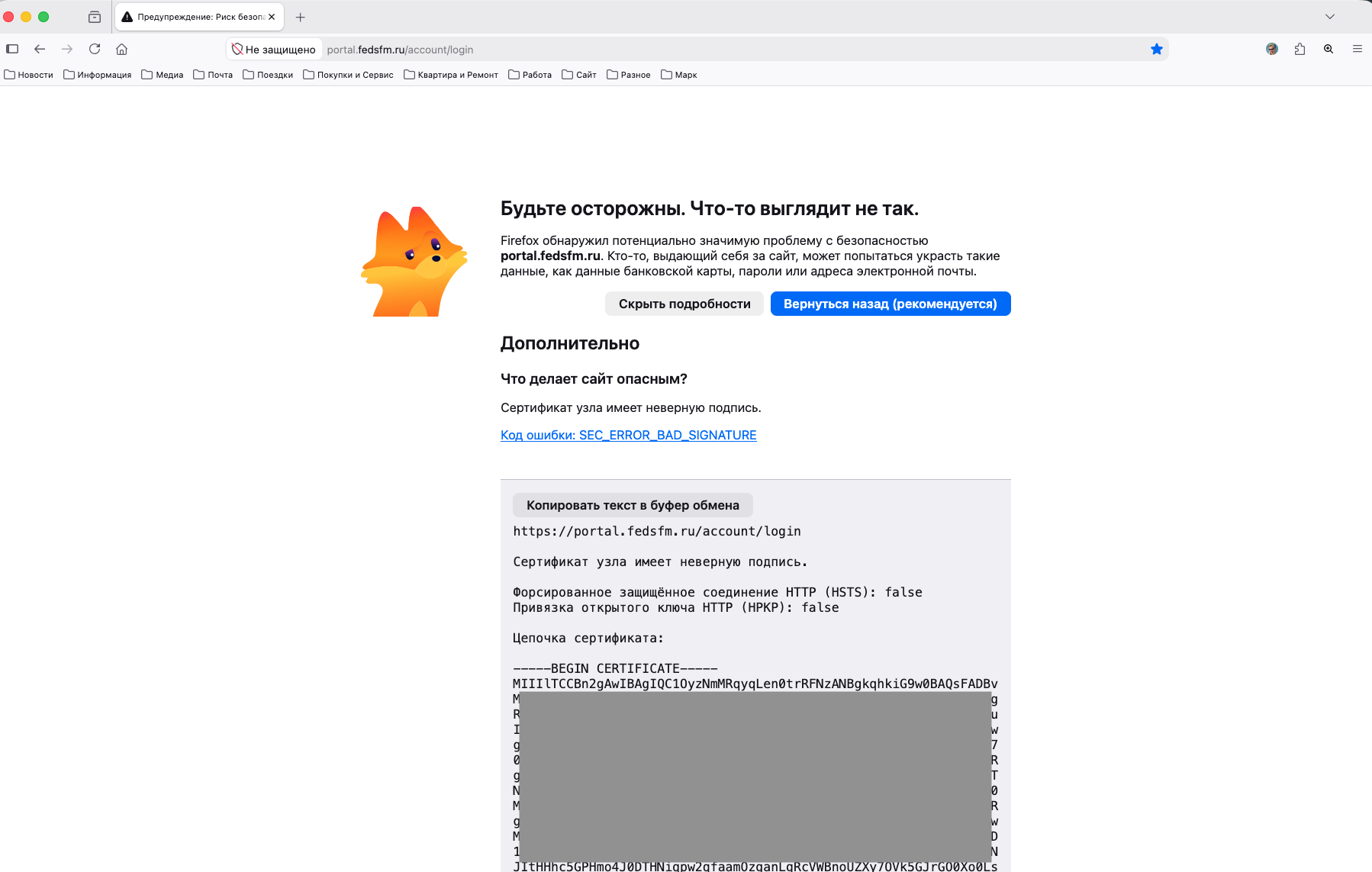
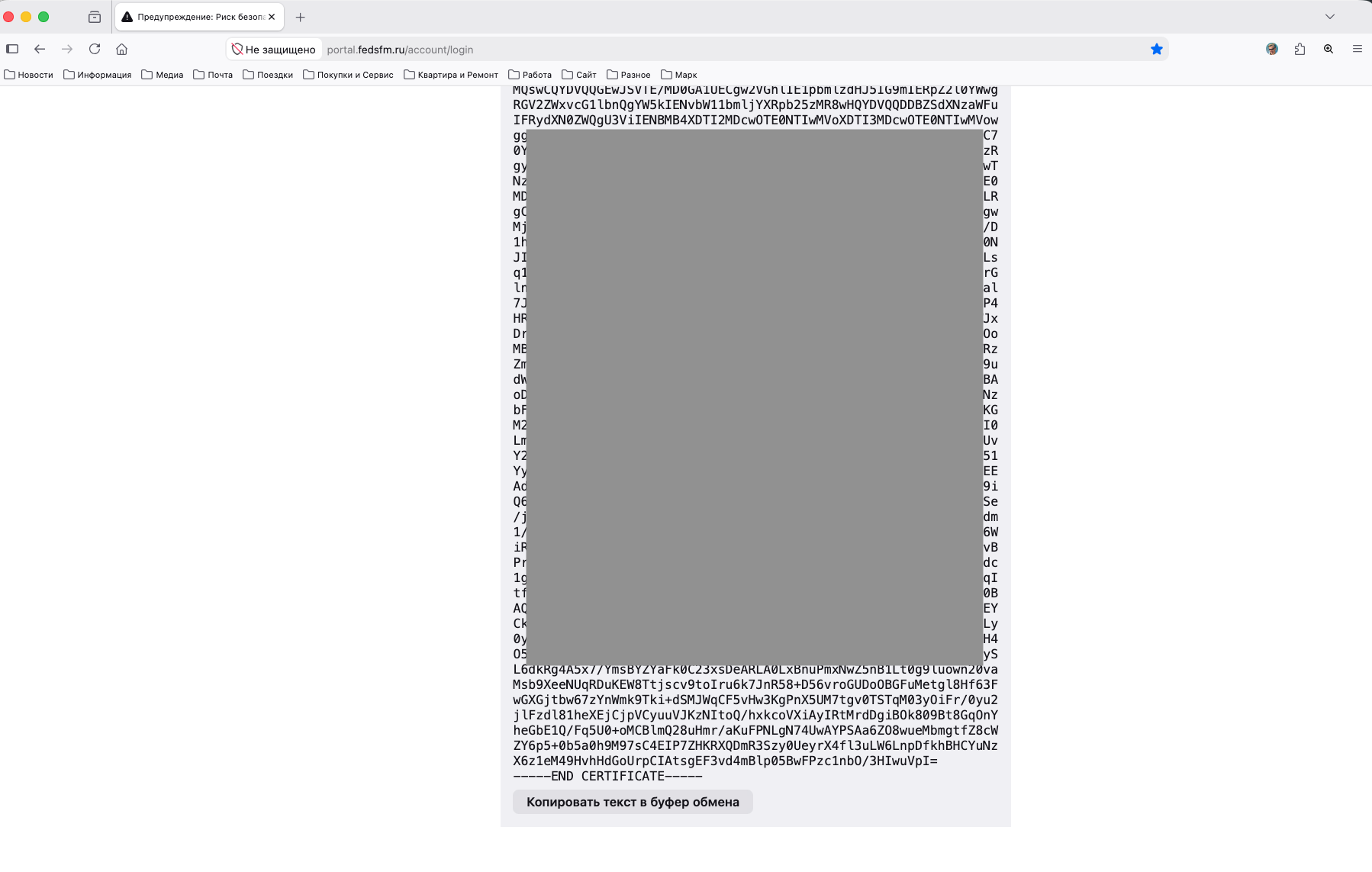
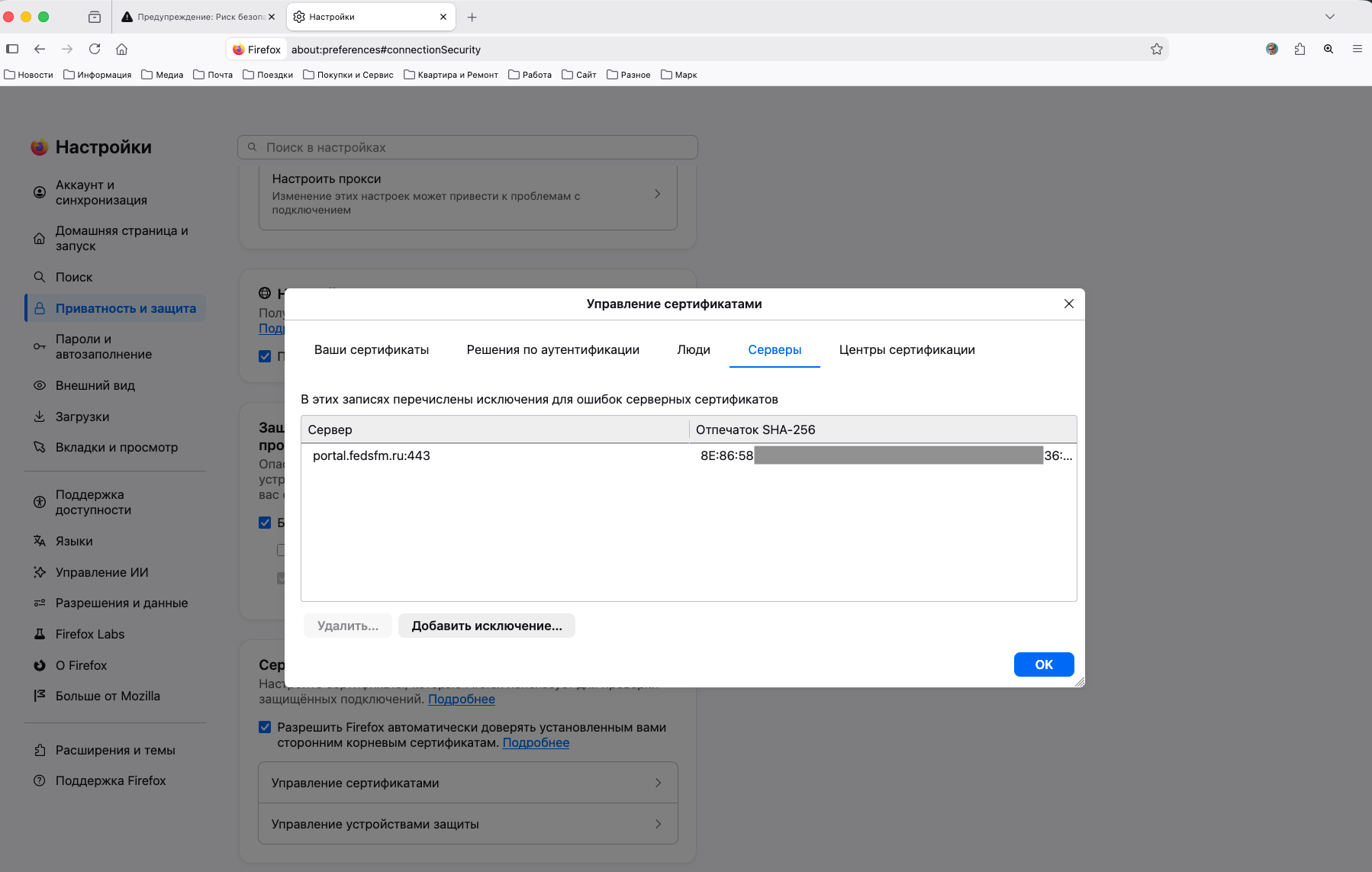
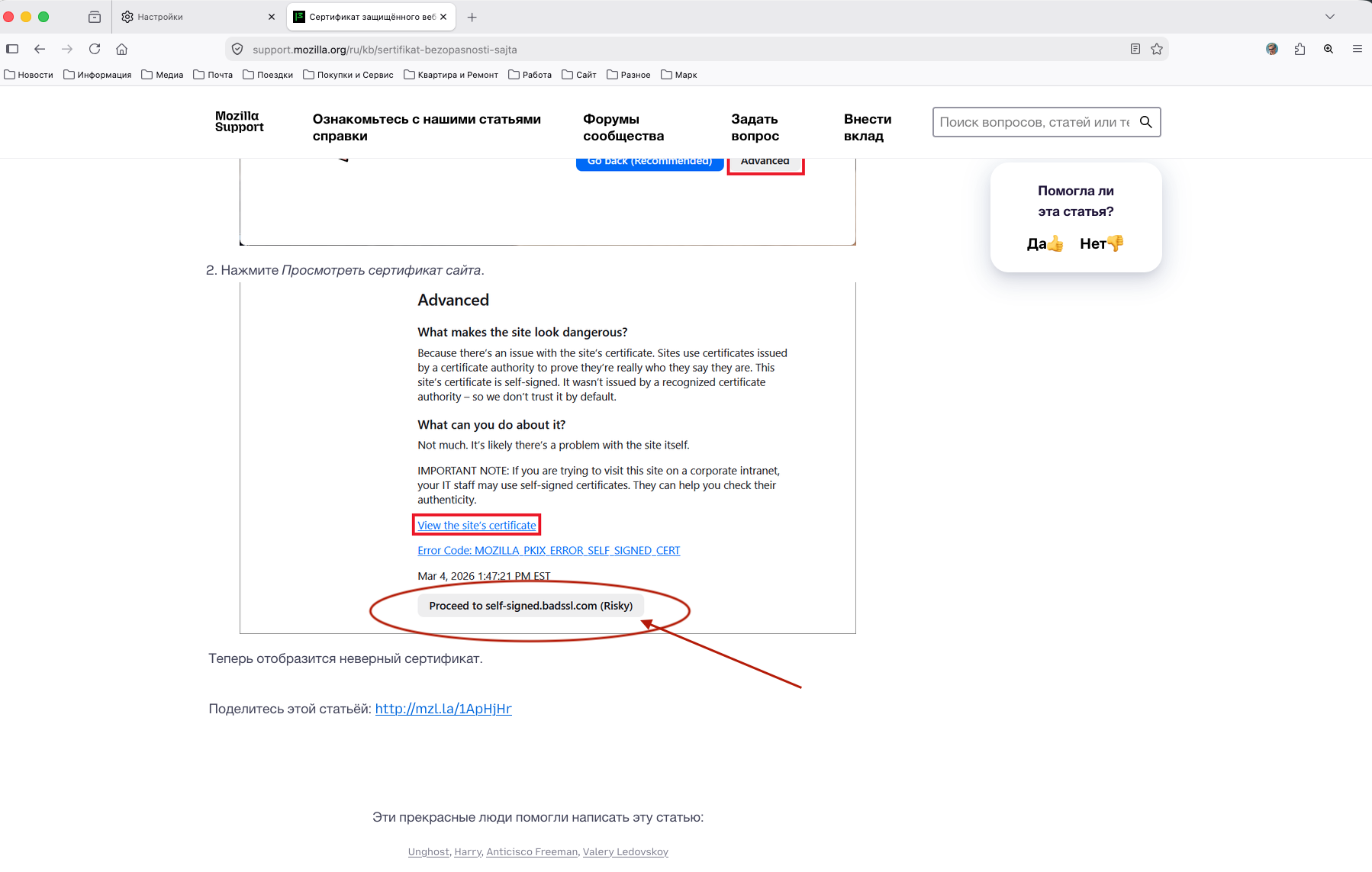
Hi, I try to use Firefox for my job and faced with the problem that I can't open state owned website due to sertificate signature error. I ready to take a risk but I can't find the button "Proceed.. (Risky)". This button simply not showing. In th same time in mobile version I saw this button, could take permssions myself and open the website. I tryed to add root and sub sertificates of the Goverment, tryed to add the site address to exclusions -- all these steps don't work. I can't open the site and can't find button "Proceed.. (Risky)". Moreover, in the same time, I can open this website without any questions and problems with Safari and Chrome.
I use the last Firefox version (153.0) from Firefox official website.
How can I resolve this problem in Firefox? Please help me
All Replies (1)
The site isn't accessible from anywhere else so it's impossible to check the response and handshake steps. In general SEC_ERROR_BAD_SIGNATURE is not recoverable, hence it has no "Proceed" option.