Open
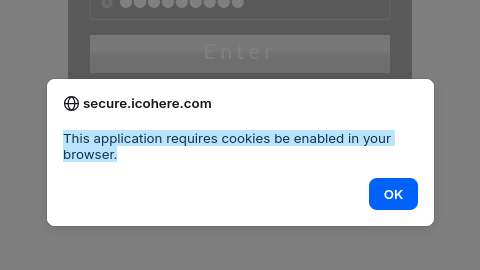
Error Message:> "This application requires cookies be enabled in your browser"
Firefox on Zorin is not giving me an option in the top bar to enable cookies
Firefox on Zorin is not giving me an option in the top bar to enable cookies
All Replies (2)

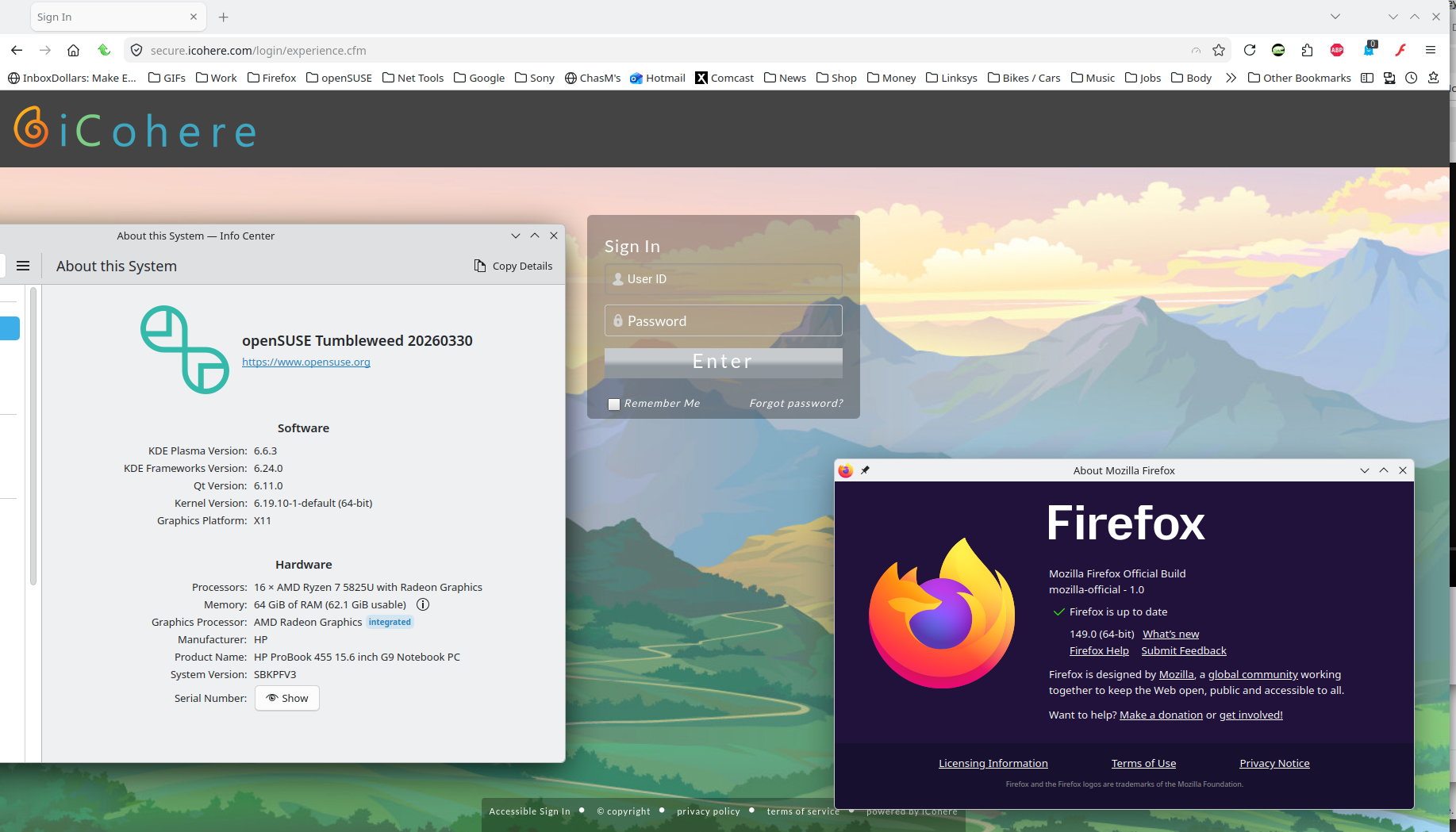
Site works for me. see screenshot What are your cookie setting in privacy? What Desktop? X11 or Wayland? Did you try with Firefox in Troubleshoot Mode? https://support.mozilla.org/en-US/kb/diagnose-firefox-issues-using-troubleshoot-mode#w_how-to-start-firefox-in-4troubleshoot-modesf5safe-modesf
Did you clear your browser cache? https://support.mozilla.org/en-US/kb/clear-cookies-and-site-data-firefox
Hello
Take a look at https://support.mozilla.org/en-US/kb/websites-say-cookies-are-blocked-unblock-them
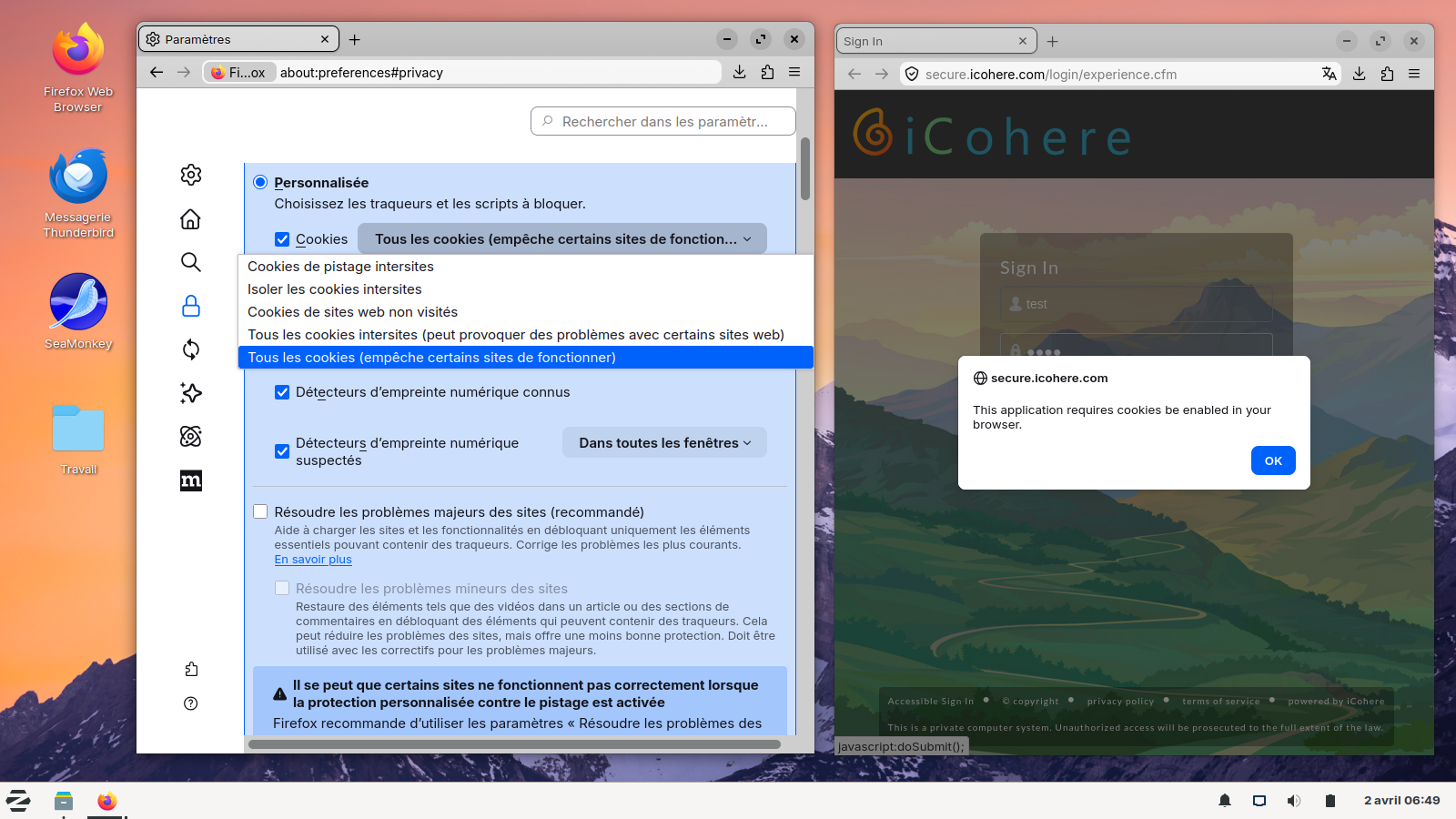
Below, a test carried out, if, Custom is selected and All cookies (will cause websites to break)