


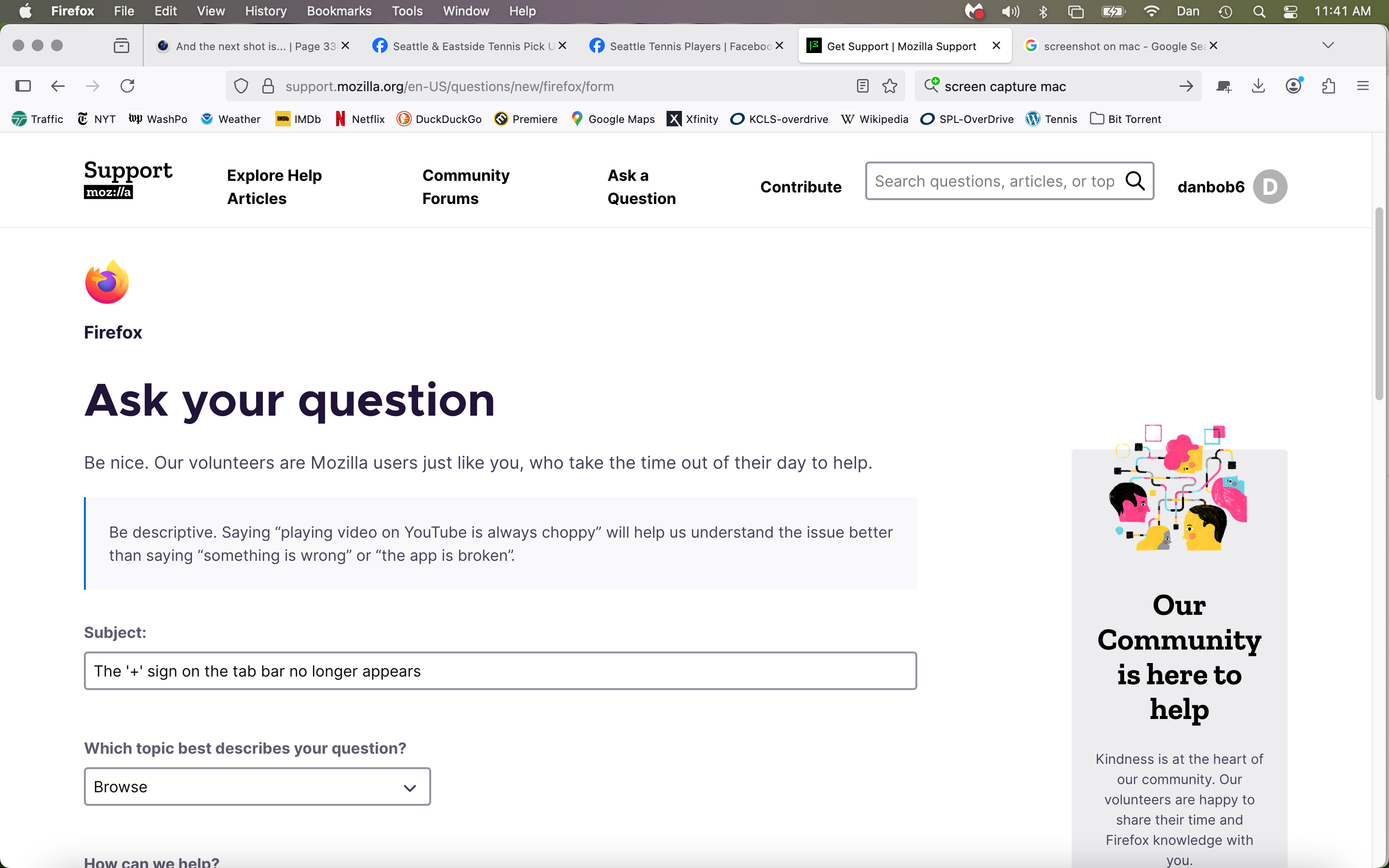
The '+' sign on the tab bar no longer appears

I updated Firefox this morning to 139.0.4 on my Mac and now the '+' sign to add a new tab no longer appears on the tab bar. I can still add new tabs with Command T however.
Any suggestions on how to restore the '+' sign?
Thanks Dan
I updated Firefox this morning to 139.0.4 on my Mac and now the '+' sign to add a new tab no longer appears on the tab bar. I can still add new tabs with Command T however.
Any suggestions on how to restore the '+' sign?
Thanks
Dan
Réiteach roghnaithe
R. click the toolbar > Customize > drag the New Tag icon to the toolbar.
Read this answer in context 👍 0All Replies (2)

Réiteach Roghnaithe
R. click the toolbar > Customize > drag the New Tag icon to the toolbar.
Works like a charm! Thanks Ed