


Syncing on multiple computers

Hi,
I use firefox on both a work and home computer, as well as my phone (iOS). I have sync active on all three devices, yet the synced tabs only ever shows one device's tabs. On both computers, the iOS tabs are all that displays in synced tabs, and on iOS, only one of the two computer's tabs are shown, and often with the wrong name - I haven't found out what determines which computer's tabs shows in the synced tabs menu or which name is used, but it definitely isn't which computer was used more recently, for either requirement.

Réiteach Roghnaithe
Have you tried the sign out option on the device(s) that's not showing? Then go to the device and make sure it's signed out and then sign back in.
Athraithe ag jonzn4SUSE ar
All Replies (4)
Can you post similar screenshot showing synced devices and connected services from accounts.firefox.com?
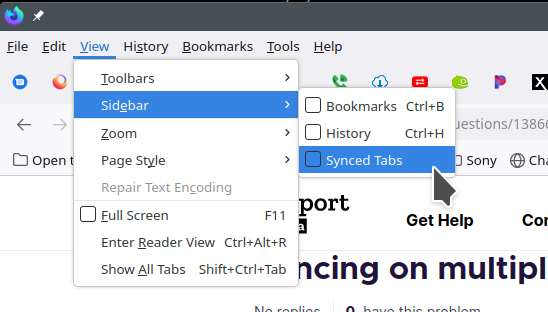
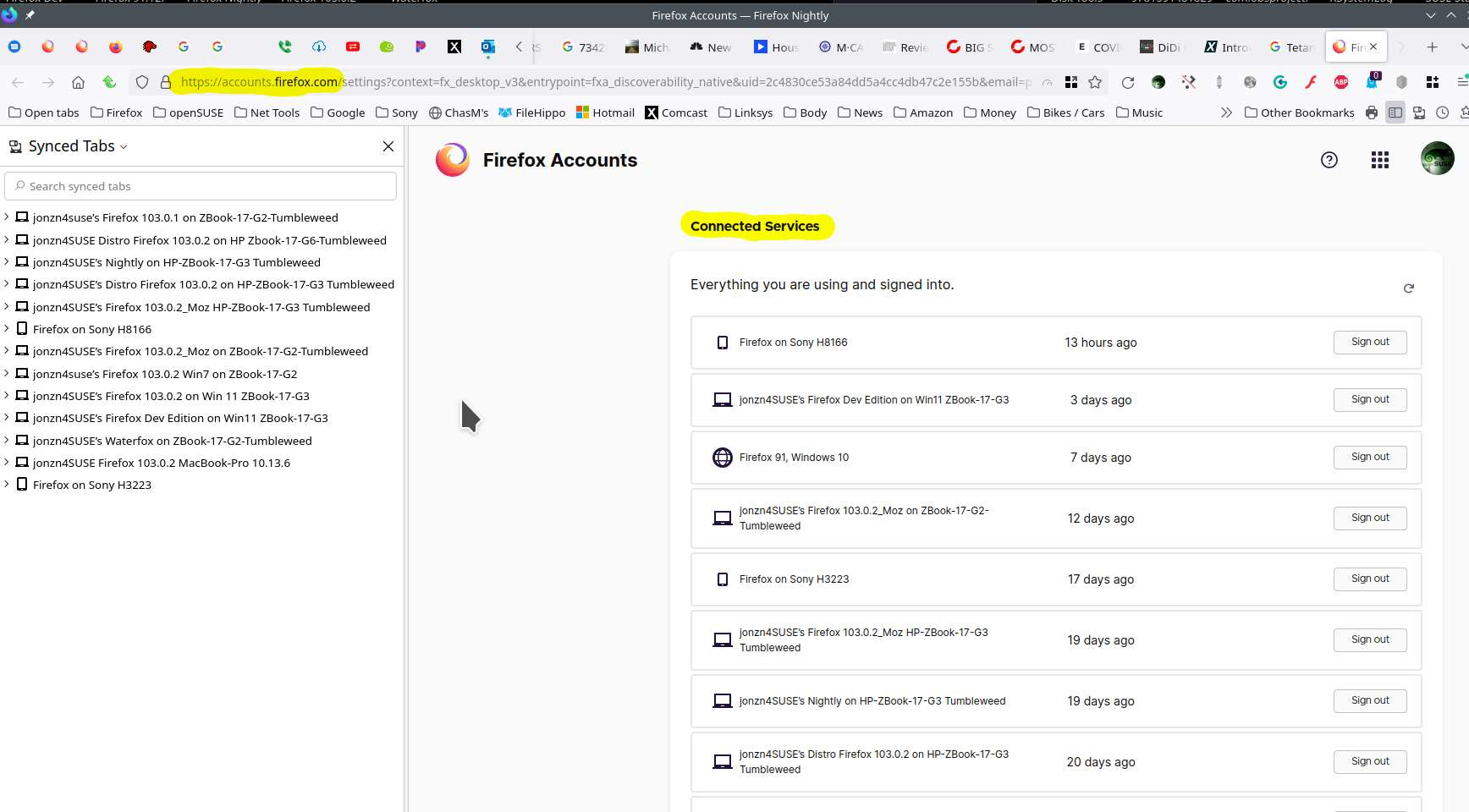
Athraithe ag jonzn4SUSE ar
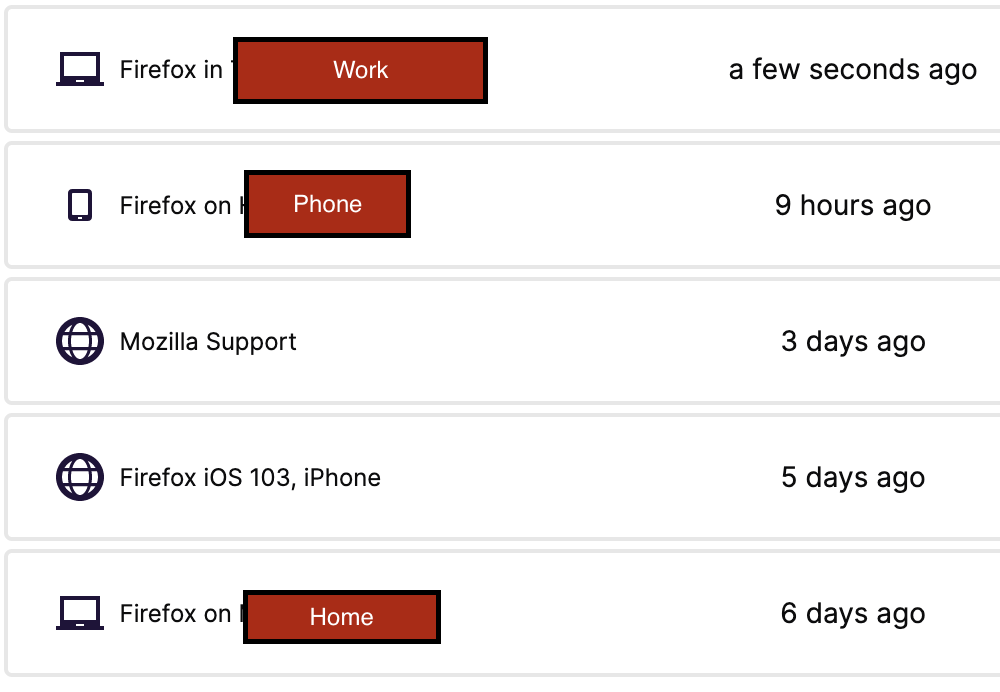
Here is the list of devices. Weirdly enough, I used the home computer over the weekend (and essentially every day) but it isn't reporting use in the last week.
Also not sure why it is listing phone separately from "iOS"
Réiteach Roghnaithe
Have you tried the sign out option on the device(s) that's not showing? Then go to the device and make sure it's signed out and then sign back in.
Athraithe ag jonzn4SUSE ar
Do not know why this worked this time when I thought it didn't before, but it worked.
Thank you for your help!