


Notifications Nags Getting Out of Conrol

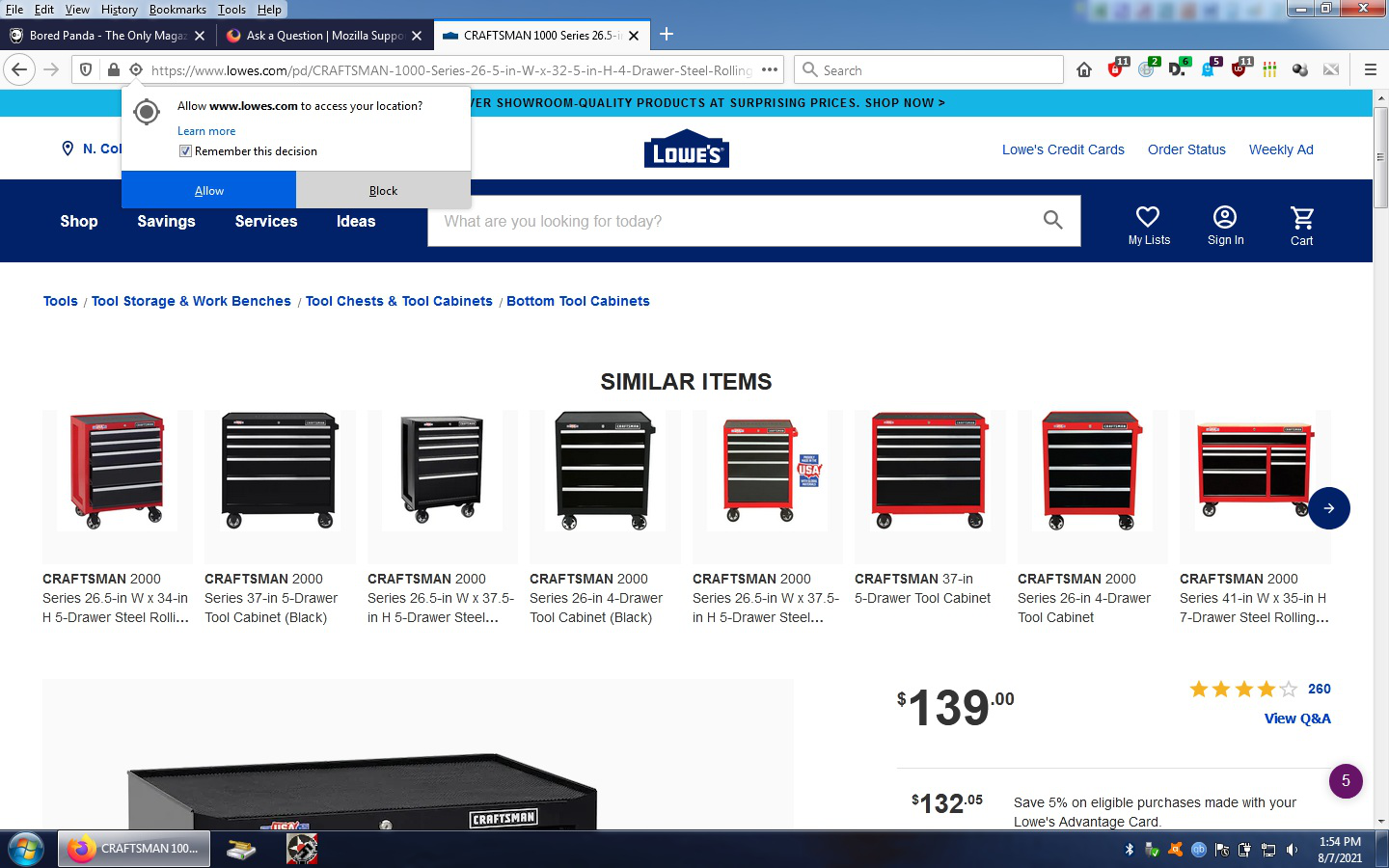
Question about Allow/Disallow Notifications nags. First, why not even ONE answer on ending upgrade nags ?
<sound of crickets> Guess I finally stumped the unpaid volunteers...
Notification nags. Need to completely banished from my universe. Every site in question, every time I load the page again -- notification nags. Nags are beginning to be an issue with follow-on releases and 'improvements' to FF.
Réiteach roghnaithe
You can find a checkbox in "Settings -> Privacy & Security -> Permissions" for some items to block further requests.
- Block new requests asking to access your location
- Block new requests asking to allow notifications
All Replies (3)
Réiteach Roghnaithe
You can find a checkbox in "Settings -> Privacy & Security -> Permissions" for some items to block further requests.
- Block new requests asking to access your location
- Block new requests asking to allow notifications
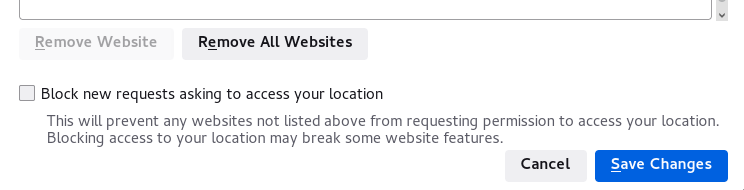
Already did that -- no effect.
In case you use "Clear history when Firefox closes" or otherwise clear history.
- do not clear the Site Preferences
- Settings -> Privacy & Security
Firefox will: "Use custom settings for history":
[X] "Clear history when Firefox closes" -> Settings - https://support.mozilla.org/en-US/kb/delete-browsing-search-download-history-firefox
- clearing "Site Preferences" clears exceptions for cookies, images, pop-up windows, and software installation and exceptions for passwords and other website specific data
- clearing "Cookies" will remove all cookies including cookies with an allow exception you may want to keep