


OK 4 a week. Now Firefox hangs when setting a bookmark from dropdown only. Bookmarks OK if I right click empty part of page. New WIN 7 64-bit PC. 16GBram Fix?
I have not tried resetting Firefox 31.0 as I do not want to lose any of the thousands of bookmarks. It also hangs forever whenever I try to go to the bookmarks drop down just to go to a bookmark or even "Show all bookmarks" to create an exported .html file to back them up in case I lose them. When I do a complete and proper uninstall of Firefox 31.0, I am never asked to keep the personal files and settings as I had been in the past with previous versions of Firefox. I downloaded the latest freshest copy of the install file from https://www.mozilla.org/en-US/products/download.html?product=firefox-stub&os=win&lang=en-US and installed it again and all the defaults and bookmarks came up just as before my uninstall. The problem still persists IE 11 and the latest Google Chrome installed on this same PC do not have this issue. What could have caused this and how do I fix it on a brand new PVC that all these browsers were working fine on for over a week until two days ago I started experiencing this with Firefox 31.0?
All Replies (5)
Try a Reset. Resetting saves all your personal data (except extensions, which could be causing this issue anyway) so it's a safe troubleshooting option :)
"When I do a complete and proper uninstall of Firefox 31.0, I am never asked to keep the personal files and settings as I had been in the past with previous versions of Firefox."
That option upon uninstalling Firefox was to "Remove my Firefox personal data and customizations" - not to "keep" it. Regardless, that feature was removed from Firefox recently.
To all those reading and Tyler Downer. This reset did not solve the issue and I received errors in Firefox after the reset. Attached is a screenshot of that "Oops" error. Please respond.
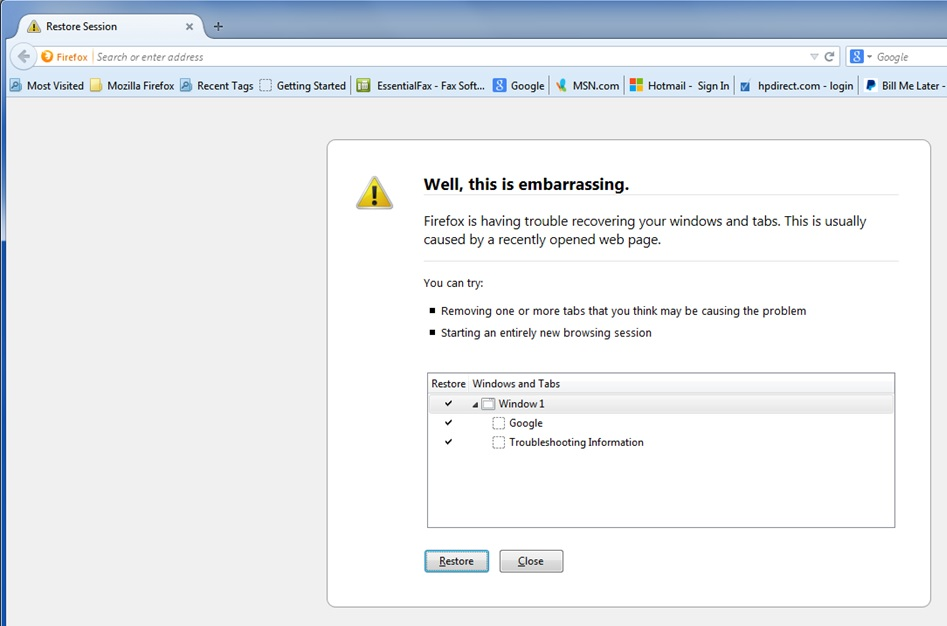
To all those reading and Tyler Downer. This reset did not solve the issue and I received errors in Firefox after the reset. Attached is a screenshot of that "Oops" error. Please respond.
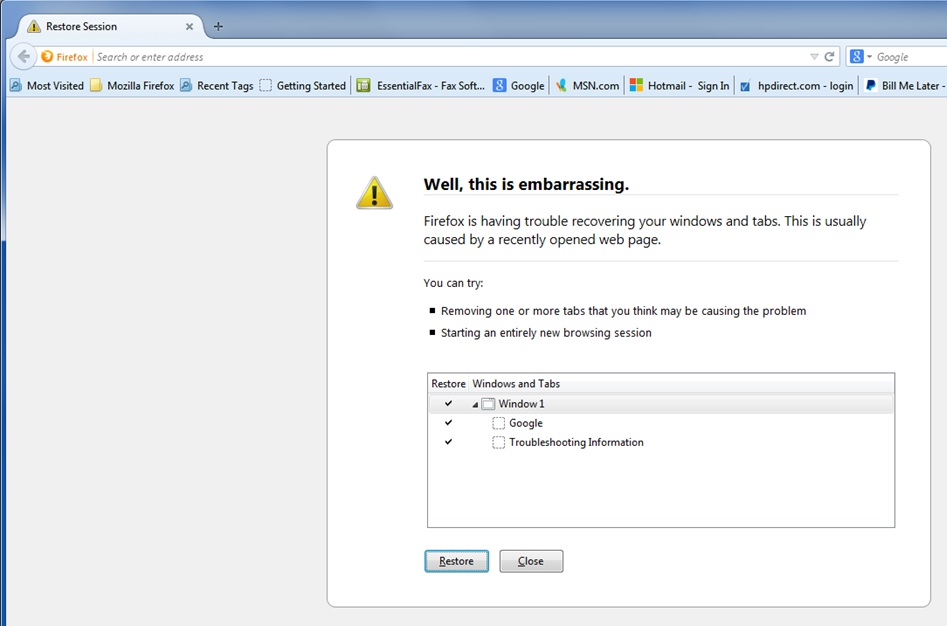
Any other ideas and solutions after the reset process?