


all searches result in security alert for resultsVlt.com

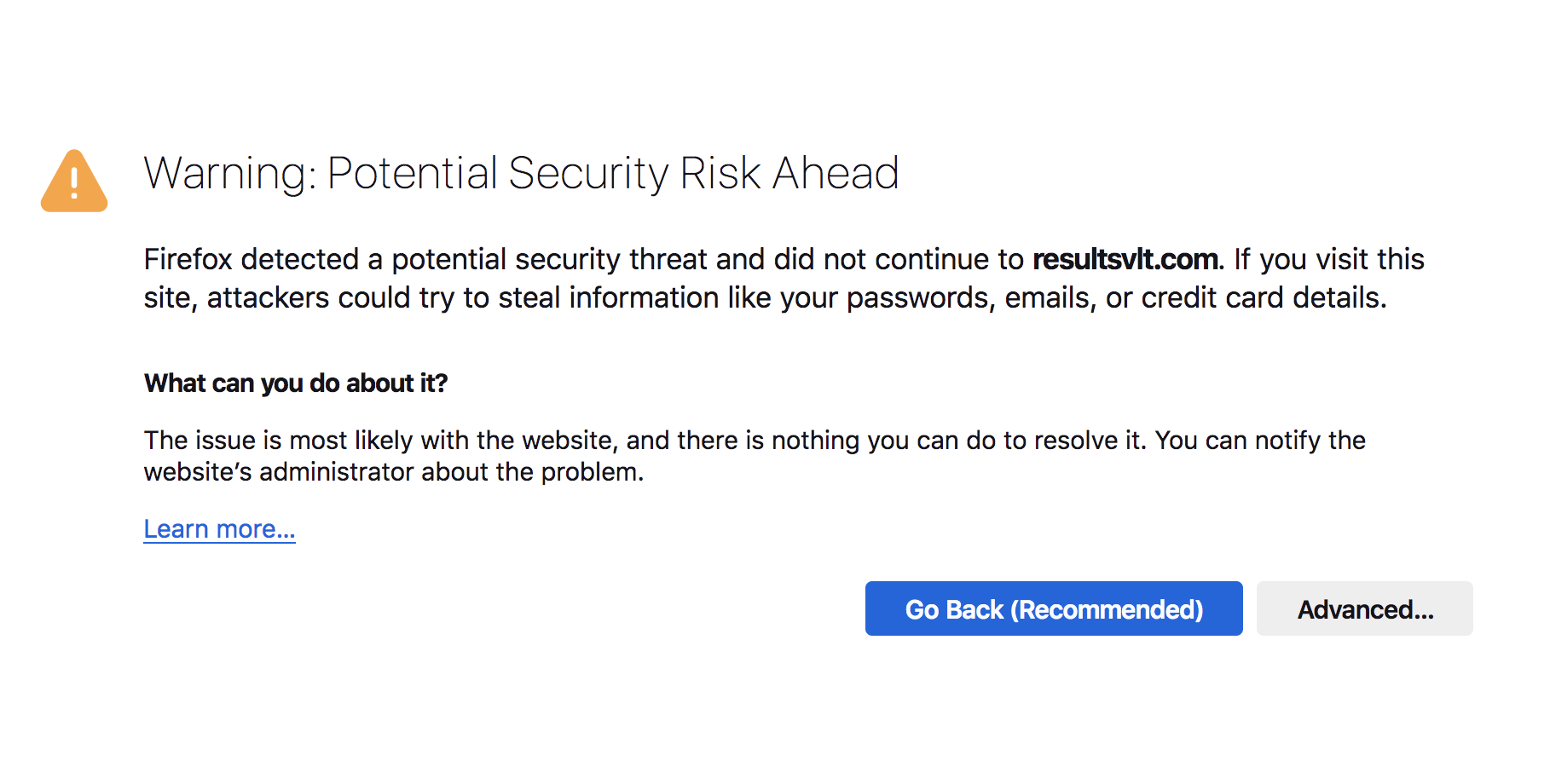
Hello, Every time I try to open a new tab, either for searching or for opening up any of my accounts such as facebook, a security alert pops up and the URL is resultvIt.com. Please help.
Hello,
Every time I try to open a new tab, either for searching or for opening up any of my accounts such as facebook, a security alert pops up and the URL is resultvIt.com. Please help.
Alle antwurden (1)
You can check for recently installed suspicious or unknown extensions.
Start Firefox in Troubleshoot Mode to check if one of the extensions ("3-bar" menu button or Tools -> Add-ons -> Extensions) or if hardware acceleration or if userChrome.css/userContent.css is causing the problem.
- switch to the Default System theme: "3-bar" menu button or Tools -> Add-ons -> Themes
- do NOT click the "Refresh Firefox" button on the Troubleshoot Mode start window
- https://support.mozilla.org/en-US/kb/diagnose-firefox-issues-using-troubleshoot-mode
- https://support.mozilla.org/en-US/kb/troubleshoot-extensions-themes-to-fix-problems
You can check the connection settings.
- Settings -> General -> Network: Connection -> Settings
If you do not need to use a proxy to connect to internet, select "No Proxy" if "Use the system proxy settings" or one of the others do not work properly.
See "Firefox connection settings":