


Buttons in pop-up windows don't work

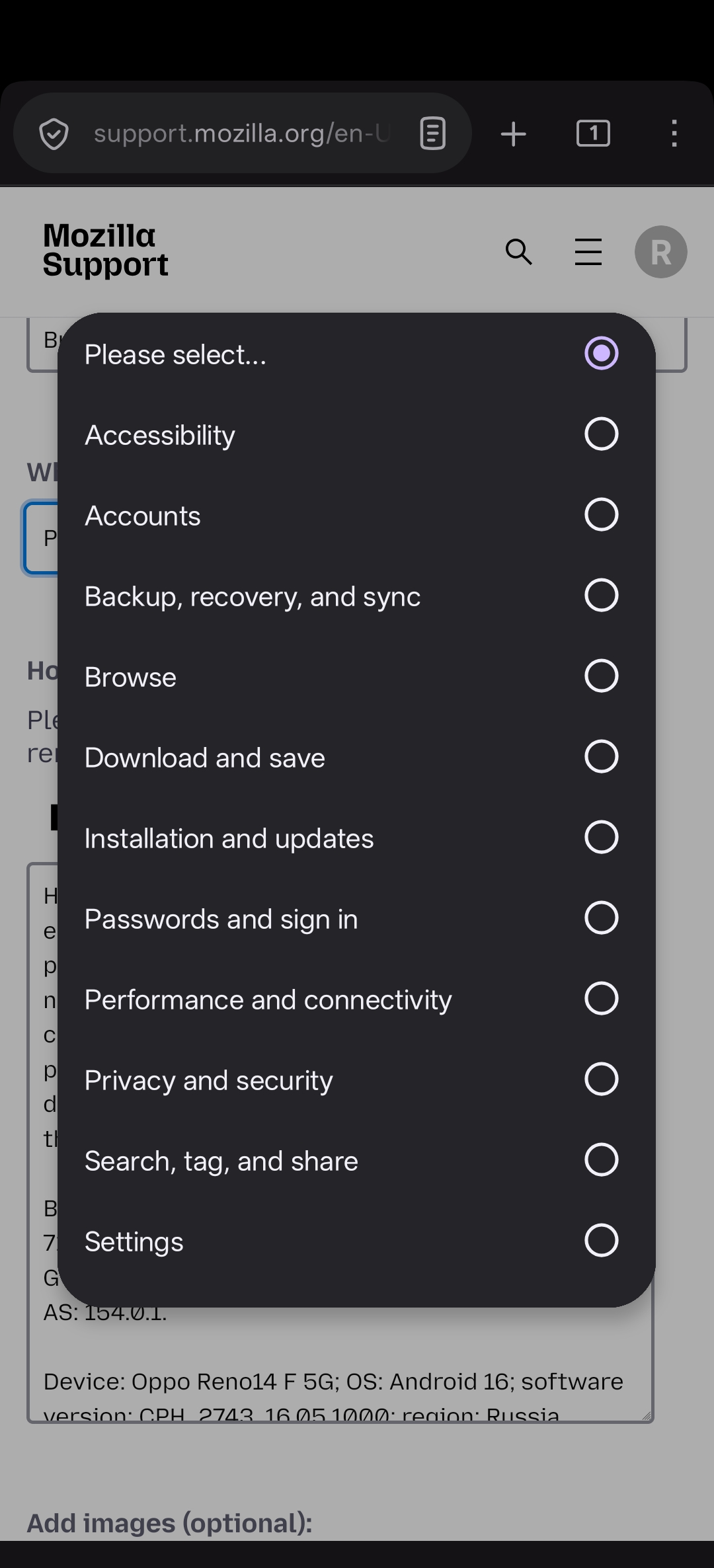
Hello! In the last update of the application, I encountered such a problem that the buttons in the pop-up windows are not pressed. For example, even now, I had to ask this question from the browser on my PC, because I couldn't select the topic I needed on my smartphone because the buttons in the pop-up window wouldn't press. Clearing the cache, deleting the application data, and even reinstalling the application did not help. This makes it very difficult to use the browser. If there is any solution to fix this, please share. Thanks!
Browser: Firefox Android 154.0 (Build #2016178695), 71302855625d5bfc0352ff18192d1cd0c6d95553 GV: 154.0-20260814215756 AS: 154.0.1.
Device: Oppo Reno14 F 5G; OS: Android 16; software version: CPH_2743_16.05.1000; region: Russia.
Toutes les réponses (4)
Hi
Do you have any add-ons installed in Firefox for Android?
Previously, uBlock Origin was installed, but after resetting the data and reinstalling the application, I did not install any add-ons, and the buttons still won't press.
I found the cause of the problem. I have the Round Screen Corners and Hide Notch app installed to hide the cutout of the front camera — it works on Display Over Other Apps mode. If this mode is disabled, the buttons work again, but if you turn it on, the buttons stop working again. Before the last update or the one before that, everything was working fine, but then there was some kind of conflict between Firefox and this application. Is there no way to fix this in a future update?

thank you for this! I had the same issue but turning off any apps that Display Over Other Apps fixed it! (The blue light filter was the issue in the end)