


Recently Firefox refuses to load full page or some elements

As of recently, I have problems with Firefox that do not happen in other browsers. But Firefox is my favorite, and I'd like to have this solved so I can keep using it.
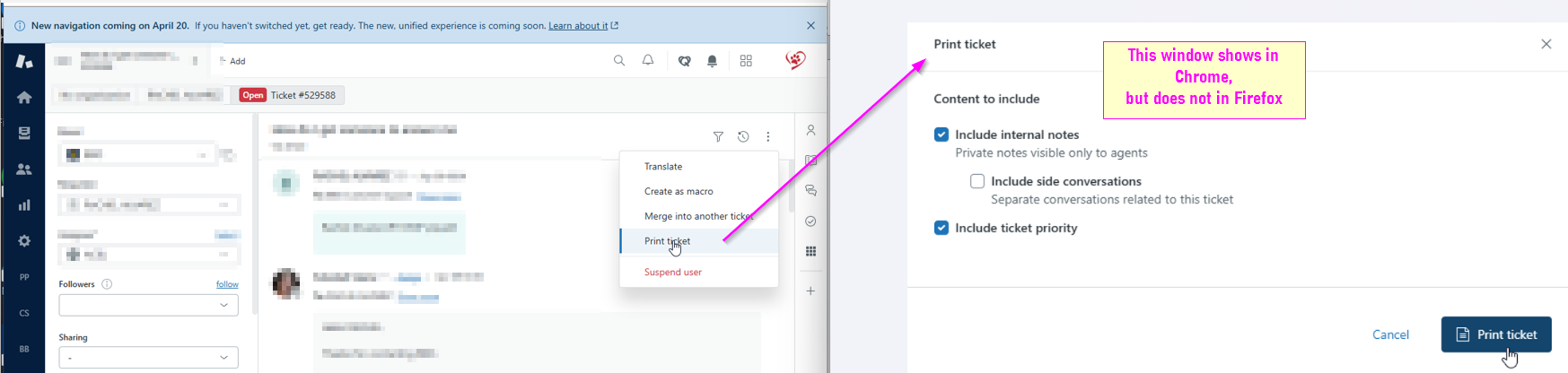
In Zendesk, there is an option "Print ticket" which should open Print dialog and we then can print whole email to PDF. This worked for years, but as of recently that dialog simply does not show. I tried change Firefox settings for printing, but problem remains. Attached is a screenshot how it looks in chrome, and how it used to work in firefox.
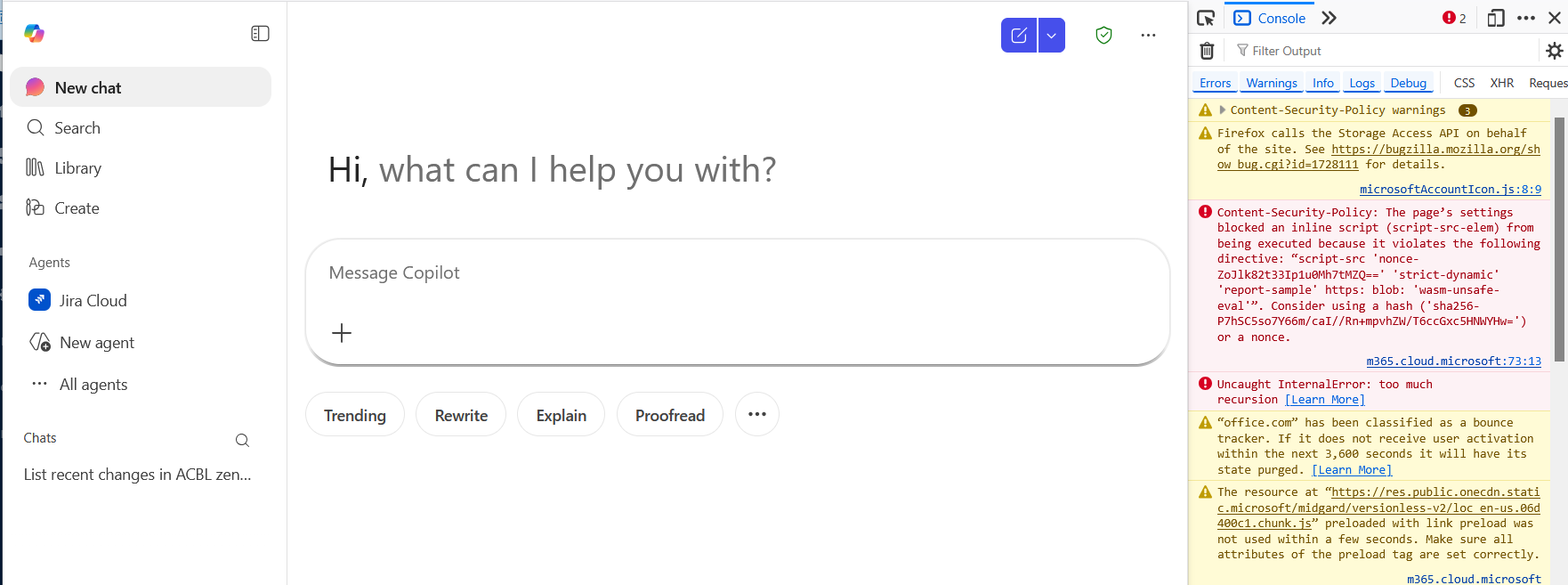
As from yesterday, April 17, Firefox will not load correctly https://m365.cloud.microsoft page. It loads, but no element reacts when clicked. I cleared cache, cookies, removed extensions, refreshed firefox, but to no avail.
Thanks for the help!
Toutes les réponses (1)
You can check for issues with Enhanced Tracking Protection and Total Cookie Protection. Firefox shows a purple shield instead of a gray shield at the left end of the location/address bar in case Enhanced Tracking Protection is blocking content.
- click the shield icon for more detail and possibly disable the protection
You can check the Web Console for relevant-looking messages like about blocked content.
- https://support.mozilla.org/en-US/kb/enhanced-tracking-protection-firefox-desktop
- https://support.mozilla.org/en-US/kb/total-cookie-protection-and-website-breakage-faq
- https://support.mozilla.org/en-US/kb/trackers-and-scripts-firefox-blocks-enhanced-track
You can reload webpage(s) and bypass the cache to refresh possibly outdated or corrupted files.
- hold down the Shift key and left-click the Reload button
- press "Ctrl+F5" or press "Ctrl+Shift+R" (Windows,Linux)
- press "Command+Shift+R" (Mac)