


Beta version android stopped syncing

Beta version of thunder it's has stopped syncing. I have a Titan mail server. My desktop version is working and syncing to it and android but my android version is not and gives a warning that it's not syncing when I try to move a message to another directory..if I delete emails they are not deleted on the server or on my laptop.
Toutes les réponses (4)

Have you tested TBA's imap & smtp server connection succeeds under ...
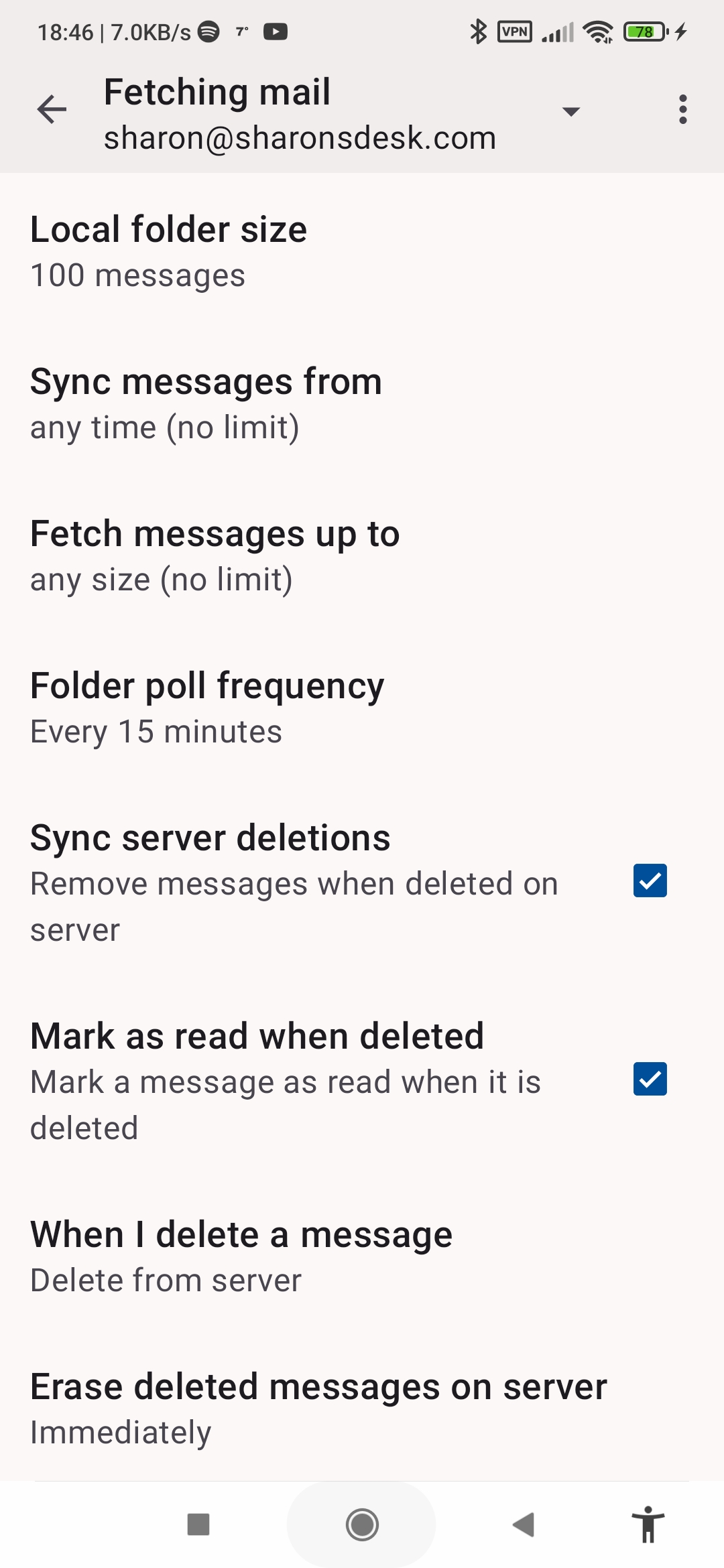
Settings > account > Fetching mail > incoming server Sending mail > outgoing server
Are any errors displayed when you manually sync?
Have you checked the special folders are still assigned correctly (deleted, sent etc) Settings > account > folders.
Does the same sync error message show when moving emails to a different folder?
Is the 'Sync' setting enabled on the folder your moving emails into? Account side bar > manage folders > [folder name]
Hi, everything ok my mobile setup is correct. The error message only applies to one directory. It seems to apply only to my mobile. ..and maybe started in the last week. I'm using a beta version on my mobile but am not sure if this ever gets updated ? My laptop Thunderbird syncs to my server and also to Titan email which is set up on my mobile as well....it's the Thunderbird beta that's failed. My email server hosts have checked everything with me and have held their hands up and said they can't see anything wrong...it must just be the mobile version and it's only because I'm using it as my primary , with another copy on my laptop that I've noticed it. So how do I migrate to another version of Thunderbird without messing up? When I go to download a new version of Thunderbird it does not say 'update' it says 'install'..
Hi Naturalp
You need to use the same release type to upgrade. Beta version > newer beta version. Stable version > newer stable version.
Stable versions can't upgrade betas and vice versa. The upgrades must come from the same store as your current install, Google Play, F-Droid or github.
- Play store beta: https://play.google.com/store/apps/details?id=net.thunderbird.android.beta&hl=en-US
- F-Droid store beta: https://f-droid.org/packages/net.thunderbird.android.beta/
- Github releases: https://github.com/thunderbird/thunderbird-android/releases
Stable version
The standard version can be installed side-by-side with beta's, through a fresh install rather than an upgrade. On first launch, you have the option to import your settings from the beta version.
Thank you, I've decided to use Titan email instead. It's nearly the same as thunderbird but it retains contact details and has no problems syncing with my laptop thunderbird.