

Ce sujet de discussion a été archivé.
Veuillez poser une nouvelle question si vous avez besoin d’aide.

Résolu
Archivé
I can't see the e-mails I sent on mobile

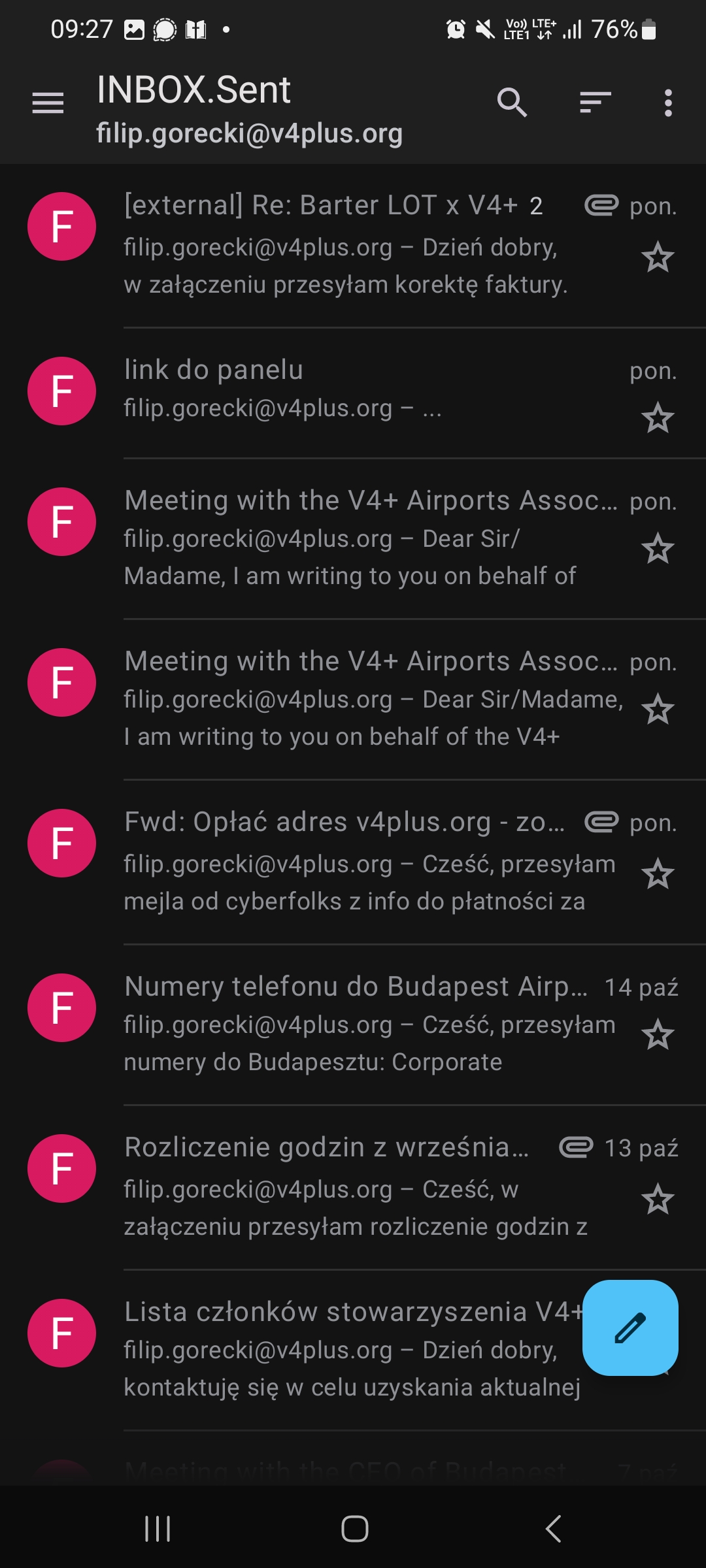
Hello, I would like help with my issue of not seeing the e-mails I sent on my mobile device through thunderbird in my "INBOX.1sent" folder nor my outbox. I have no evidence that these e-mails even were sent anywhere. I only see the e-mails that I have sent on the Linux version. How do I access the e-mails that I sent on my android version of thunderbird?
Hello,
I would like help with my issue of not seeing the e-mails I sent on my mobile device through thunderbird in my "INBOX.1sent" folder nor my outbox. I have no evidence that these e-mails even were sent anywhere. I only see the e-mails that I have sent on the Linux version. How do I access the e-mails that I sent on my android version of thunderbird?

Toutes les réponses (1)

Solution choisie
Have you enabled sync on your sent folder?
To check;
- Press top left menu button
- Select email account
- Select manage folders (bottom left) > Sent folder
- Enable Sync
The below guide shows the steps related to push setup, but sync is displayed on the same page. https://support.mozilla.org/en-US/kb/configure-push-email-thunderbird-android