


Windows 10 reached EOS (end of support) on October 14, 2025. If you are on Windows 10, see this article.

Rechercher dans l’assistance

Évitez les escroqueries à l’assistance. Nous ne vous demanderons jamais d’appeler ou d’envoyer un SMS à un numéro de téléphone ou de partager des informations personnelles. Veuillez signaler toute activité suspecte en utilisant l’option « Signaler un abus ».

En savoir plus

How to make links opened in new tab (middle click) from the URL/Search bar to open in background

  • 2 réponses
  • 3 ont ce problème
  • 176 vues
  • Dernière réponse par dummyfakejack

How to make links/search/suggestions opened in new tab (middle click) from the URL/Search bar to open in background and not switch immediately.

I already toggled the following settings to "true" - browser.search.context.loadInBackground - browser.tabs.loadBookmarksInBackground - browser.tabs.loadDivertedInBackground - browser.tabs.loadInBackground

Background new tabs only works for links in the page & bookmark bar. I would like to know how to make it work if links are opened in new tab from the URL/search bar.
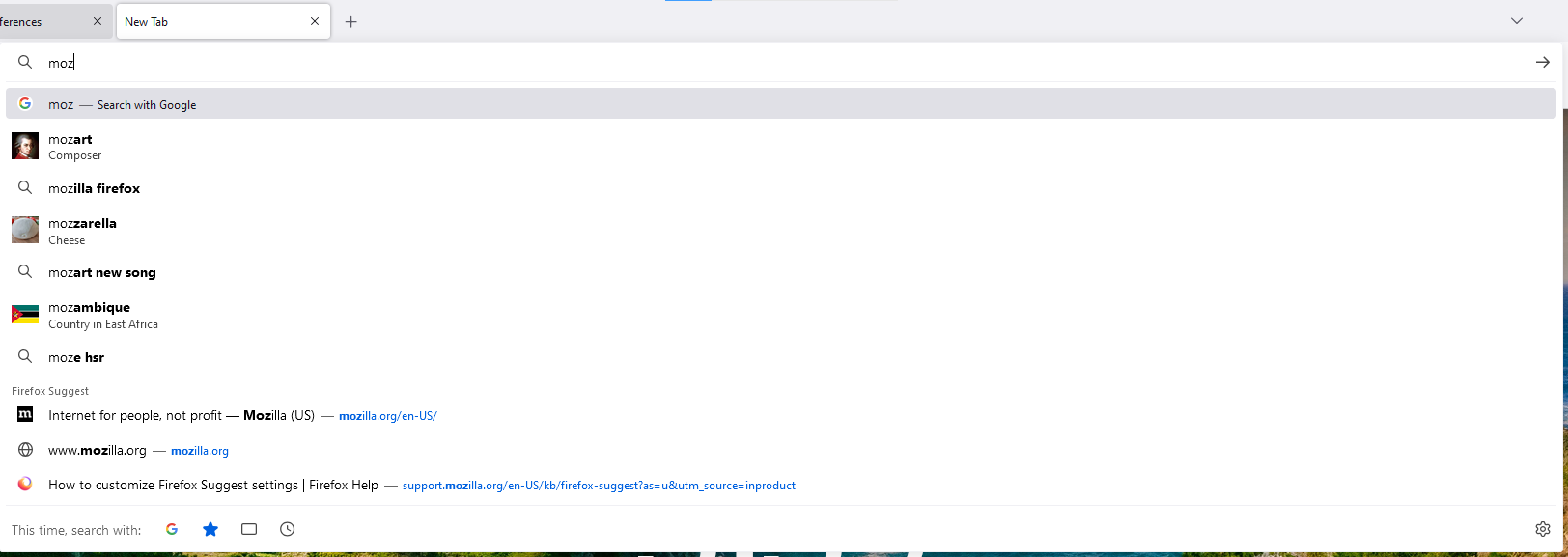
How to make links/search/suggestions opened in new tab (middle click) from the URL/Search bar to open in background and not switch immediately. I already toggled the following settings to "true" - browser.search.context.loadInBackground - browser.tabs.loadBookmarksInBackground - browser.tabs.loadDivertedInBackground - browser.tabs.loadInBackground Background new tabs only works for links in the page & bookmark bar. I would like to know how to make it work if links are opened in new tab from the URL/search bar.
Captures d’écran jointes

Toutes les réponses (2)

Are you middle-clicking the Go button in the address bar? You can hold the Shift key to open a link in the background (e.g. Alt+Shift+Enter).

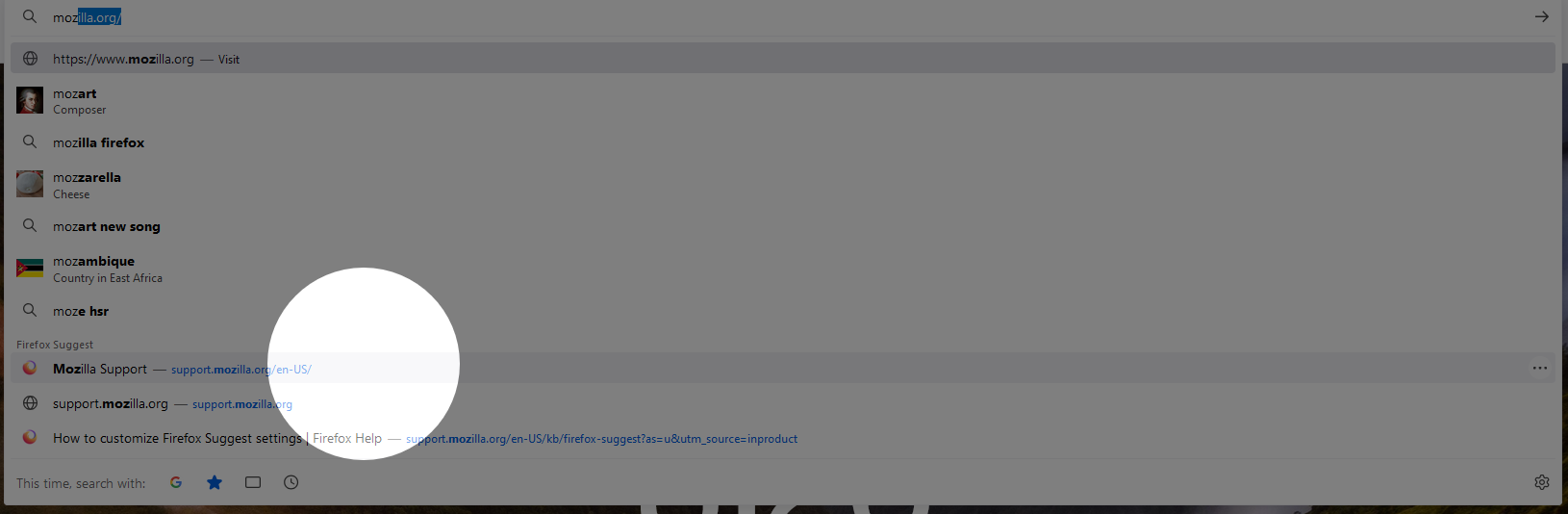
I'm middle clicking on the link/suggestion itself but it immediately switches to the new tab. I want it to just open in the background.
Modifié le par dummyfakejack