


How do I turn off and disable ALL junk filtering in Thunderbird?

Hi First, I'm using the Swedish version so I can't give the exact names on the checkboxes etc.
I want to turn of Junk filtering So I checked in the help sections and there is a checkbox for activating the junk control in the options for my account, it is already unchecked. But Thunderbord moves emails to the Junk folder anyway?
So how do I stop it?
Best Olle
Toutes les réponses (2)
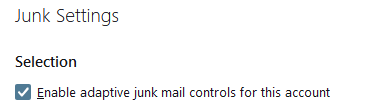
The setting is per account and can be found in account settings >junk settings.
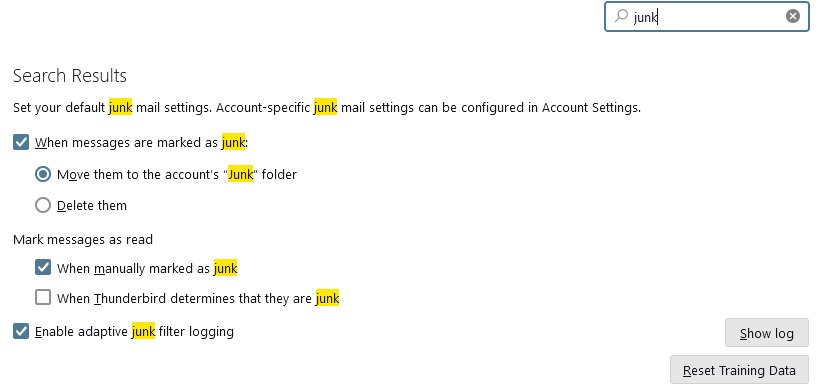
There are also global settings in the setting menu item as shown
Thunderbird probably does not move mails anyway. There appears to be some very common misunderstandings on how IMAP works, and one of them is that settings in Thunderbird will override settings on the mail server where folk like Yahoo, Micrisift and Google decide on SPAM filters and make whatever changes they consider appropriate.
Just because mail appears in a junk mail folder does not automatically mean Thunderbird had anything to do with it getting there at all. For instance I have 59 messages in my junk folder on one Gmail account. Not a single one was identified as junk by Thunderbird.

In the example above none of those messages has a red flame icon, so none have been identified as Spam or Junk by Thunderbird, but they are in the junk folder because my mail provider decided they were spam by their definition.
Okay, thank you It is probably my email supplier who put them in the junk folder!
Olle