Refresh Button mysteriously disappeared?

This is a silly one, probably.
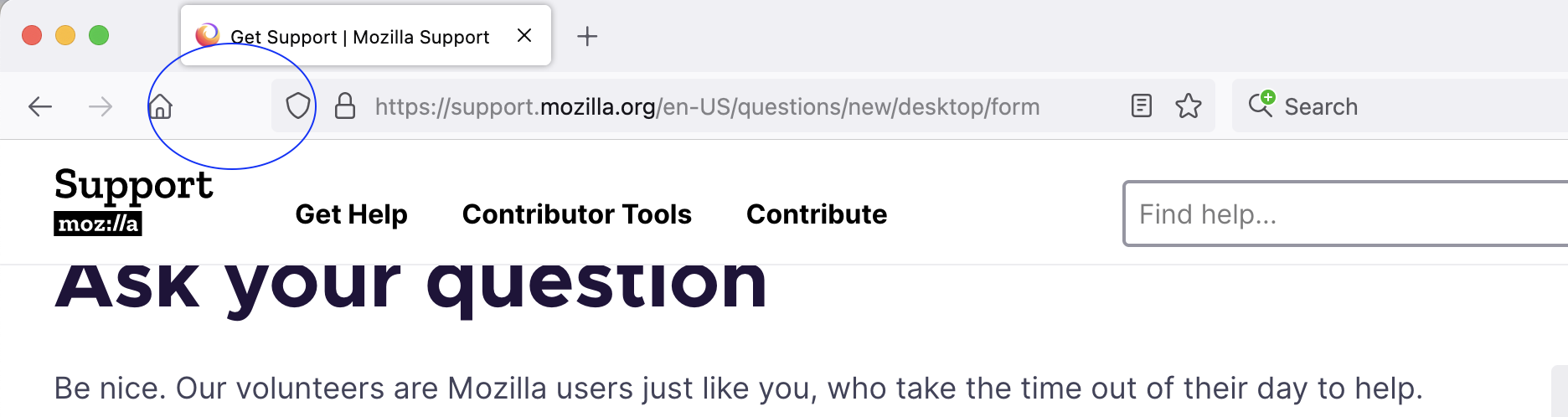
My refresh button has mysteriously disappeared from my browser toolbar. I can just use cmd+shift+r to refresh, but muscle memory keeps looking for the button on screen too, and it would be nice to have it back!
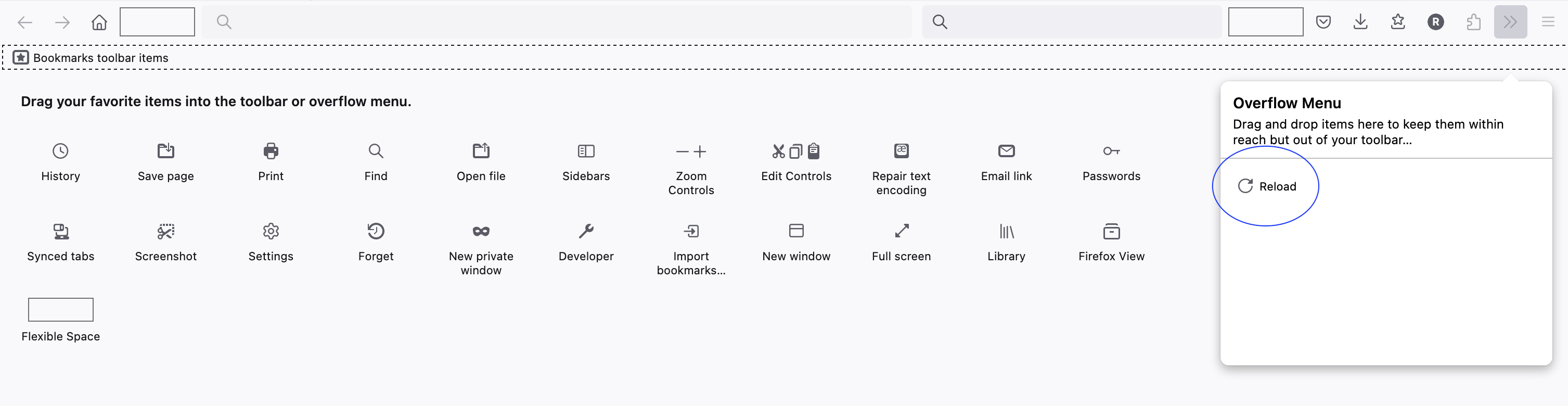
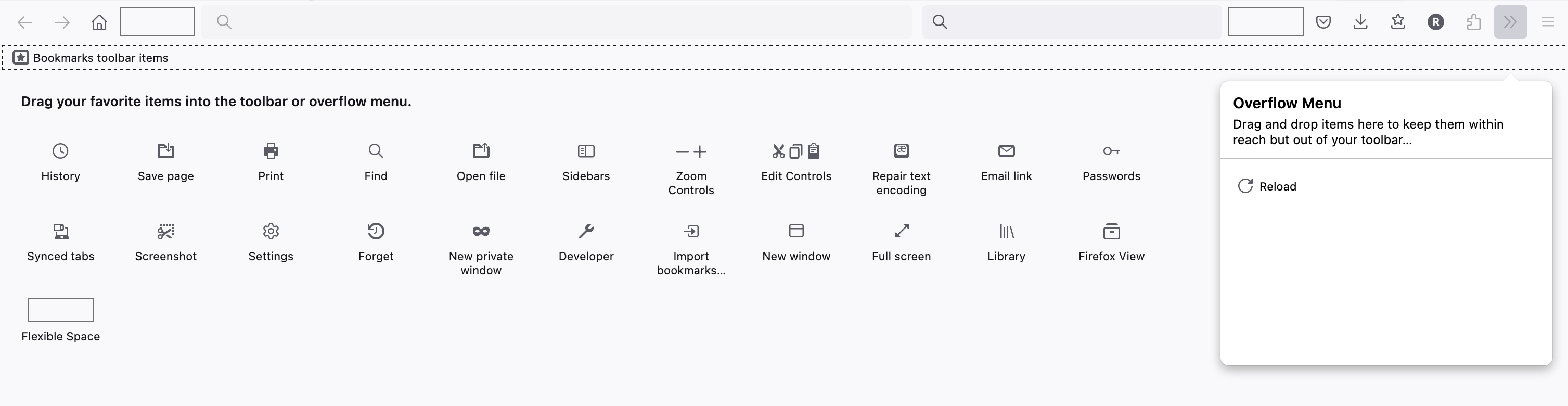
I opened up the customize options, thinking maybe I just removed it by accident, but refresh doesn't appear to be an option?
I also opened it up in troubleshoot mode to see if that would change anything. It did not :(
I also don't have any extensions that mess with the toolbar, so I don't think that would be an issue (and troubleshoot mode should have disabled extensions anyway I think.)
I recently updated to 126.0.1 - no idea if that has anything to do with it, but this did happen right after the update.
There are a couple more people on here with the same question, and they all had easy solutions. I'm hoping I'm just not seeing a setting somewhere.
Thanks!
Solution choisie
Per the usual, as soon as I ask for help, that's when I figure out the solution. It was here.
Marking as resolved. thanks to anyone who read/reads this!
Lire cette réponse dans son contexte 👍 1Toutes les réponses (1)
Solution choisie
Per the usual, as soon as I ask for help, that's when I figure out the solution. It was here.
Marking as resolved. thanks to anyone who read/reads this!