


Lost tabs. Have previous.jsonlz4 in my backup. Cant get firefox to reload it after renaming and relocating

This is the procedure I followed:
Close firefox
Copy previous.jsonlz4 file to the main level in the profile
It has all the tabs i used to have in it because I made a backup a few days ago
Rename the file to sessionstore.jsonlz4
restart firefox
I get the same single tab I had before i did this
when i go to history tabs, all that is there is the single tab i currently have
Appreciate your help/gary
Toutes les réponses (6)
You can look at this tool to inspect a compressed jsonlz4 sessionstore file to see if the file has the lost tabs. This tool works locally, no uploading done.
Thanks for your reply
Yes the scrounger tool shows I have the missing tabs
As per previous message, my problem is getting it to load
warm regards/gary
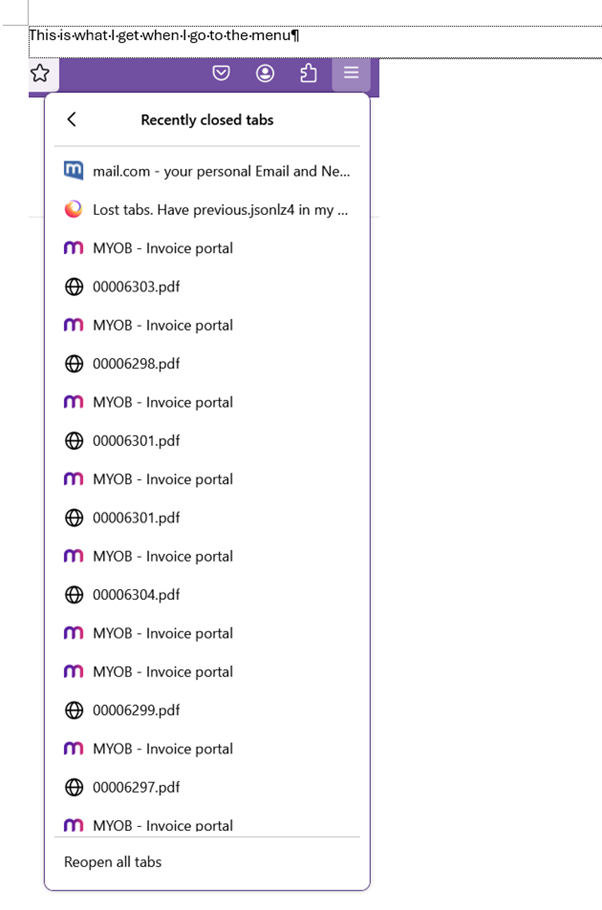
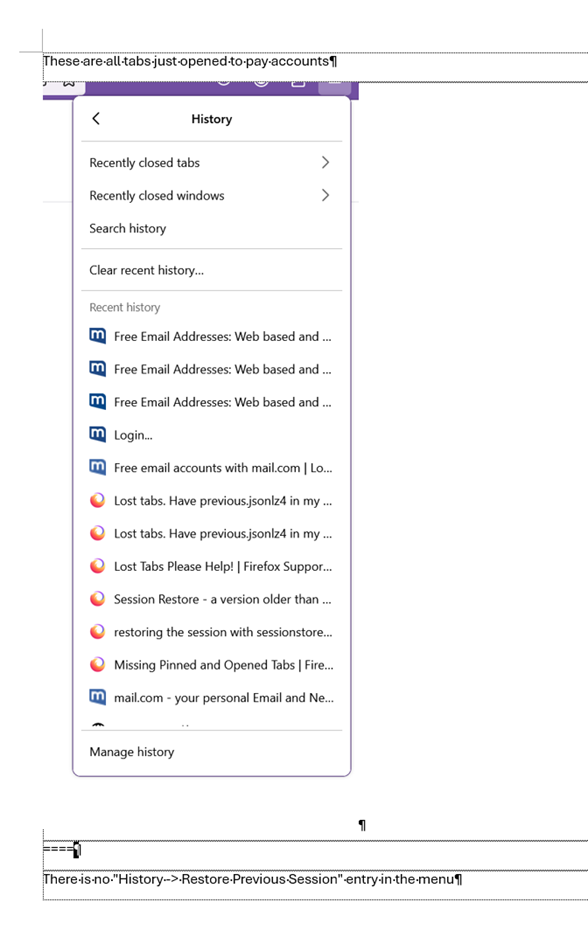
Did you check "History -> Restore Previous Session" and "History -> Recently Closed Windows/Tabs" ?
Answered your questions
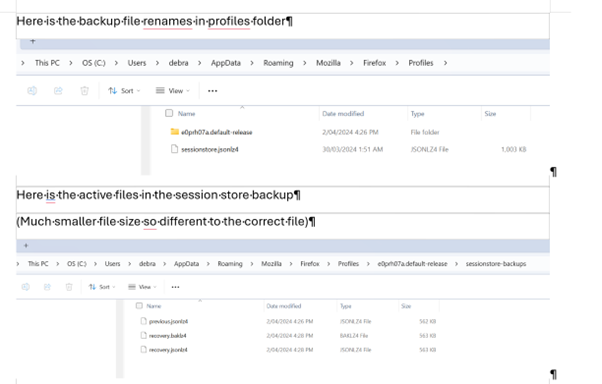
Pls see pix
warm regards/gary
I assume you did not understand my previous post
what i was trying to say was
1. "History -> Restore Previous Session" and "History -> Recently Closed Windows/Tabs" ? gives the tabs/windows opened AFTER losing the original settings
2. i have copied the saved previous file as described above but firefox does not open it
so i am wondering what to do next
TIA/gary
The scrounger tool can generate an HTML file with the URLs of those tabs, so if you can't restore the sessionstore file then you can try this and open the HTML file with the links in a Firefox tab and open the links in this file.