


Open multiple tabs of a folder in pinned mode?
I simultaneously open two links of a bookmark folder by using the mouse scroller click. This is a most useful action, but once the pages are opened, they have to be re-selected to be pinned. Is it possible to open them in pinned mode?
Solution choisie
I found this add-on https://addons.mozilla.org/en-US/firefox/addon/startupapps/
Also, found this for Chrome, but you can test to see if it works for Firefox. https://www.howtogeek.com/howto/7264/make-google-chrome-open-with-pinned-tabs/
Lire cette réponse dans son contexte 👍 1Toutes les réponses (4)
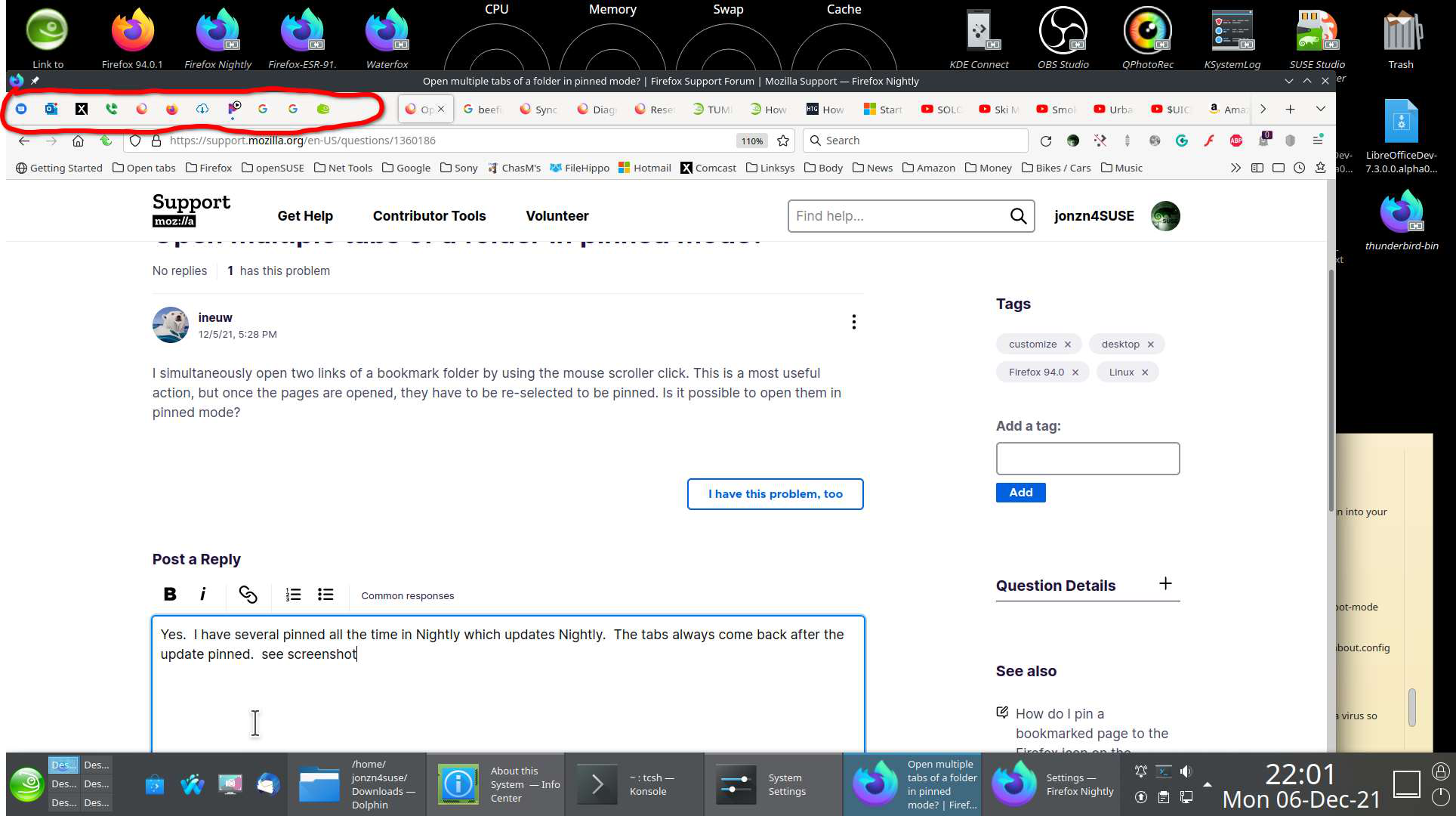
Yes. I have several pinned all the time in Nightly which updates Nightly. The tabs always come back after the update pinned. see screenshot
Modifié le par jonzn4SUSE
That works for me too. I was asking if I can open them in pinned mode. In one operation, not two.
Solution choisie
I found this add-on https://addons.mozilla.org/en-US/firefox/addon/startupapps/
Also, found this for Chrome, but you can test to see if it works for Firefox. https://www.howtogeek.com/howto/7264/make-google-chrome-open-with-pinned-tabs/
@jonzn4SUSE, Thanks for taking the trouble to find the 'startupapps' addon. It's perfect. I need "Google translate" open in two different languages at once. Until now, I used a folder and the middle click, but pinned tabs prevent me from closing a tab by mistake and loose work. They also take up very little space. Thanks again.!!!