


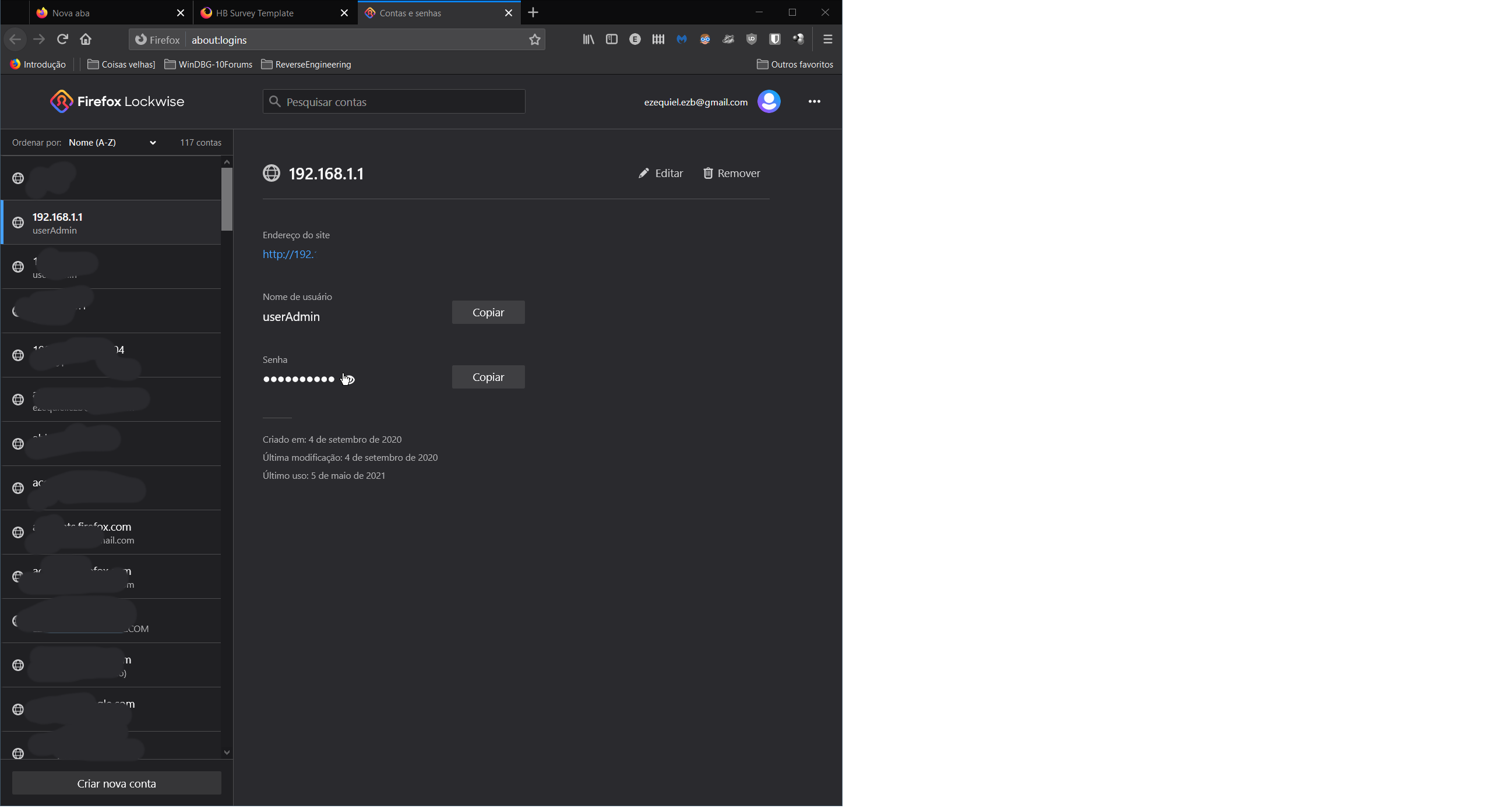
Firefox should ask for my PC's password before revealing any of its stored password.

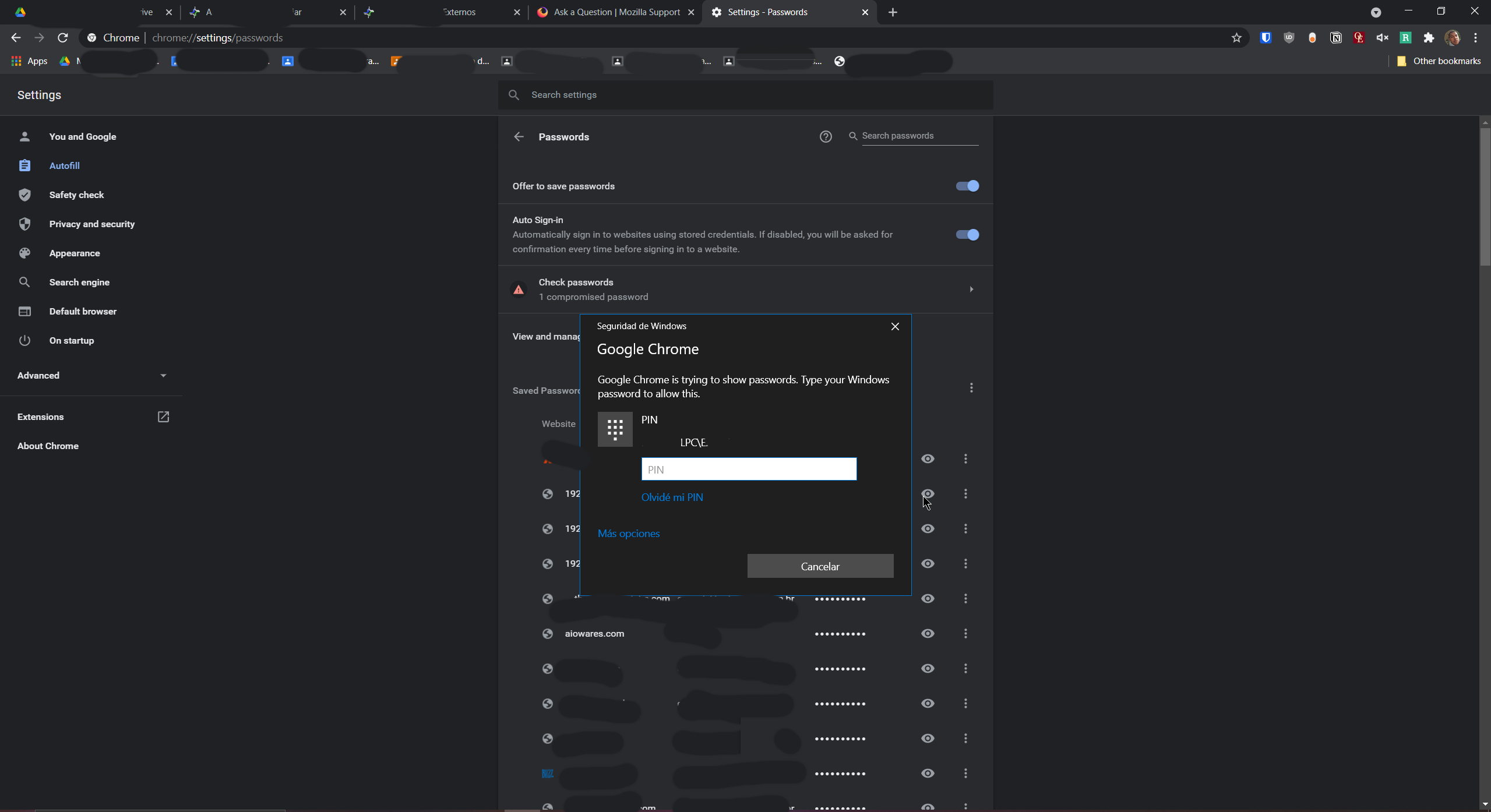
That's something Chrome does for ages. If I'm logged in to a local account on Windows and I want to reveal any of the passwords Chrome is storing, it will ask me for my credentials every time I try to see one of these passwords.
Firefox just shows them right away, exposing dozens of passwords to whoever might be using the computer.
I'm attaching 2 images, one from the password manager in Firefox, another from Chrome. you'll see that in chrome I'm asked for my windows credentials when trying to see passwords
Toutes les réponses (4)

this is the only thing you can do with firefox in that direction you can use a master password here, you can find this in the settings of the browser under the heading privacy and security and then again the heading logins and passwords here you see use a master password
Solution choisie
You can set signon.management.page.os-auth.enabled = true on the about:config page.
You can open the about:config page via the location/address bar. You can click the button to "Accept the Risk and Continue".
See also:
cor-el said
You can set signon.management.page.os-auth.enabled = true on the about:config page. https://support.mozilla.org/en-US/kb/lockwise-password-authentication-prompt
That preference was briefly set to true by default, but it caused problems for some users so it returned to being optional. Hopefully it works for you the way you want.
Thank you guys, now I know 2 ways of solving the issue, both equally convenient.