


Windows 10 reached EOS (end of support) on October 14, 2025. If you are on Windows 10, see this article.

Rechercher dans l’assistance

Évitez les escroqueries à l’assistance. Nous ne vous demanderons jamais d’appeler ou d’envoyer un SMS à un numéro de téléphone ou de partager des informations personnelles. Veuillez signaler toute activité suspecte en utilisant l’option « Signaler un abus ».

En savoir plus

Downloaded images from Firefox for Android doesn't show up in my Google Photos.

  • 1 réponse
  • 1 a ce problème
  • 60 vues
  • Dernière réponse par Paul

I went from a One Plus 3T where downloading used to work to a Google Pixel 4A where it doesn't work. When I download an image from Firefox, the path looks like this: vs When I download an image from Google Chrome, the path looks like this: The issue is when in the Downloads folder in Google photos, only the Google chrome downloaded images show up. No traces of the Firefox pictures anywhere. And when I go to the "File" app on my phone, I can't find the images in my Downloads either. just no trace of it on my phone unless I click directly on the notification tray telling me I finished downloading an image. I can't find a way to change the download path in Firefox. I see in the settings that my external file manager is switched to "on," but I'm never asked where I want to download the file when I download something. And I see no difference when I switch it off, then back on again.
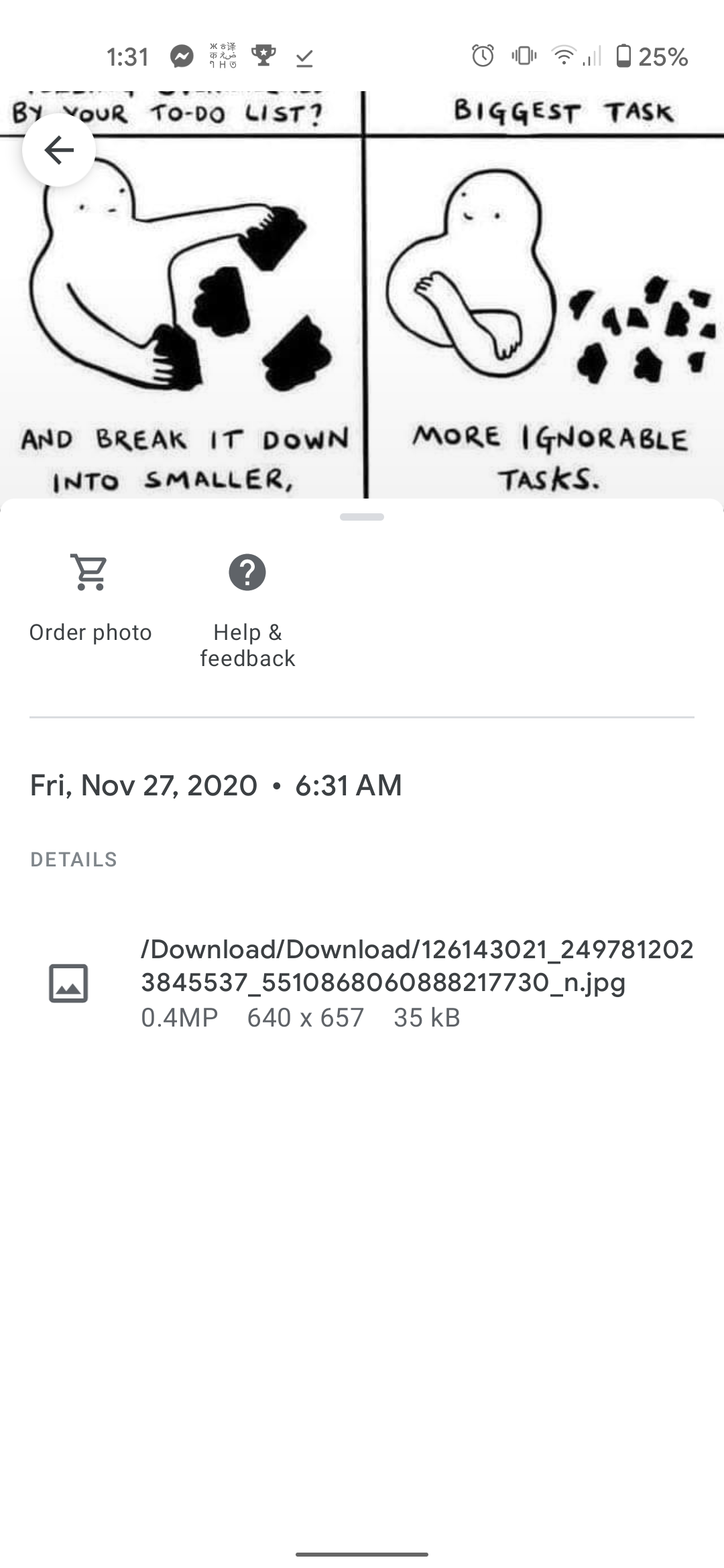
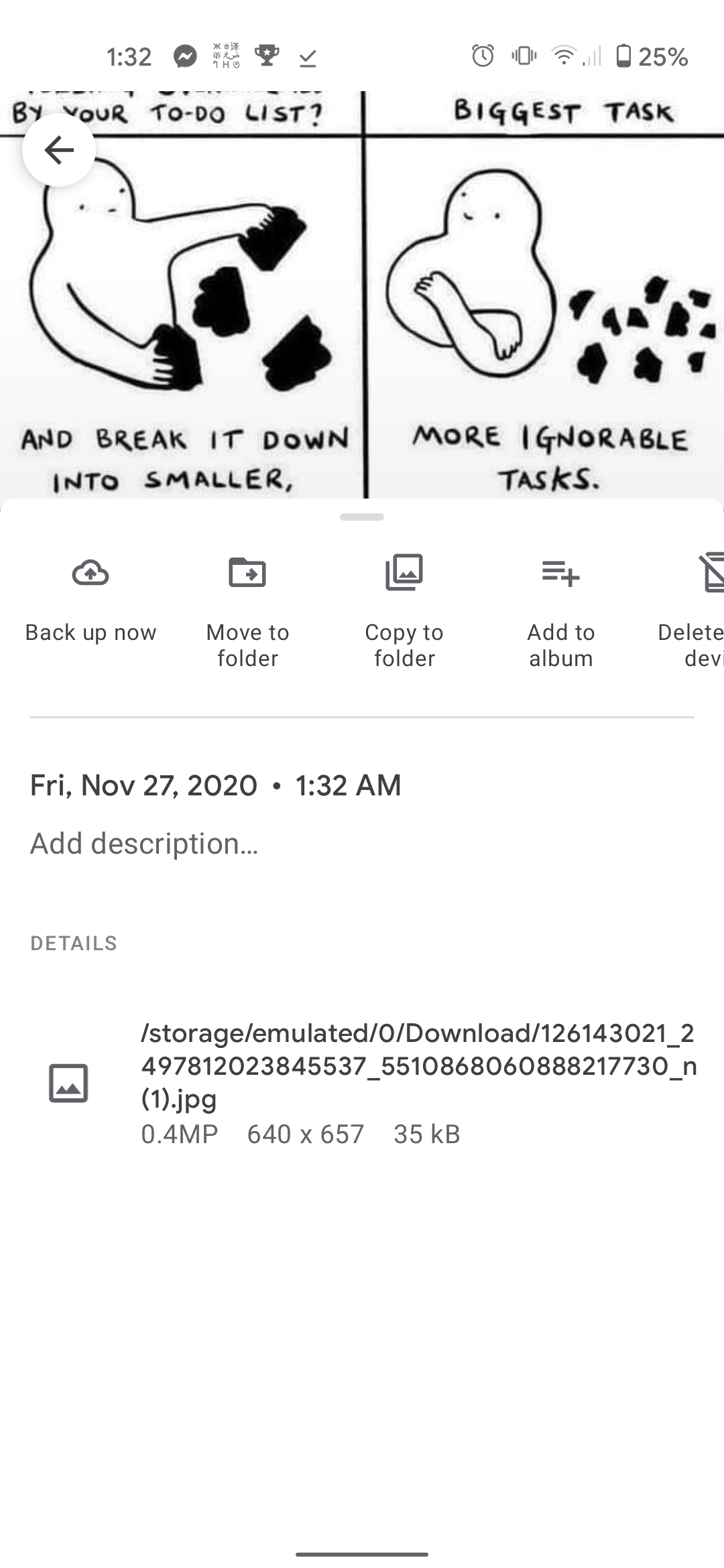
I went from a One Plus 3T where downloading used to work to a Google Pixel 4A where it doesn't work. When I download an image from Firefox, the path looks like this: vs When I download an image from Google Chrome, the path looks like this: The issue is when in the Downloads folder in Google photos, only the Google chrome downloaded images show up. No traces of the Firefox pictures anywhere. And when I go to the "File" app on my phone, I can't find the images in my Downloads either. just no trace of it on my phone unless I click directly on the notification tray telling me I finished downloading an image. I can't find a way to change the download path in Firefox. I see in the settings that my external file manager is switched to "on," but I'm never asked where I want to download the file when I download something. And I see no difference when I switch it off, then back on again.
Captures d’écran jointes

Toutes les réponses (1)

Hi

In the Google Photos app, select Library, then the Download tile to see your downloaded images.