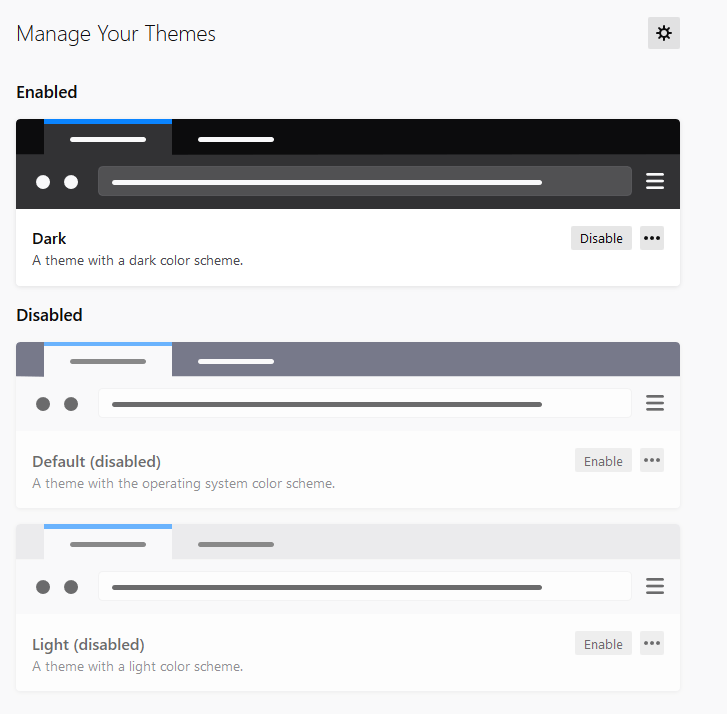
Version 78.4.0 and Dark Mode not enabled
So...I read the update for 78.x and it looks like we got Dark Mode based on Windows system settings.
That's great but my Windows 10 in Dark Mode doesn't come across at all on Thunderbird.
Still buggy I am guessing?
Solution choisie
I've just uninstalled Thunderbird and reinstalled it. Its working now.
Toutes les réponses (9)
And here is the view from Thunderbird. Its White mode as far as I can tell...
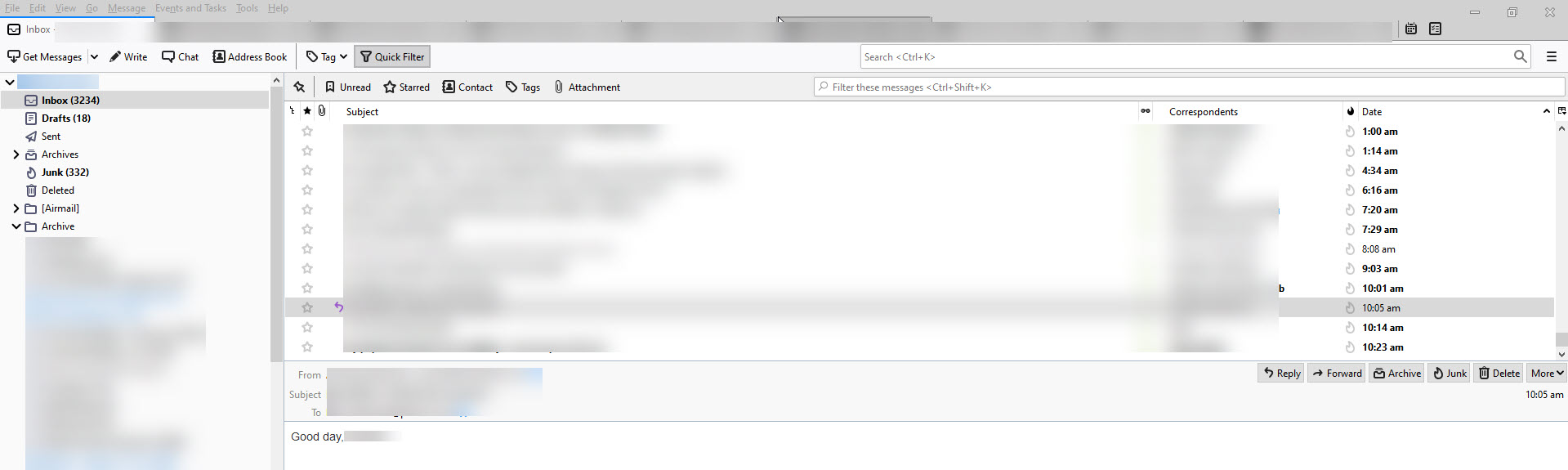

Looks like you're using the Light theme. Switch to the dark them.
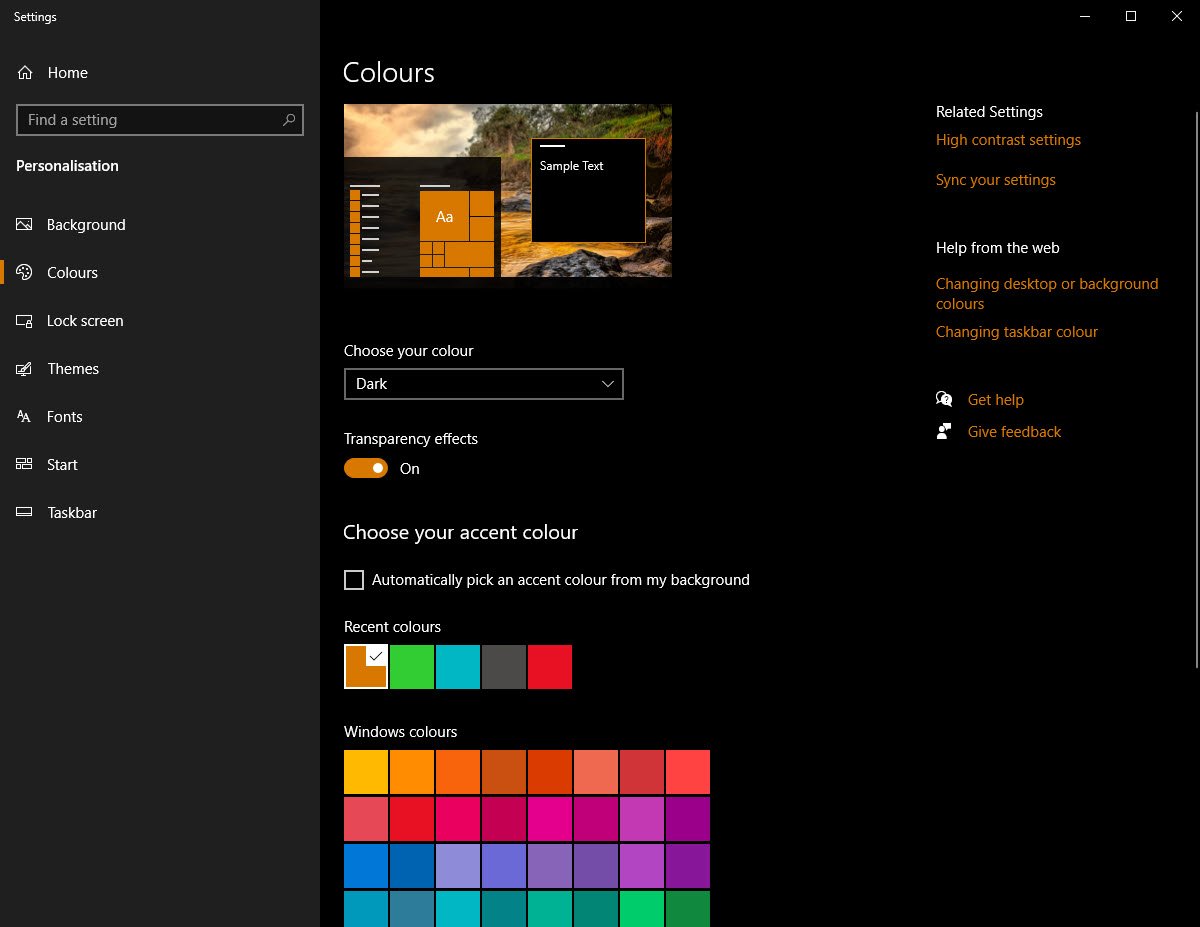
Windows 10 Theme colour is Brown and every window I open is dark including Explorer, Settings, etc so no, your suggested fix does not apply.
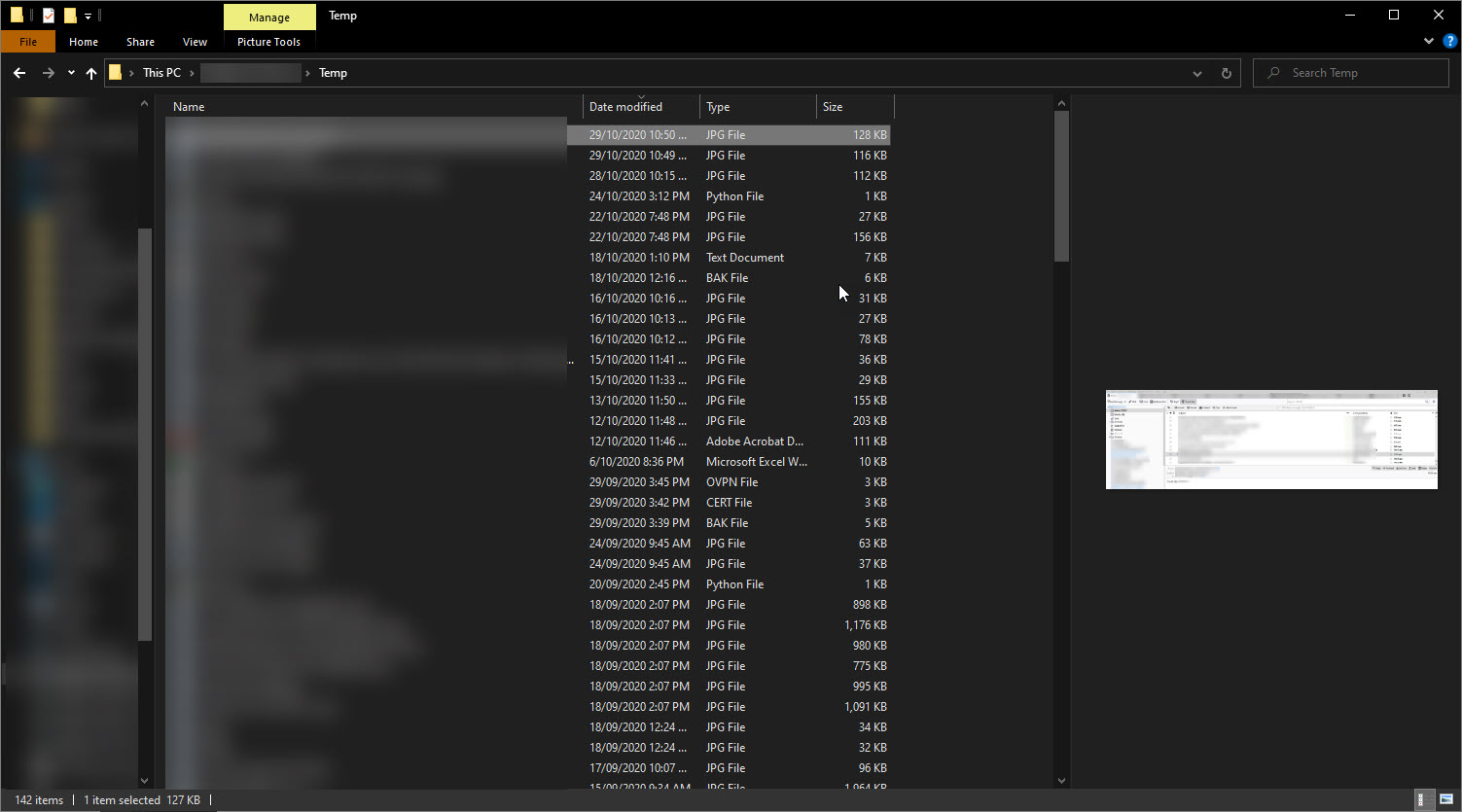
Here are the screenshots of my Windows settings and Explorer look. All dark. Thunderbird dark mode is the exception.

Solution choisie
I've just uninstalled Thunderbird and reinstalled it. Its working now.
I was talking about Thunderbird's theme, not Windows.
Hey @Stans. Thanks for your suggestion. I think that may be it but can't confirm now as I have re-installed.
I found it odd it wasn't automatically all setup for me if dark mode is turned on. It isn't entirely intuitive. Maybe just me.
I have this problem too. Will I have to re-create all my accounts, contacts and re-download all mail if I reinstall?
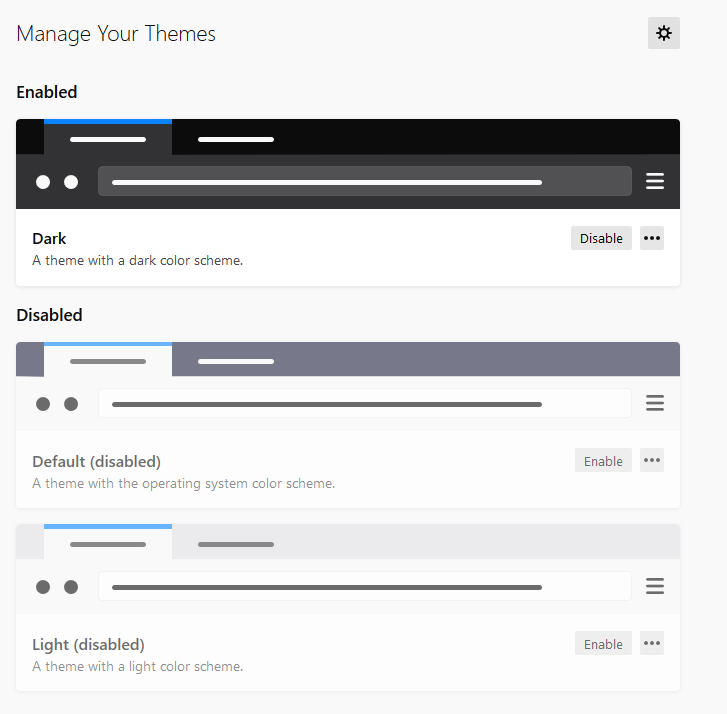
Edit: Turns out I had a light theme enabled under Add-ons/Themes
Modifié le par uberwleiss
Cannot find Windows setting for dark mode, only color of back ground of menu and other windows features but not an actual dark mode.
saw the message of TB now having dark mode, tried to turn it on the only thing I found was this setting which I enabled and yet the reading pane is still white, looks horrible and the dark mode is not dark, its like a ugly poop brown.