


syncing across all devices and desktops

I am having issues with Firefox NOT syncing across all devices and desktops consistently.
I have gone through all devices and desktops and made sure the settings are setup to allow for syncing of open tabs, but the syncing is not consistent across all devices and some devices aren't even showing up in the synced tabs window. Any help would be great.
Toutes les réponses (3)
hello
brett.blackmon........
firstly follow the step:1
step:1
You can check this pref on the about:config page and make sure it is default.
identity.fxaccounts.enabled = true
You can open the about:config page via the location/address bar. You can accept the warning and click "I accept the risk!" to continue.
https://support.mozilla.org/en-US/kb/about-config-editor-firefox
Note: Restart firefox and see top right browser screen
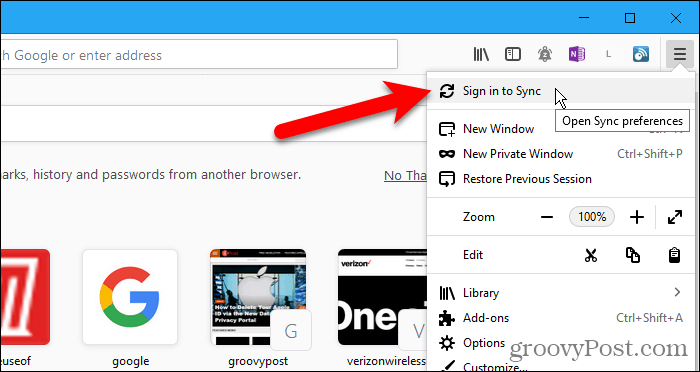
tell me its help
thank you
i just tried to delete the app on my ipad and download again. I went through the process of pairing the device to my desktop and it came back saying the pairing had FAILED.
I DUNNO...
You can open about:sync-log via the location bar to see whether recent Sync logs are available.
You can upload the file to a website like Pastebin if you can't post the content of the file in a reply.