


Firefox only opens about 10% of the time on my Windows 7. This is a new problem.

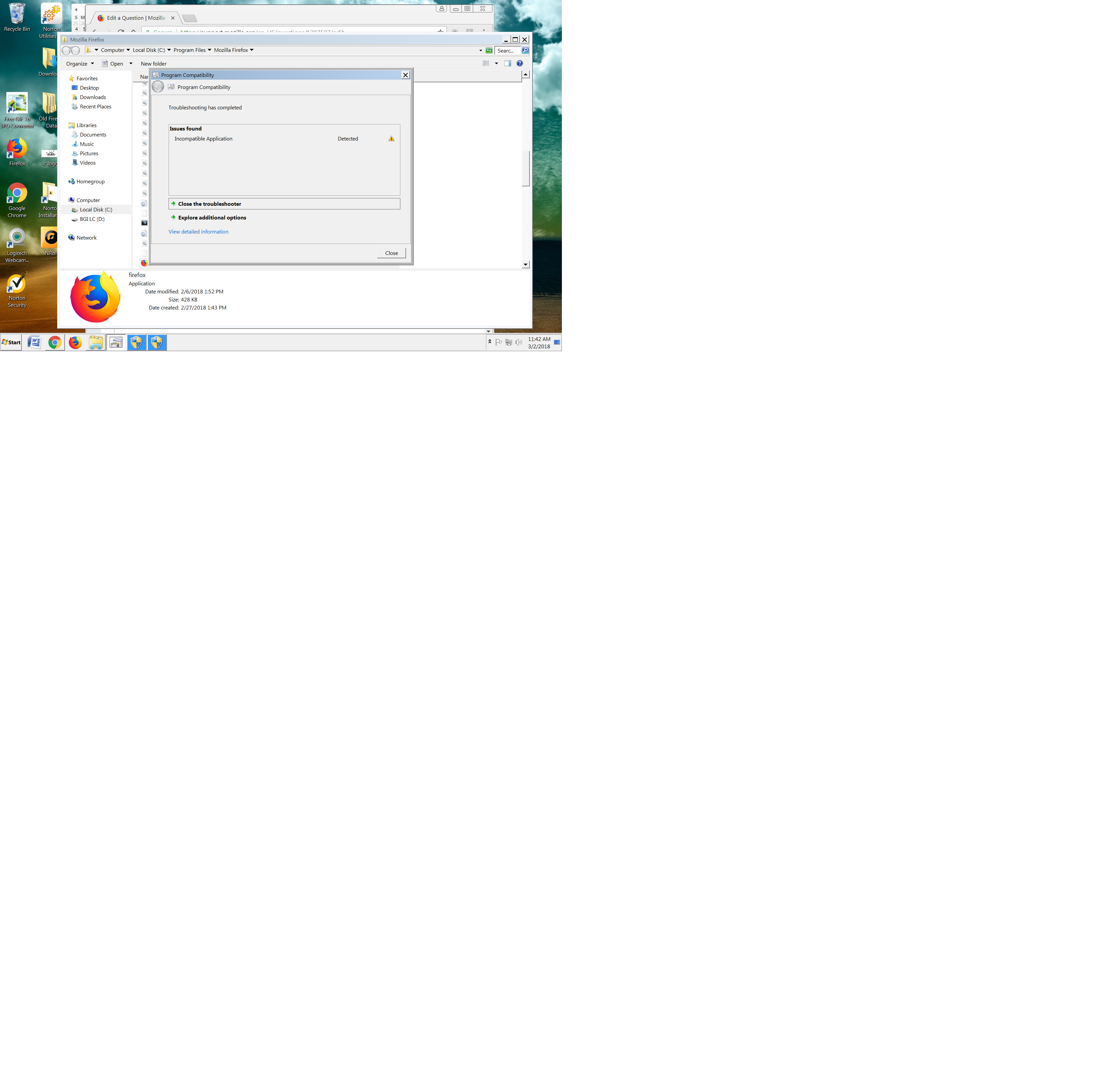
I have used Firefox as my default browser for years. Suddenly, in the middle of February 2018, it only loads about 10% of the time. The rest of the time the spinning wheel appears for about 5-8 seconds, then the screen goes back to my screen saver. Sometimes it asks me if I want to allow the hard drive to make a change to my computer. But even when I click yes, Firefox still doesn't load. I thought my Norton may be blocking it, but they walked me through a number of steps and said they are not; the problem is something with Firefox. When I run a compatibility test, I get what you see in the attached screenshot: "Incompatible Application." Because Firefox refuses to give any live support, I don't know what to do..... permanently switch to Google Chrome? I don't know....
Modifié le par WhittierMark
Toutes les réponses (8)
Check that Firefox isn't set to run as Administrator.
You can open the Properties of the Firefox desktop shortcut via the right-click context menu and check the "Compatibility" tab.
Make sure all items are deselected in the "Compatibility" tab of the Properties window.
- Privilege Level: "Run this program as Administrator" should not be selected
- "Run this program in compatibility mode for:" should not be selected
Also check the Properties of the firefox.exe program in the Firefox program folder.

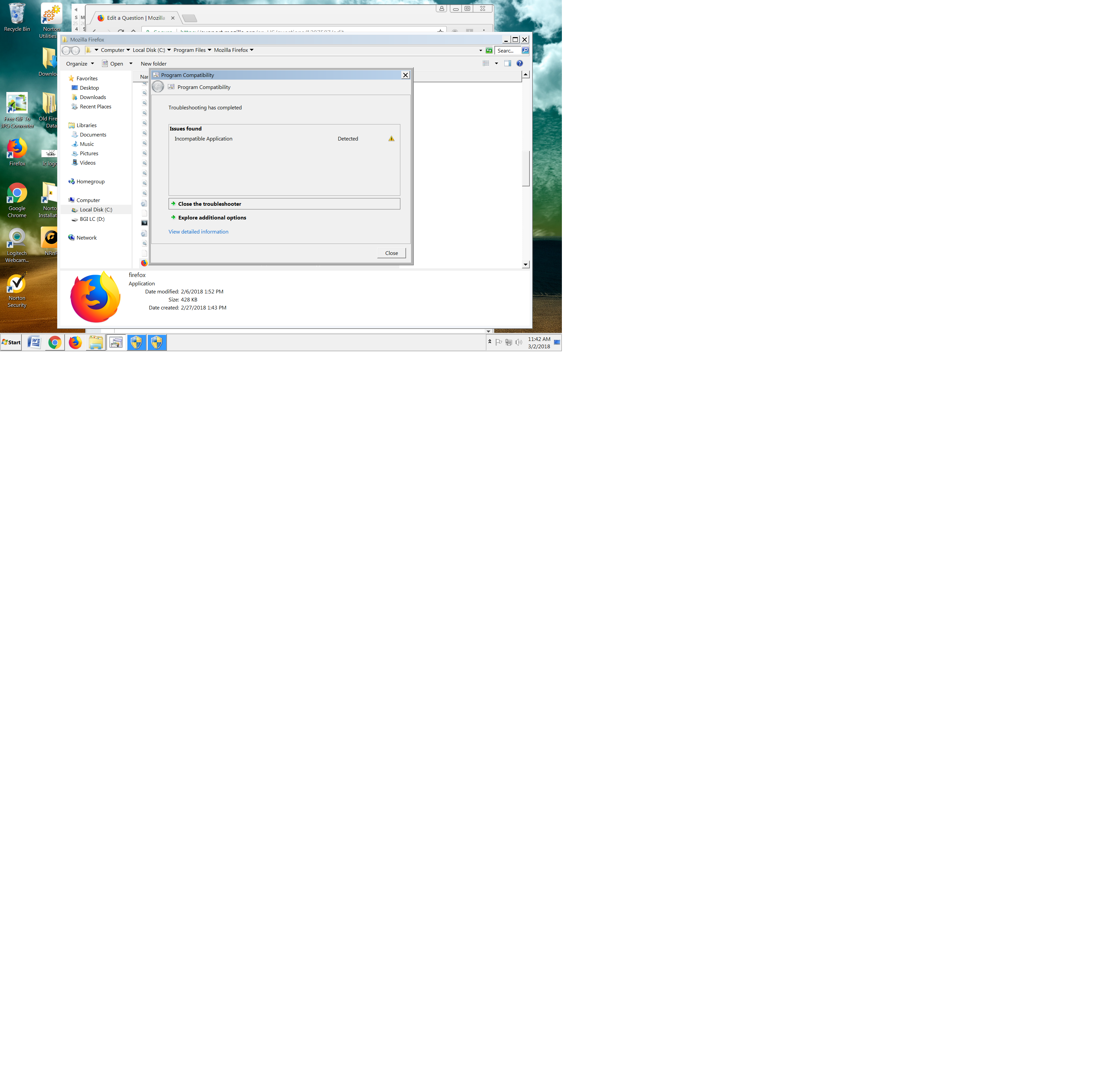
In the Trouble Shooter report, it says; Incompatible Application Detected.
What application?
cor-el, I tried the first thing, and it let me open Firefox once. Then I closed Firefox and tried to open it again; it went back to the same problem, going back to my screensaver.
I'm not sure how to "Also check the Properties of the firefox.exe program in the Firefox program folder." How do I do that? Thank you!
FredMcD, thank you. It doesn't show any specific application -- just what it shows in the screenshot is everything.
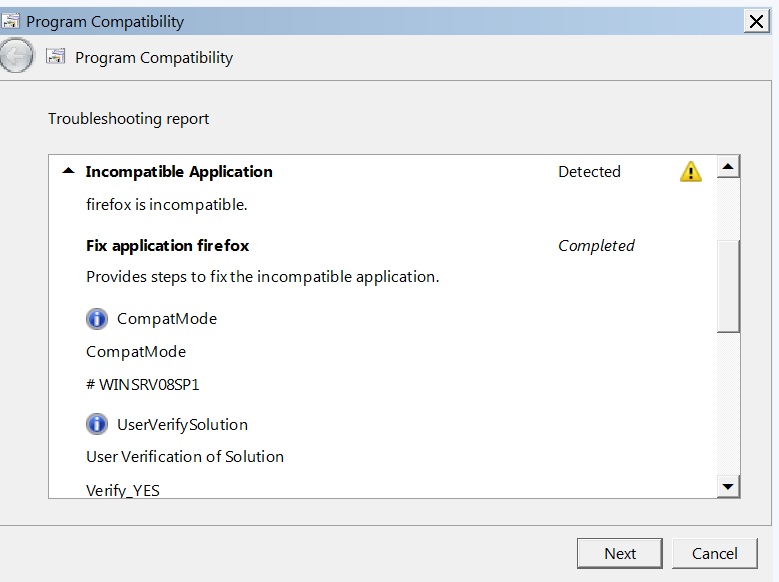
This screenshot may help; also from the "Incompatible Application" screen.
Modifié le par WhittierMark
Firefox is not compatible? ! ?
Let’s do a full clean re-install;
Download Firefox For All languages And Systems {web link}
Save the file. Then Close Firefox.
Using your file browser, open the Programs Folder on your computer.
Windows: C:\Program Files C:\Program Files (x86)
Mac: Open the "Applications" folder. https://support.mozilla.org/en-US/kb/how-download-and-install-firefox-mac
Linux: Check your user manual. If you installed Firefox with the distro-based package manager, you should use the same way to uninstall it. See Install Firefox on Linux; https://support.mozilla.org/en-US/kb/install-firefox-linux
If you downloaded and installed the binary package from the Firefox download page, simply remove the folder Firefox in your home directory. http://www.mozilla.org/firefox#desktop ++++++++++++++++++++++++++++ Look for, and remove any Mozilla or Firefox program folders. Do not remove the Mozilla Thunderbird folder if there is one.
Do Not remove the profiles folder.
After rebooting the computer, run a registry scanner if you have one. Then run the installer. +++++++++++++++++++++++++++ If there is a problem, start your Computer in safe mode and try again.
http://encyclopedia2.thefreedictionary.com/Linux+Safe+Mode This shows how to Start all Computers in Safe Mode; Free Online Encyclopedia
Did all that, FredMcD. Didn't solve the problem. Don't know what else to do except take it to my computer person, which means $. It may just be easier to switch to Google Chrome. I love FF, but have had these kinds of problems with it for years. Often it's because FF doesn't completely close when you close it, so you can't reopen it. I've spent many hours over the last three weeks trying to fix this. Very frustrating. Even more frustrating that they have NO customer support. Any thoughts?
About cor-el's suggestion;
Shut down Firefox. Using your file browser, open the Programs Folder on your computer.
Windows: C:\Program Files C:\Program Files (x86)
Right click on Firefox.exe and select Properties. Now select Compatibility. Turn Off Run This Program In Compatibility Mode, and Run This Program As An Administrator.
Do the same for any Firefox shortcuts you have. Now restart Firefox.