


Deleted event continues to warn about changes on server

Hello I used to have repeating calendar reminders. I deleted the series. None exist on my local Google calendar in Lightning and none exist on the Google Calendar. Yet, Thunderbird keeps popping up a warning about changes on the server and asking me to "Delete anyway" etc., as you can see from the screen print. How can I stop the message from recurring? Thanks Michael
Toutes les réponses (6)
Could not upload the image on a Word file
Just upload the png or jpeg…
Here it is
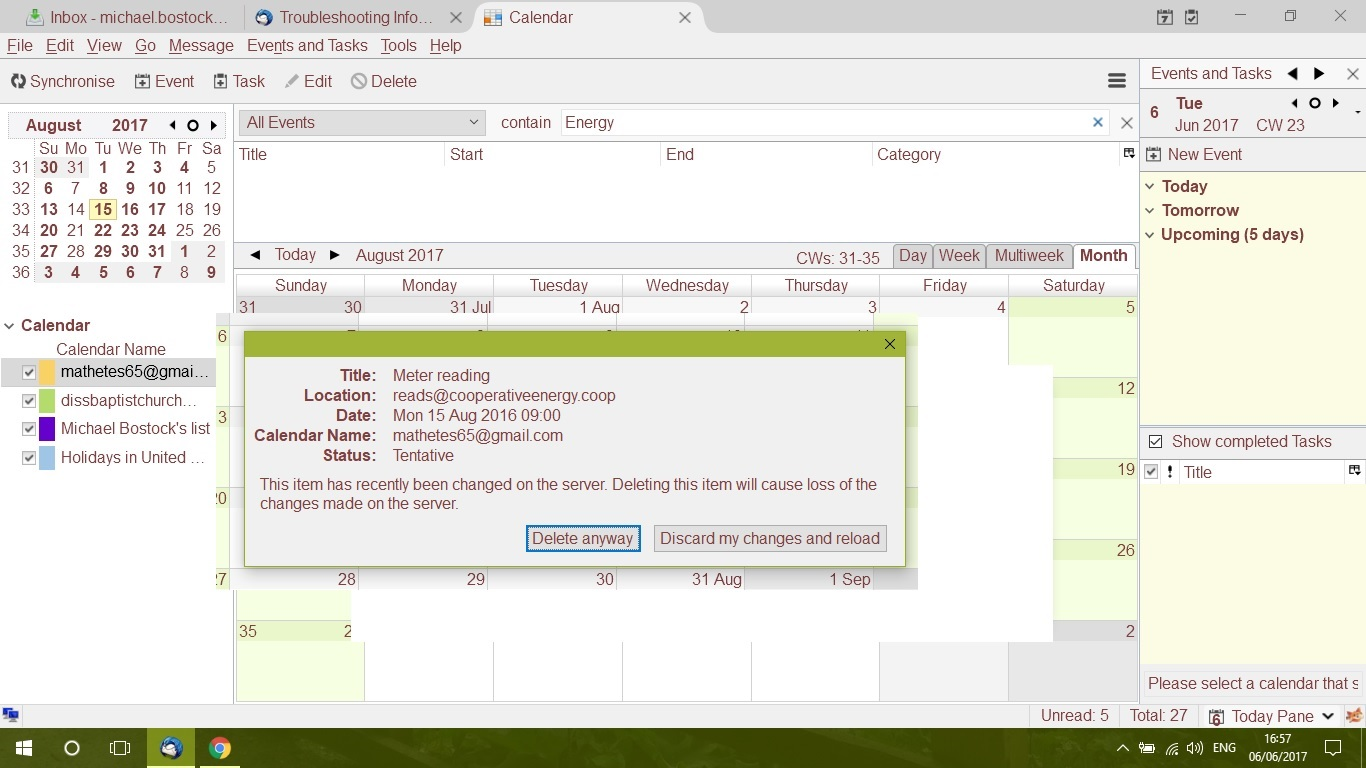
Are you sure that you own this event? Is it possible that it is being placed on your calendar by the energy company?
I'd try removing then reinstalling this calendar.
Please can anyone help with this one. I have uninstalled Lightning Calendar but still the same message pops back (and when I make it do so by Sync). Here is the image again. The location was only a reminder for me as to where I was to send the meter reading. Michael
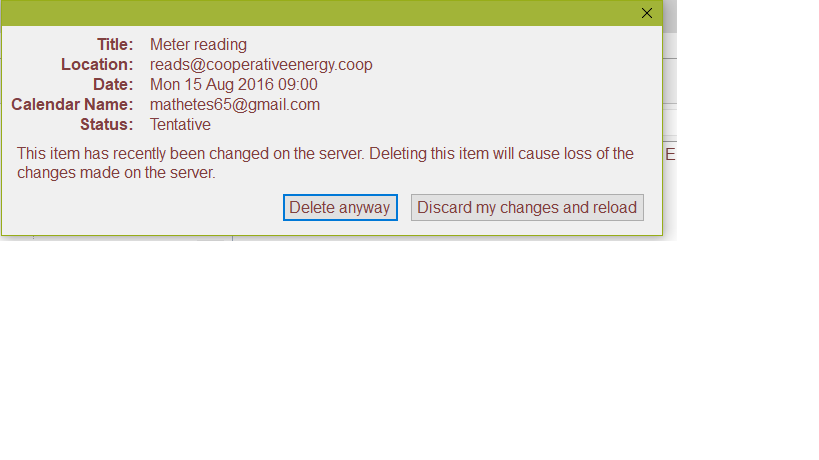

Have had exactly this problem: only evident on one of two devices. The mysterious deleted event was also not evident in the source [Google] Calendar. Re-installations of Thunderbird and Lightning did not correct. I unwittingly deleted the specific [Google] calendar in Lightning (procedure is awkward) then re-added that calendar (procedure is even MORE awkward, fortunately I had some notes-could not find procedure in HELP) and the mysterious deleted event was, apparently, nowhere to be found. Voila!