


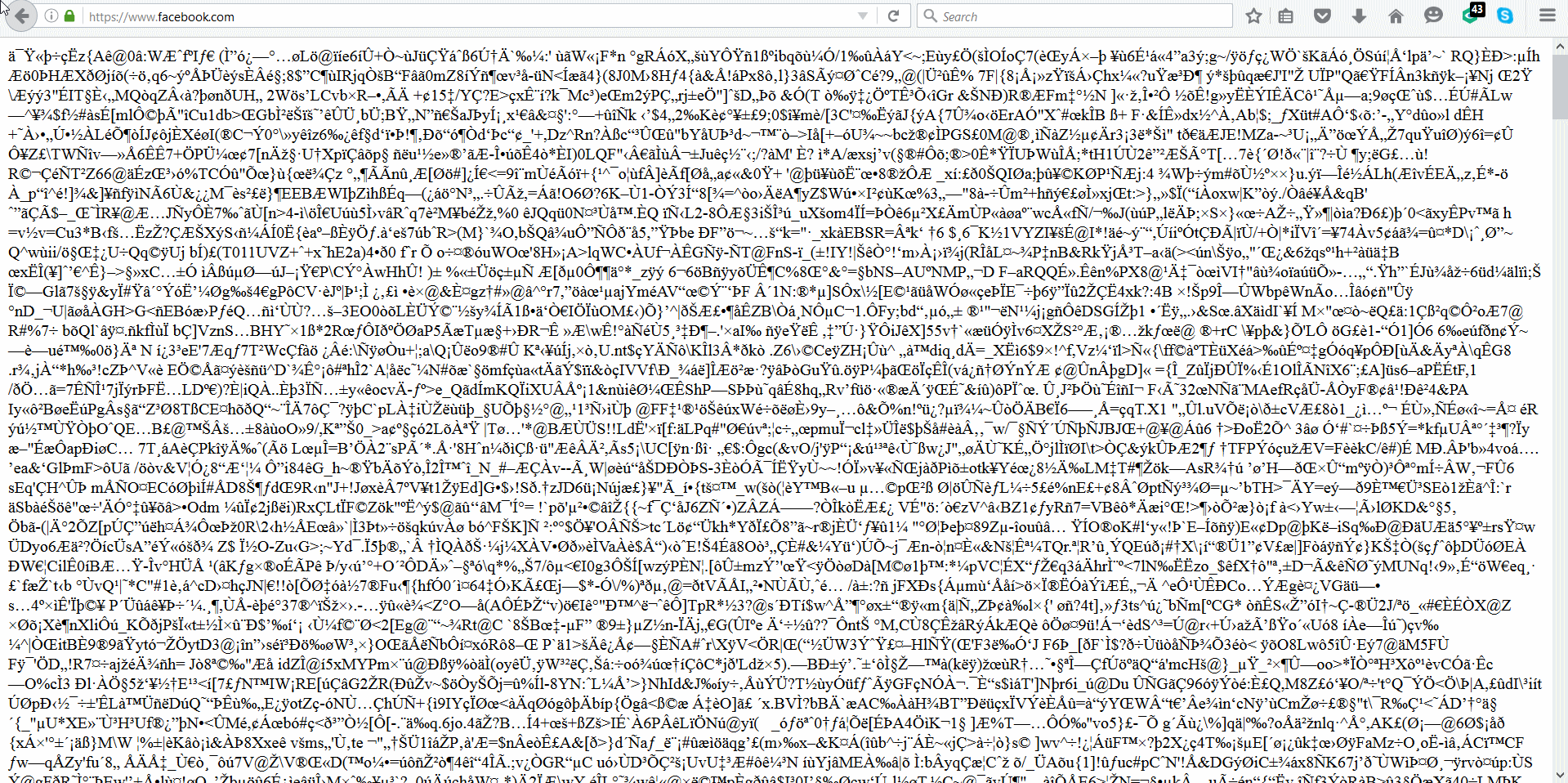
Facebook running as a script (i think)

Not sure what is going on but when i went to Facebook a little while ago i see nothing but a script i think taking up the entire page. I have 46.0.1 installed and have tried restarting my computer, refreshing firefox, starting in safe mode with add-ons disabled. Nothing. However i did see this after refreshing firefox- "Your connection is not secure
The owner of www.facebook.com has configured their website improperly. To protect your information from being stolen, Firefox has not connected to this website.
This site uses HTTP Strict Transport Security (HSTS) to specify that Firefox only connect to it securely. As a result, it is not possible to add an exception for this certificate."
Only Facebook is doing this and none of the other sites are affected.
Thank you.
Toutes les réponses (4)
Solution choisie
hi Ladihawk, are you using kaspersky as your security program? if so, please disable the scanning of secure connections like it's described at https://support.mozilla.org/en-US/kb/troubleshoot-SEC_ERROR_UNKNOWN_ISSUER#w_kaspersky, reboot your system afterwards and see if the issue is still occurring...
It seems the Kaspersky was the issue and i changed it according to the instructions given. Strange it just now became the problem. Thanks for your help.
This can be marked as resolved please.