


My browser has been hijacked

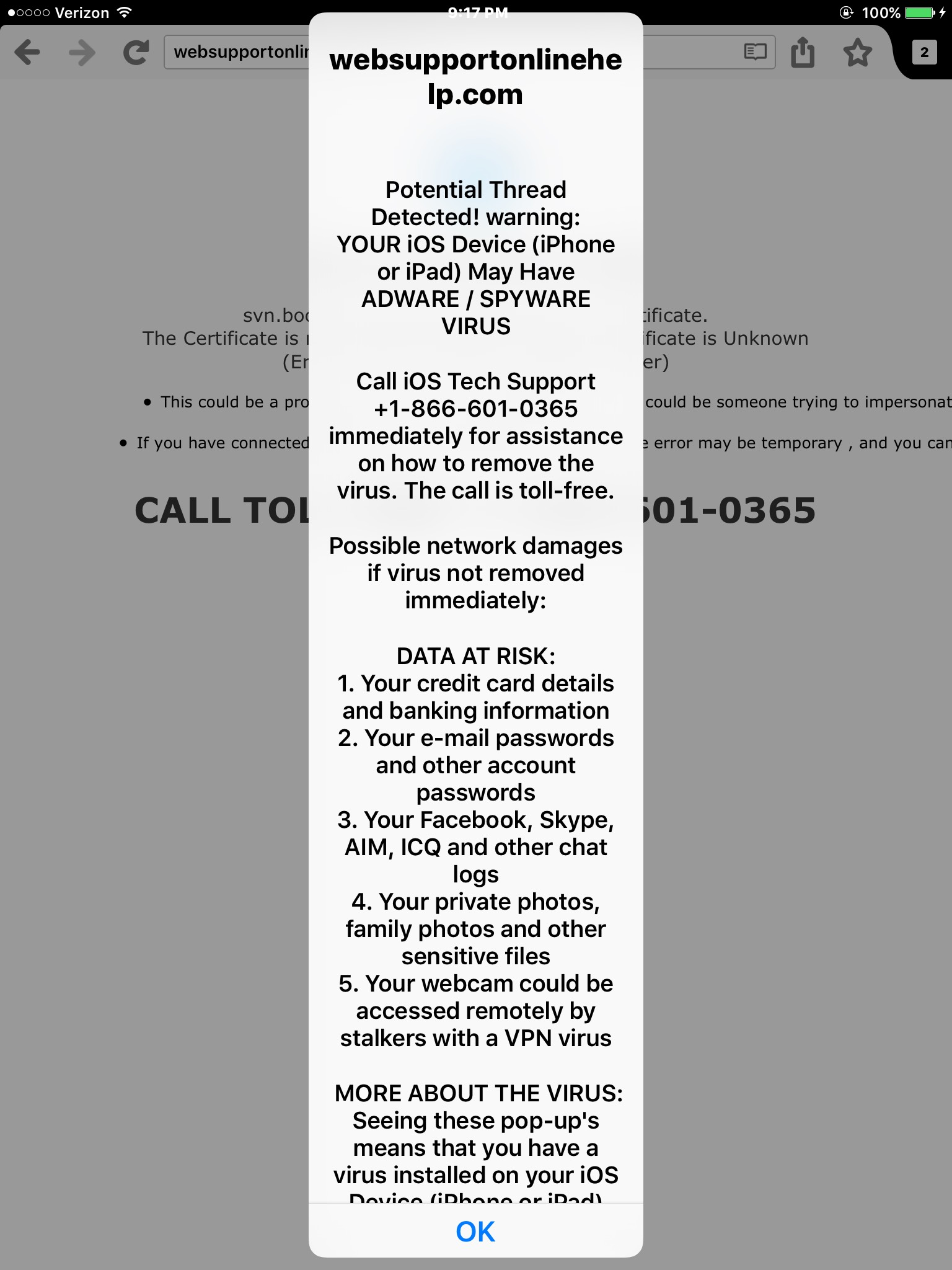
i just downloaded Firefox from the app store. It's infected. I get this screen from websupportonlinehelp.com telling me to call a number. I am unable to do anything. I cant delete cookies or browser files, and there is no way to do it from settings (though I did it on safari just in case). Help?
Toutes les réponses (1)
Wow, that's terrible. How did you get to that page?
If you terminate the app by double-pressing the home button and then swiping Firefox off the screen, is that same page restored when you start the browser up again?
If it keeps coming back, you might try uninstalling Firefox. Long press its icon on the home screen until you get an icon to remove it. Hopefully when you reinstall it will be without the history of that page (although I haven't tried it myself).