


Avast Forum connection failed - works in Chrome etc.

I'm trying to log in to the avast forum and get this error every time (not the first site for this to happen on either)...
Secure Connection Failed An error occurred during a connection to forum.avast.com. You have received an invalid certificate. Please contact the server administrator or email correspondent and give them the following information: Your certificate contains the same serial number as another certificate issued by the certificate authority. Please get a new certificate containing a unique serial number. (Error code: sec_error_reused_issuer_and_serial)
I can access it with Chrome, IE etc. so logically it must be a certificate stored in Firefox? I went to Options - Advanced - Certificates - View Certificates, but I'm lost from there.
Solution choisie
Thanks Philipp, https scanning was the culprit!
Toutes les réponses (7)
hello, please try to change the settings in the firefox menu ≡ > options > advanced > network > connection - settings... so that it is set up to directly connect to the internet ('no proxy').
It was/is set to 'No Proxy'. The error still occurs. Thanks
update: after restarting and cleaning out history, cookies etc. suddenly it works. It did work once previously then the error came back again, so I will have to report back and see if it happens again.
update 2: Now I have the same message appearing on my homepage - https://www.google.co.uk/
Modifié le par listeruk
can you inspect the certificate on forum.avast.com and see who is the issuer?
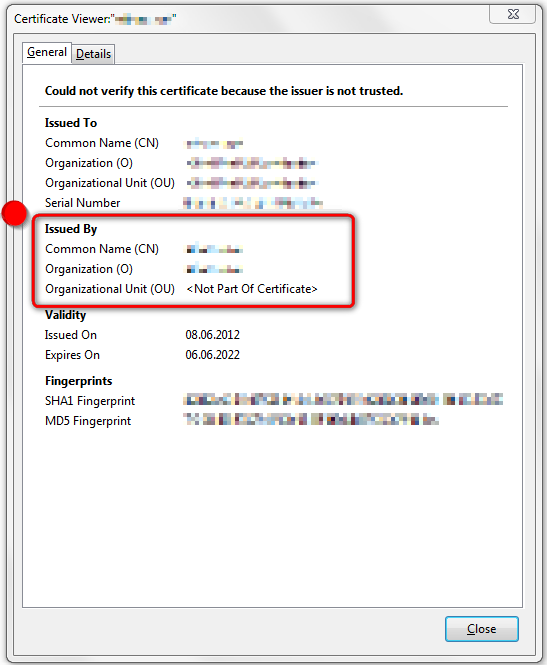
There is no certificate.
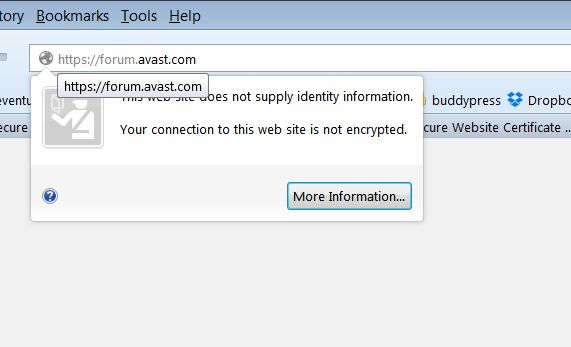
ok, i suppose you are using avast as security product? if you have recently updated to avast 2015, disable the https scanning option within its settings...
I tried disabling the avast web shield and it loads now.
Solution choisie
Thanks Philipp, https scanning was the culprit!