


Jagged fonts displayed in Firefox 50.0.2

Hello everyone,
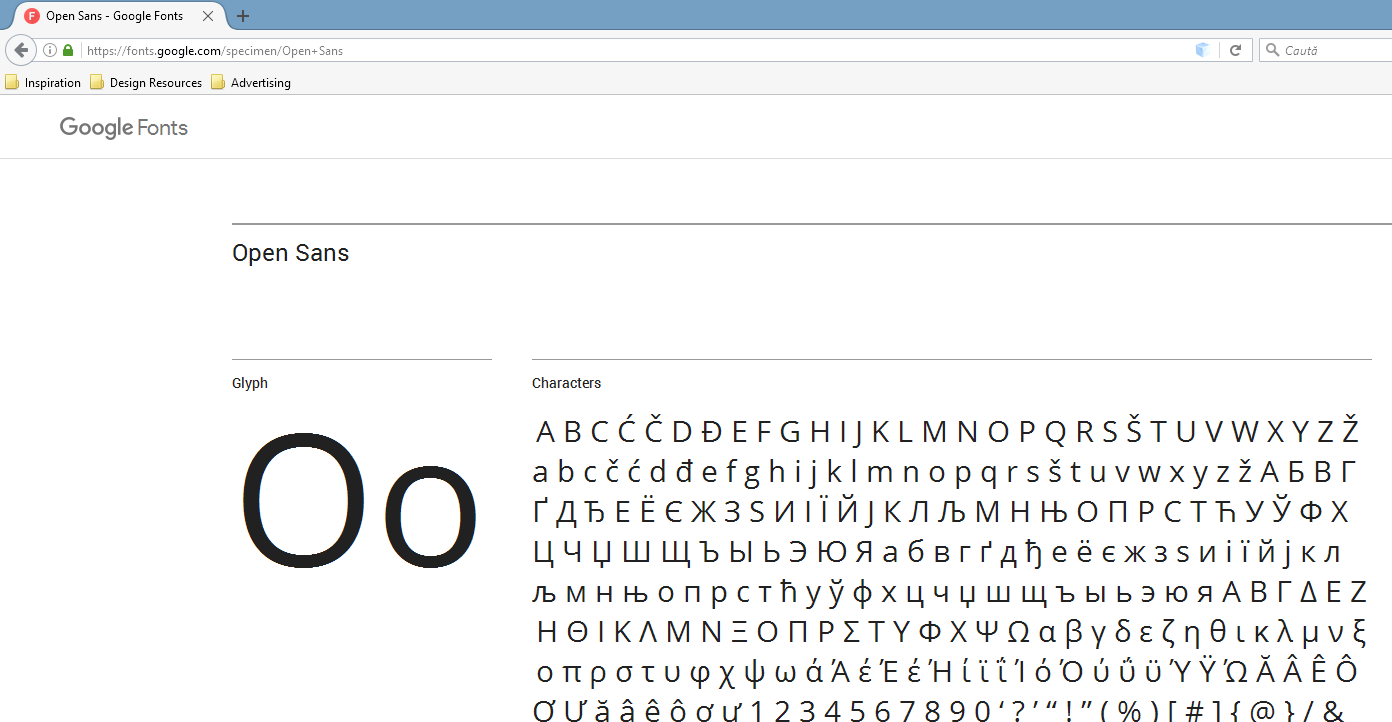
I'm running Firefox 50.0.2 on Windows 8.1 64 bits. For a while now it seems that Firefox is displaying jaggy fonts, looks like it's not applying any antialiasing whatsoever.
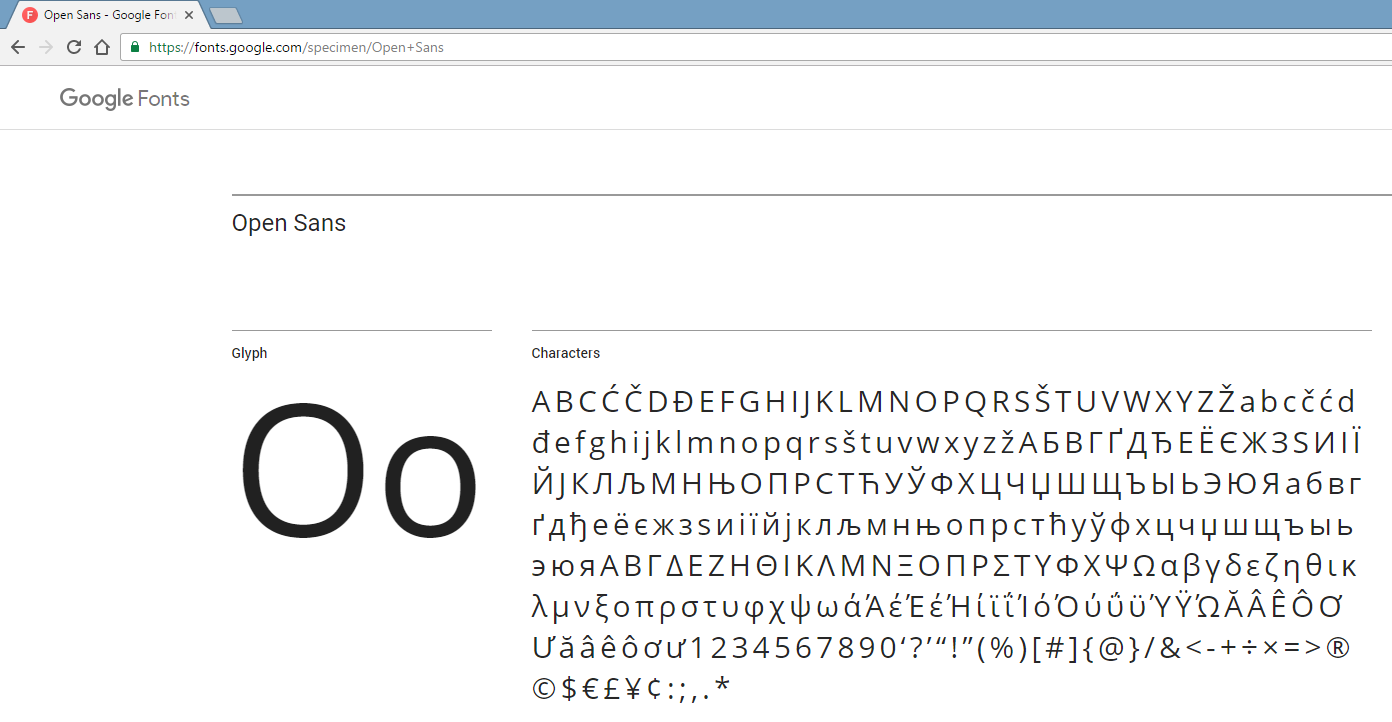
Checked in Chrome and all fonts are displayed nicely and smooth.
What I've done so far, with no results: - Updated my graphics driver (nVidia Geforce GTX 850M) - Reinstalled Firefox - Adjusted ClearType text
I'm attaching 2 print screens, one with Firefox and one with Chrome. Any help would be appreciated. Thank you!
Muokattu , muokkaaja rainmanx
Kaikki vastaukset (2)
Valittu ratkaisu
hi, you're on a dual gpu-system - please try updating the driver of your intel chip too: https://downloadcenter.intel.com/download/25978/Intel-Graphics-Driver-for-Windows-7-8-1-15-36-?product=81496
philipp said
hi, you're on a dual gpu-system - please try updating the driver of your intel chip too: https://downloadcenter.intel.com/download/25978/Intel-Graphics-Driver-for-Windows-7-8-1-15-36-?product=81496
Thank you, it solved the issue.