


I have one laptop on which I am no longer able to obtain AI search results using Google. I cannot find what setting has been turned off..

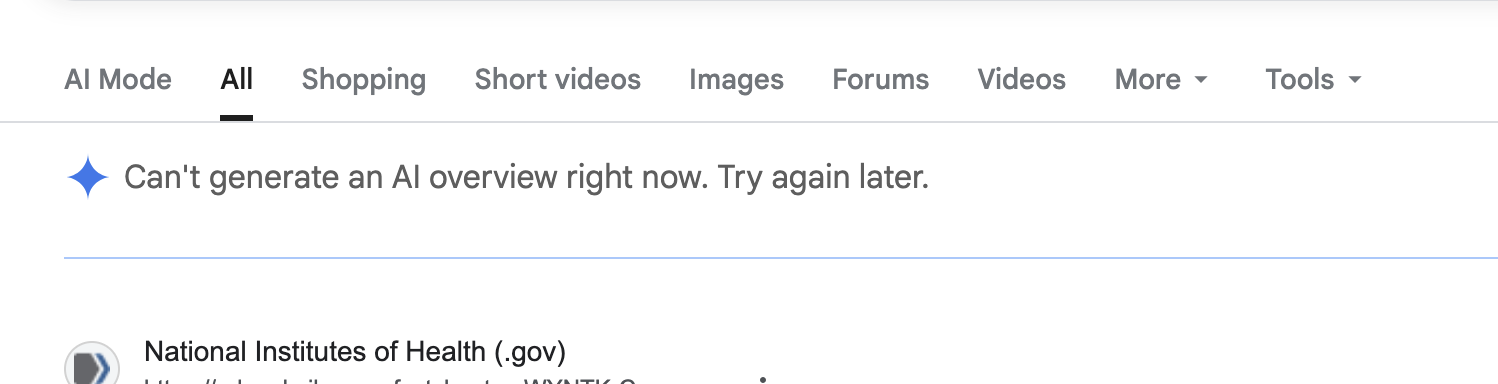
I have been using Firefox as my default browser for years on all my computers. I have a computer at work and one at home. My home laptop has for some time now been telling me that AI search results are "not available right now, try again later". Initially I thought this was transient, however it has not changed. I have tried to find a setting either in firefox or google that has changed but I cannot. My other laptop works just fine with AI searches on google. Please help my email is [edited email from community support forum] (I do not use my google email.)
I have been using Firefox as my default browser for years on all my computers. I have a computer at work and one at home. My home laptop has for some time now been telling me that AI search results are "not available right now, try again later". Initially I thought this was transient, however it has not changed. I have tried to find a setting either in firefox or google that has changed but I cannot. My other laptop works just fine with AI searches on google. Please help my email is [edited email from community support forum] (I do not use my google email.)
Modified by James