


password suggestions

I turned off the password suggestion option but it continues to suggest passwords. Even after reboot. And the suggestion box covers my entry area.
Valgt løsning
Have a look at this article.
https://support.mozilla.org/en-US/kb/how-to-fix-preferences-wont-save
Læs dette svar i sammenhæng 👍 0Alle svar (4)

Valgt løsning
Have a look at this article.
https://support.mozilla.org/en-US/kb/how-to-fix-preferences-wont-save
Suggestions in a login drop-down list that have a key icon in front are login suggestions that you need to remove in the Password Manager.
Suggestions in a drop-down list without a key symbol are autocomplete saved form data. Suggestions without a key icon are part of autocomplete saved form data that you should be able to remove by selecting this item with the cursor Down key and pressing Delete (Mac: Shift+Delete).
The preferences save. They just don't work. See image of settings and password suggestion screen. Thanks.
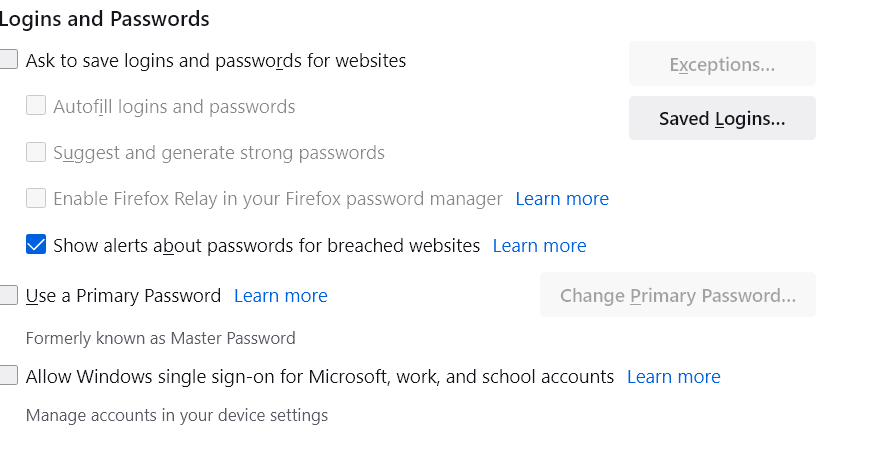

I refreshed Firefox as suggested in Terry's article of how to fix preferences that won't save and it worked! Sorry Terry for not trying that before I "thumbs down" your suggestion! Tom