I am using Firefox 3.0.6 Open a new tab button doesn't appear on the right of my last tab and I need to use CTRL+T every time to open a new tab. Why or how can make this button appear?

I am using Firefox 3.0.6 Open a new tab button doesn't appear on the right of my last tab and I need to use CTRL+T every time to open a new tab. Why or how can make this button appear?
I am using Firefox 3.0.6 Open a new tab button doesn't appear on the right of my last tab and I need to use CTRL+T every time to open a new tab. Why or how can make this button appear?
Všechny odpovědi (1)
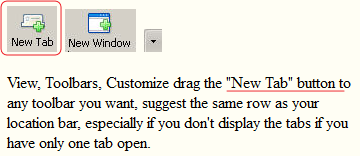
Did you look in Customize (View > Toolbars > Customize) to see if your "New Tab" is there and should be moved to a toolbar.
You are so not up to date with Firefox that you might as well stay with what you have until it breaks. Make sure you maintain backups of your profile and all personal data to external media, preferably an external hard drive.