


Otevřít
How to stop my browser from glitching into a bunch of black and white squares?

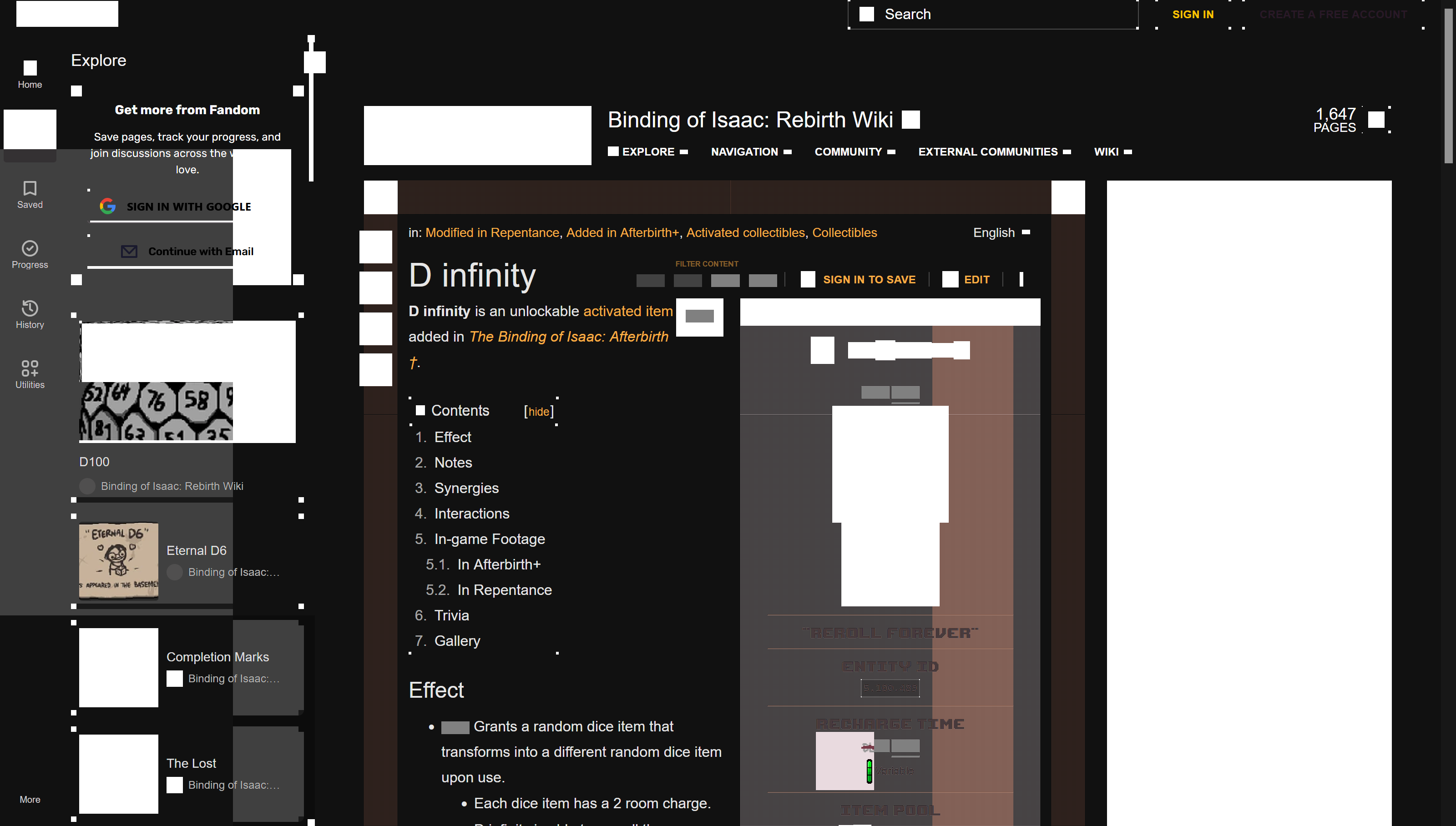
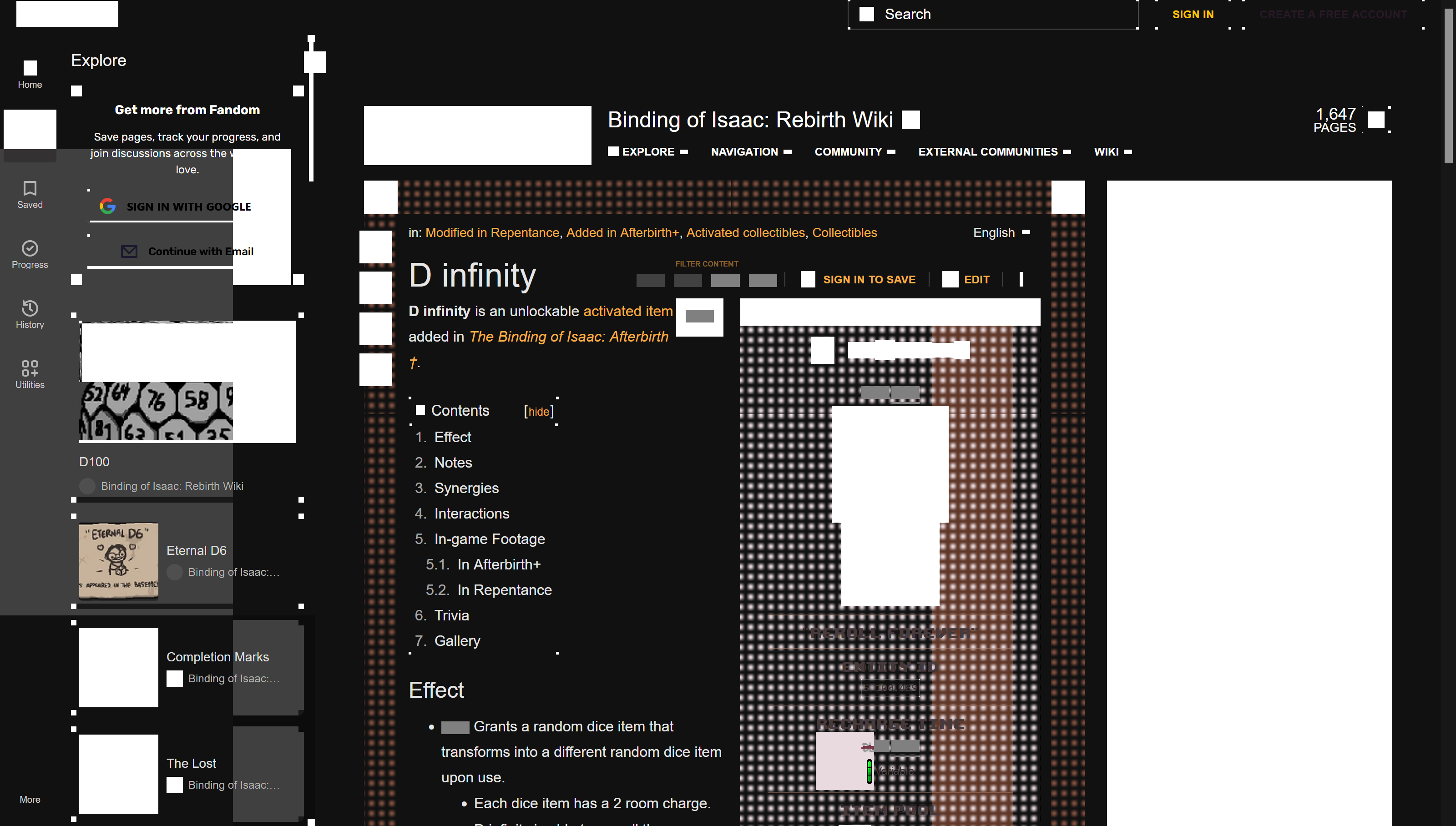
Seemingly randomly, and somewhat corresponding to the movement of my mouse as well as active and changing elements on the screen the browser gets covered in square black and white artifacts. It only seems to be occurring on my laptop and not my desktop so it may be a graphics issue but other browsers do not have the same issue. This is on an acer laptop with windows os. Examples:
Seemingly randomly, and somewhat corresponding to the movement of my mouse as well as active and changing elements on the screen the browser gets covered in square black and white artifacts. It only seems to be occurring on my laptop and not my desktop so it may be a graphics issue but other browsers do not have the same issue. This is on an acer laptop with windows os.
Examples:
Všechny odpovědi (1)
And if you restart into Troubleshoot Mode /from Help menu/…? Troubleshoot extensions, themes and hardware acceleration issues to solve common Firefox problems