


Windows 10 reached EOS (end of support) on October 14, 2025. For more information, see this article.

Prohledat stránky podpory

Vyhněte se podvodům. Za účelem poskytnutí podpory vás nikdy nežádáme, abyste zavolali nebo poslali SMS na nějaké telefonní číslo nebo abyste sdělili své osobní údaje. Jakékoliv podezřelé chování nám prosím nahlaste pomocí odkazu „Nahlásit zneužití“.

Zjistit více

Can't share screen in Google Meet videocalls

  • 3 odpovědi
  • 6 má tento problém
  • 206 zobrazení
  • Poslední odpověď od jonzn4SUSE

Hello,

I checked the troubleshoot and gave all the necesarry permissions on my Mac for Google Meet to use my screen (allowed audio, video and screen recording). Nevertheless, I cannot manage to share my screen on Google Meet. As shown in the screenshot, it offers the option to share my whole screen (I cannot select a window or a tab...) but for my audience neither this is working.

Could you please help me fix this?

Many thanks in advance!
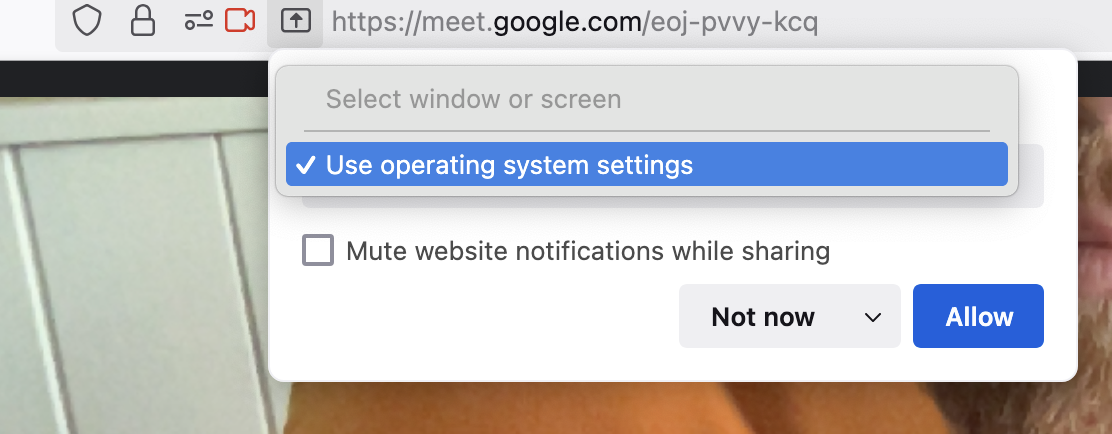
Hello, I checked the troubleshoot and gave all the necesarry permissions on my Mac for Google Meet to use my screen (allowed audio, video and screen recording). Nevertheless, I cannot manage to share my screen on Google Meet. As shown in the screenshot, it offers the option to share my whole screen (I cannot select a window or a tab...) but for my audience neither this is working. Could you please help me fix this? Many thanks in advance!
Přiložené obrázky

Všechny odpovědi (3)

Mac is in the system settings like it says. Let get on my old 10.13.6 and see.

Upravil uživatel jonzn4SUSE dne

Hit Allow. What happens next?

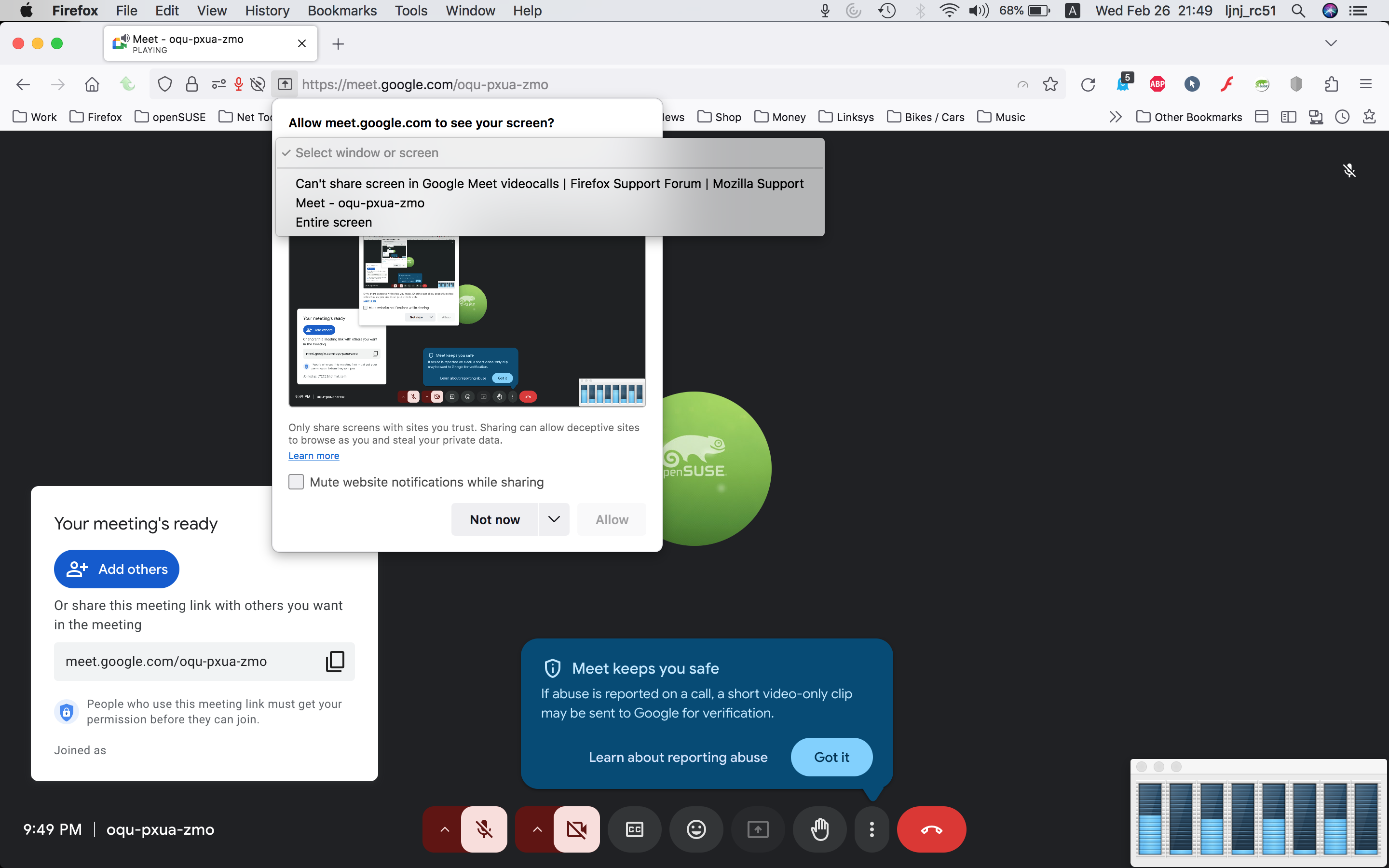
Here is what I see. see screenshot What OS? If I recall correctly, when you hit allow, it should take to the system settings to make changes. I'm on old mac os.
Upravil uživatel jonzn4SUSE dne